

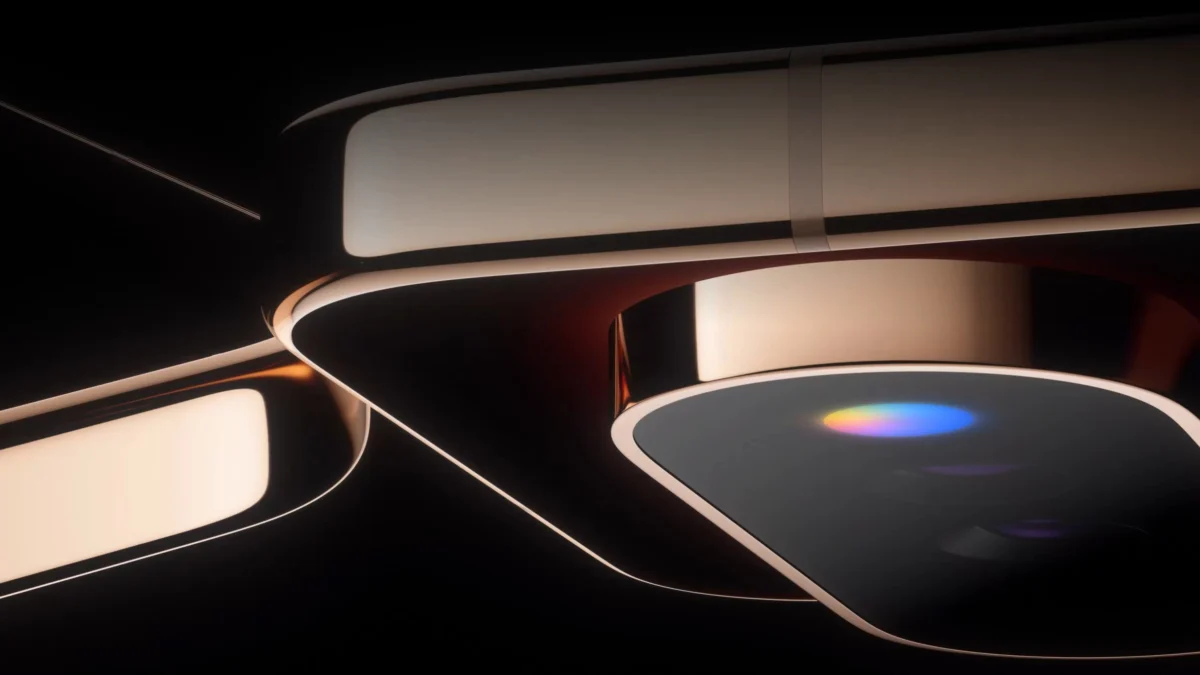
The mobile industry is currently locked in a cycle of iterative refinement. With flagship processors hitting a plateau of diminishing returns and camera sensors achieving parity across the high-end spectrum, hardware manufacturers are struggling to find meaningful ways to differentiate their devices. Against this backdrop of stagnation, Google’s forthcoming Pixel 11 Pro introduces an aesthetic and functional pivot that feels surprisingly nostalgic. The introduction of "Pixel Glow"—a dynamic, color-shifting light array integrated into the device’s signature camera bar—marks a return to the tactile, visual feedback systems that defined the early Android experience, specifically the venerable notification LED.
The Evolution of Peripheral Notifications
To understand the significance of Pixel Glow, one must look back at the architectural history of the smartphone. During the early 2010s, the "notification LED" was a mandatory inclusion on almost every flagship device. Whether it was the pulsing green of a Samsung Galaxy S series or the multi-colored blink of an HTC One, these tiny lights served as the primary interface for silent awareness. In an era before the ubiquity of always-on displays (AOD) and sophisticated haptic engines, these LEDs were essential. They provided an immediate, low-power method of determining the nature of an alert without the need to wake the device or engage with the screen.
As the industry pivoted toward bezel-less displays and aggressive waterproofing, the physical notification LED was sacrificed at the altar of design minimalism. Manufacturers argued that AOD technology rendered these lights obsolete. While technically true, the loss of the LED removed a layer of "glanceable" utility that many power users still miss today. While AODs are convenient, they require the screen to be facing upward, and they often consume more power than a simple, dedicated light source. Pixel Glow effectively bridges this gap, reintroducing a hardware-level notification system that functions even when the phone is placed face-down on a desk or table.
The Design Philosophy: Restraint vs. Maximalism
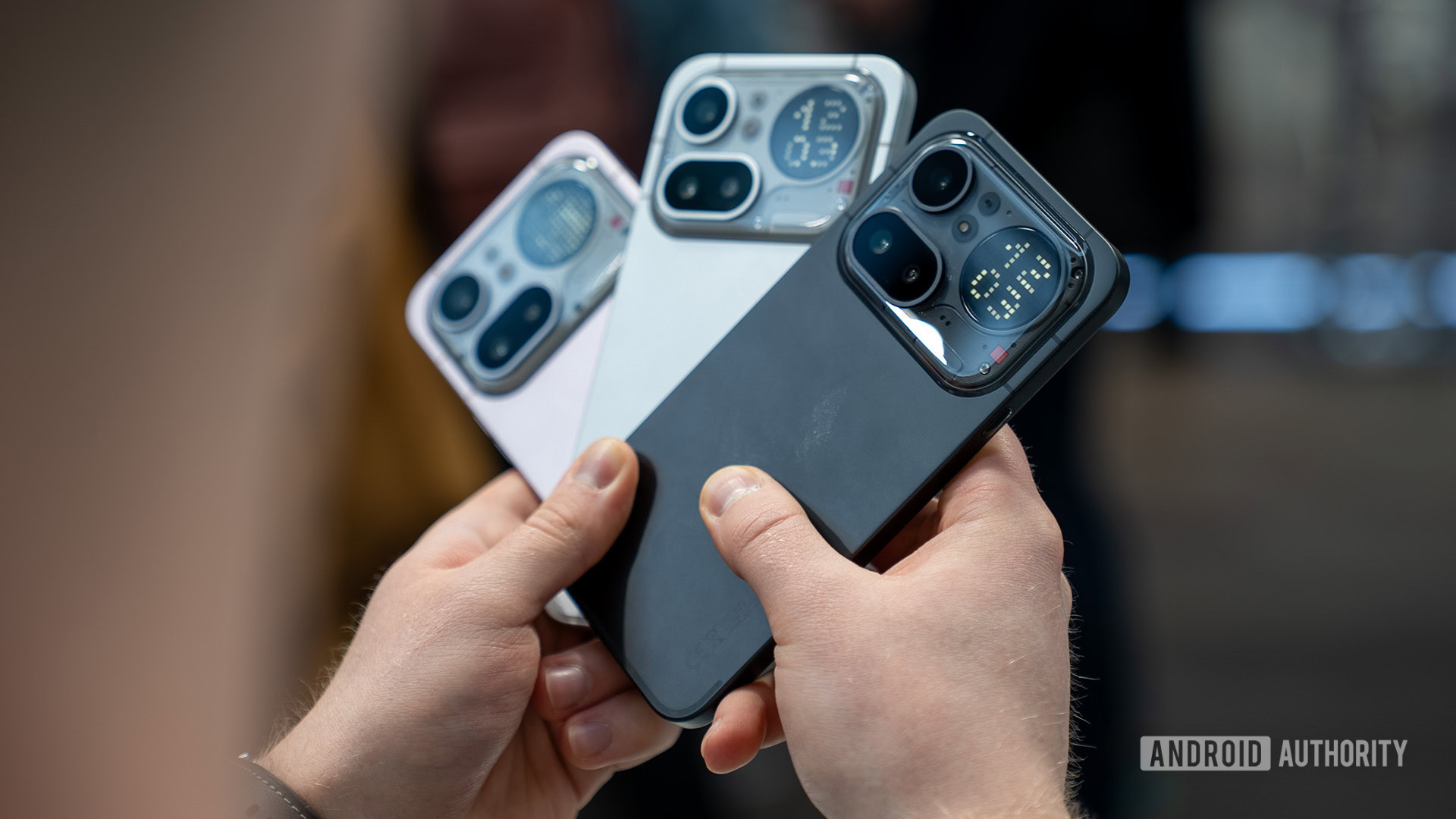
Google’s approach to light-based notification hardware is markedly different from the current market leader in this space: Nothing. Since the inception of the Nothing Phone series, the "Glyph" interface has been a loud, maximalist statement. By utilizing expansive, geometric light strips on the rear chassis, Nothing transformed the back of the phone into a functional dashboard. It is an aesthetic that leans heavily into cyberpunk industrial design, making the device a conversation starter, albeit one that many find distracting in professional environments.
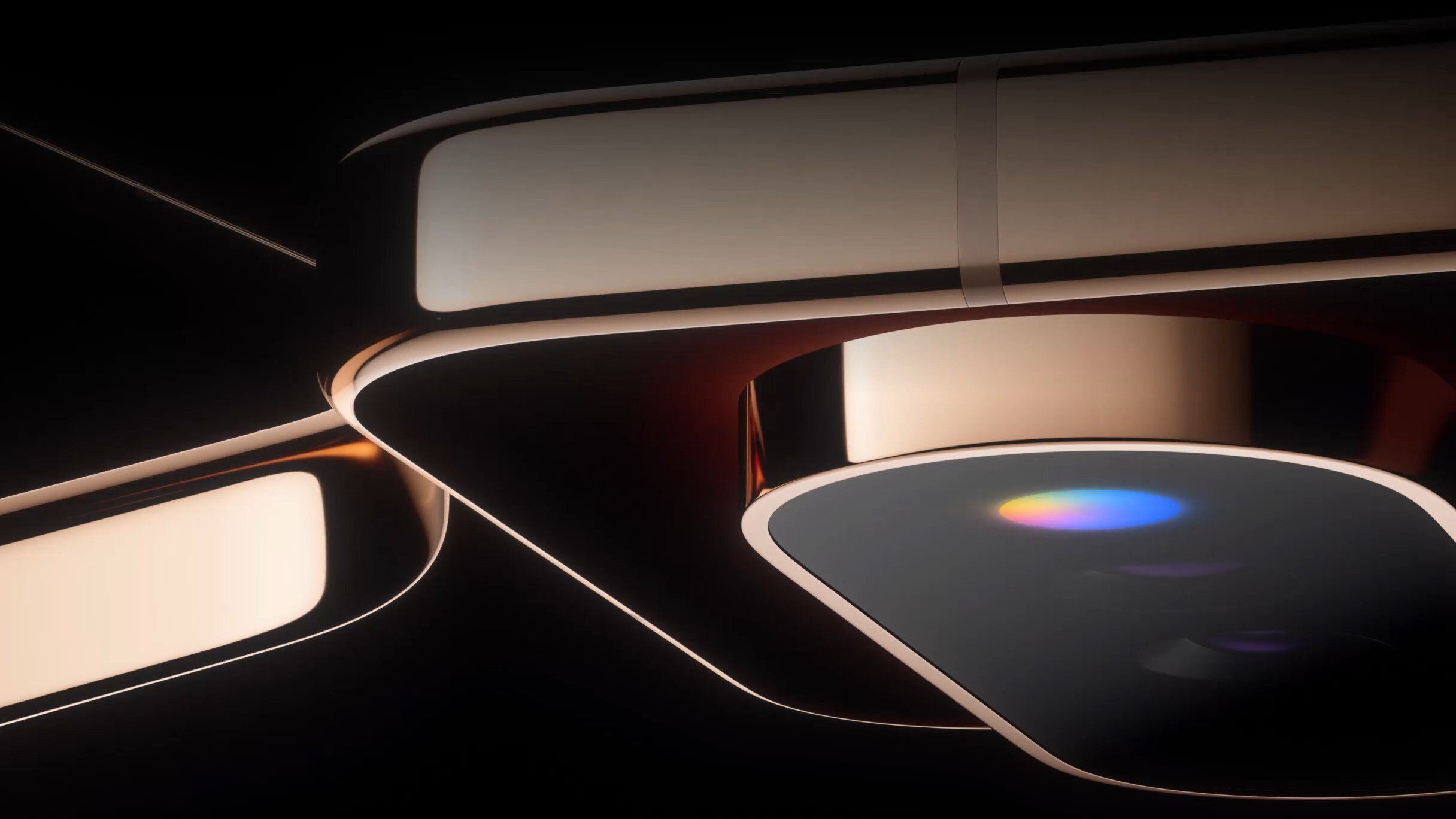
In contrast, the Pixel 11 Pro’s Pixel Glow appears to be a study in restraint. By nesting the light array within the camera bar—specifically utilizing the space previously occupied by the temperature sensor—Google is maintaining the clean, sophisticated silhouette that has defined the Pixel design language since the 9th generation. It is not an attempt to turn the back of the phone into a light show, but rather a functional refinement that feels like an organic extension of the hardware. This suggests that Google intends for Pixel Glow to be a utility-first feature rather than a gimmick.
The Integration Challenge: Beyond Simple Blinking
The true test for Pixel Glow will be its software implementation. A hardware light is only as useful as the granularity of its control. If Google limits the feature to system-level notifications—such as charging status or Google Assistant prompts—it will be viewed as a missed opportunity. The power of the original notification LED lay in the ability for third-party apps to hook into the API, allowing users to assign specific colors or blink patterns to different contacts or applications. For example, a blue pulse for a work email, a red blink for a missed call, and a rapid yellow strobe for an incoming text from a significant other allowed for a level of communication that didn’t require reading text.
Early reports and technical findings suggest that Pixel Glow will be heavily tied to the Gemini ecosystem. While this integration could provide intelligent, context-aware lighting—perhaps pulsing in a specific color when Gemini is processing a complex query or summarizing a notification—there is a legitimate fear that it will become a "glorified advertisement" for Google’s AI services. For the feature to truly succeed, Google must provide a robust settings menu that allows for user-defined customization. If the lights are locked behind Google-approved use cases, the community will likely view the feature as a restrictive walled garden rather than a return to the user-centric customization that Android was built upon.
Industry Implications and the "Peak Smartphone" Problem
The decision to lean into a retro-inspired feature like Pixel Glow speaks volumes about the current state of the industry. We have reached "peak smartphone," where the marginal improvements in performance, RAM, and battery life are becoming increasingly difficult for the average consumer to perceive. When hardware is no longer the primary differentiator, companies must turn to "experiential" hardware—features that change how the device feels to use in daily life, rather than how fast it renders a benchmark.
By revisiting hardware tropes from the early 2010s, Google is testing a hypothesis: that users are craving a return to tactile, physical feedback in a world dominated by flat, touch-sensitive glass. This trend is not entirely unique to the Pixel. We are seeing a broader industry movement toward "functional nostalgia," where manufacturers acknowledge that certain design choices made a decade ago were not necessarily outdated, but merely replaced by cost-cutting or aesthetic trends.
The Future of Physical Feedback
Could we see this trend expand to other forgotten features? While the return of a 3.5mm headphone jack or removable batteries remains highly improbable due to modern internal space constraints and water-resistance requirements, the success of Pixel Glow could encourage other OEMs to experiment with rear-facing UI elements. Imagine a future where the camera bump or the frame of the device includes haptic or visual indicators for incoming data.
However, the risk remains that these features will be abandoned if they fail to provide genuine utility. The industry has a graveyard filled with experimental features that sounded great in a boardroom but failed to improve the user experience in the real world. If Pixel Glow proves to be a reliable, non-intrusive way to manage notifications, it will likely be copied by other Android manufacturers. If it ends up being a battery-draining, overly bright, or non-customizable vanity project, it will likely disappear by the time the Pixel 13 arrives.
Final Thoughts: A Measured Optimism
The Pixel 11 Pro is shaping up to be a fascinating case study in how a legacy company adapts to a mature market. By looking back at the humble notification LED, Google is signaling that it understands the importance of "glanceability" in an era of constant digital distraction. The implementation of Pixel Glow is a bold move to make the physical device more responsive to the user’s environment.
Whether it succeeds depends entirely on the user’s ability to take control of it. If it remains a closed, AI-centric system, it will be a curiosity at best. If it is opened up to the user, allowing for the kind of granular, personalized notification management that made the original Android experience so compelling, it could be the feature that finally gives the Pixel line the unique, tactile identity it has been searching for. For now, we are left with a refreshing sense of curiosity—a feeling that has been in short supply in the smartphone market for a very long time. Google is attempting to bridge the gap between the efficiency of the past and the intelligence of the future, and for the first time in years, the result is something genuinely worth watching.
