

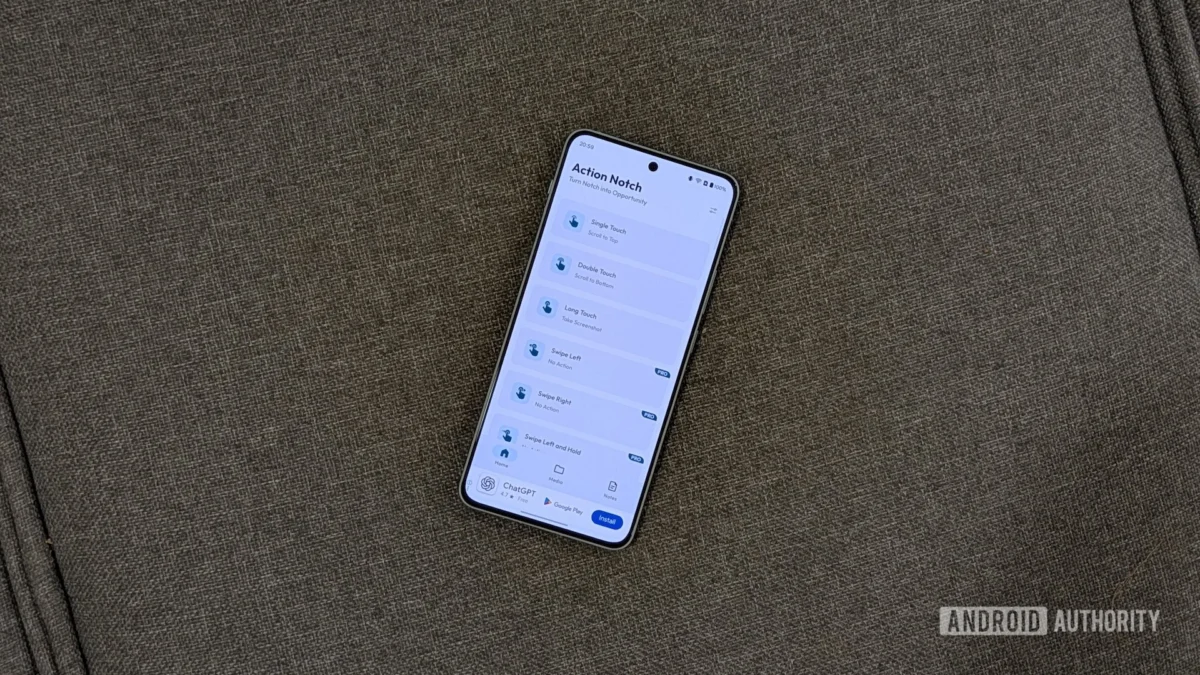
The modern smartphone landscape is defined by visual minimalism, characterized by edge-to-edge displays interrupted only by tiny, inconspicuous camera cutouts—commonly referred to as notches or punch-holes. For years, these hardware interventions have been treated strictly as design compromises or passive dead zones housing necessary front-facing sensors. However, a growing subsegment of power-user utilities is challenging this passive paradigm, reimagining the top dead-center of the mobile display as an active, highly customizable capacitive zone. Among these, third-party software enhancements have introduced groundbreaking approaches to device interaction, transforming static housing zones into dynamic control centers. This evolution highlights a broader shift in mobile operating system design: moving away from rigid, manufacturer-dictated navigation models toward hyper-personalized, context-aware utility layers.
To understand the appeal of turning a camera cutout into a macro trigger, one must examine the ergonomic challenges plaguing modern handsets. As screen real estate continues to expand, reaching distant corners of the display or executing multi-button hardware shortcuts—such as simultaneous volume and power key depressions for screenshots—has become an exercise in awkward hand gymnastics. While mobile platforms like Android offer robust accessibility frameworks and navigation gestures, they often leave untapped potential in the upper periphery of the UI. Utility applications that intercept touch events around the sensor housing bridge this gap, offering a frictionless alternative to traditional inputs. By mapping frequently executed commands to subtle taps or swipes around the camera lens, users can dramatically reduce finger travel distance and streamline daily workflows.
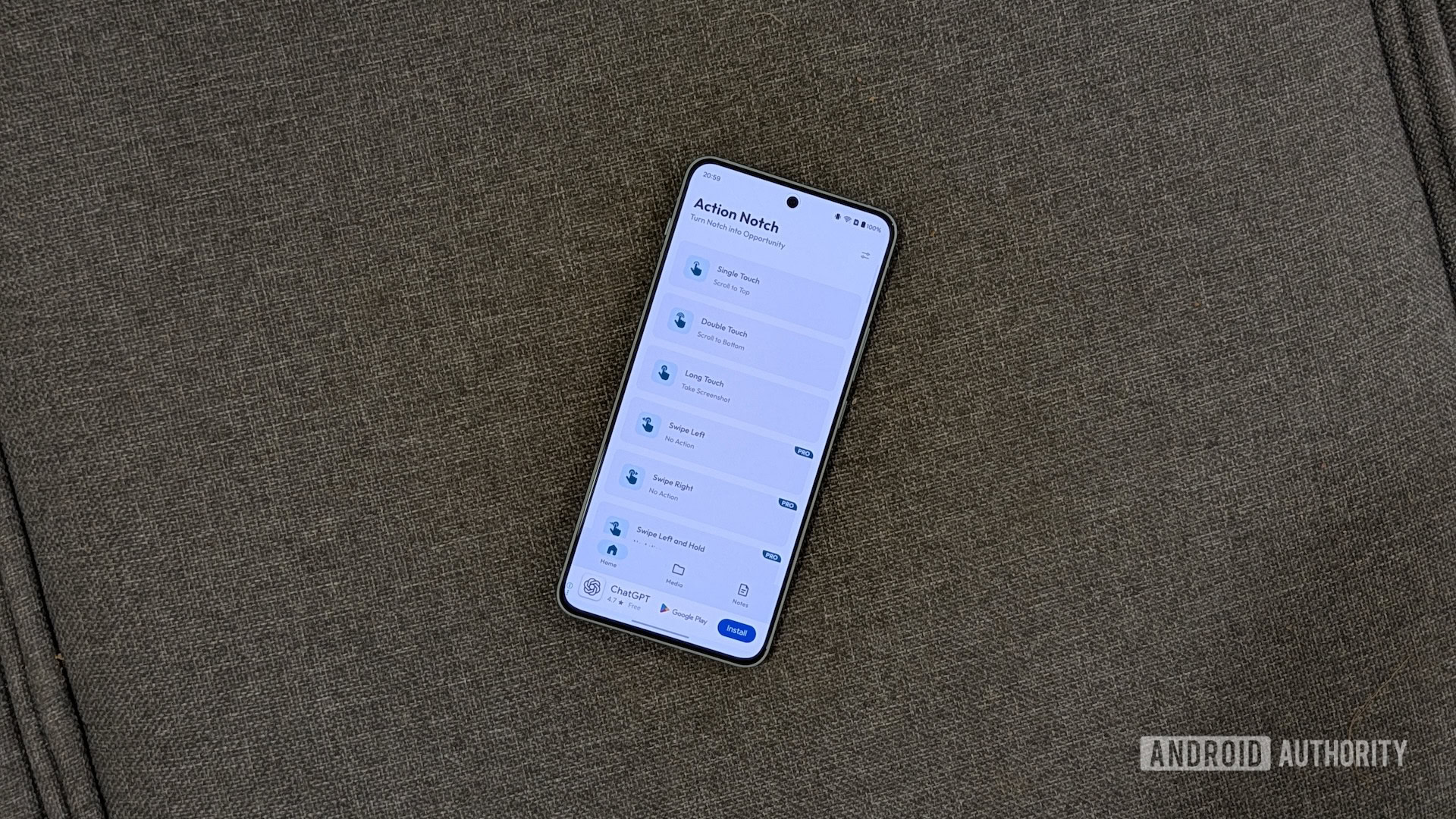
The technical execution behind transforming a static display cutout into a functional macro trigger relies on sophisticated overlay permissions and accessibility services. Applications operating in this space monitor raw touch input coordinates relative to the hardware placement of the front-facing camera. When a user interacts with the immediate perimeter of the cutout, the software instantly decodes the touch pattern—distinguishing between a single tap, a double tap, or an extended hold—and fires a predetermined system command. This capability elevates the humble punch-hole from a mere spatial obstruction into a virtual hardware button, completely bypassing the need to stretch thumbs across expansive glass panels or fumble with physical switches.
Integrating such a utility into a daily workflow reveals profound shifts in operational efficiency. For heavy smartphone users, optimizing repetitive tasks yields cumulative time savings and reduces physical strain. Common configurations leverage single-tap gestures to instantly jump to the top of long-form articles or social media feeds, emulating a beloved navigation paradigm native to competing operating systems. Conversely, double-tap actions can be assigned to jump straight to the footer of a webpage or navigate through endless message threads without requiring continuous kinetic scrolling. Meanwhile, replacing the cumbersome hardware button combination for capturing screenshots with a simple, deliberate long-press on the camera surround transforms a tedious chore into an effortless, single-handed operation.
Beyond basic navigation, advanced implementations open the door to sophisticated ecosystem integrations. Modern utility suites support upwards of fifty distinct actions, bridging the gap between basic device controls—such as toggling the flashlight or silencing audio profiles—and complex automation scripts built via power-user engines like Tasker or MacroDroid. This level of extensibility allows individuals to construct deeply personalized automation chains triggered entirely by interacting with the screen’s apex. Furthermore, professional-tier features often introduce context-aware rules, enabling a single gesture to perform entirely different functions depending on the active application. A tap might execute a page refresh inside a web browser while instantly launching a document scanner or activating a chat shortcut when deployed within specific productivity environments.
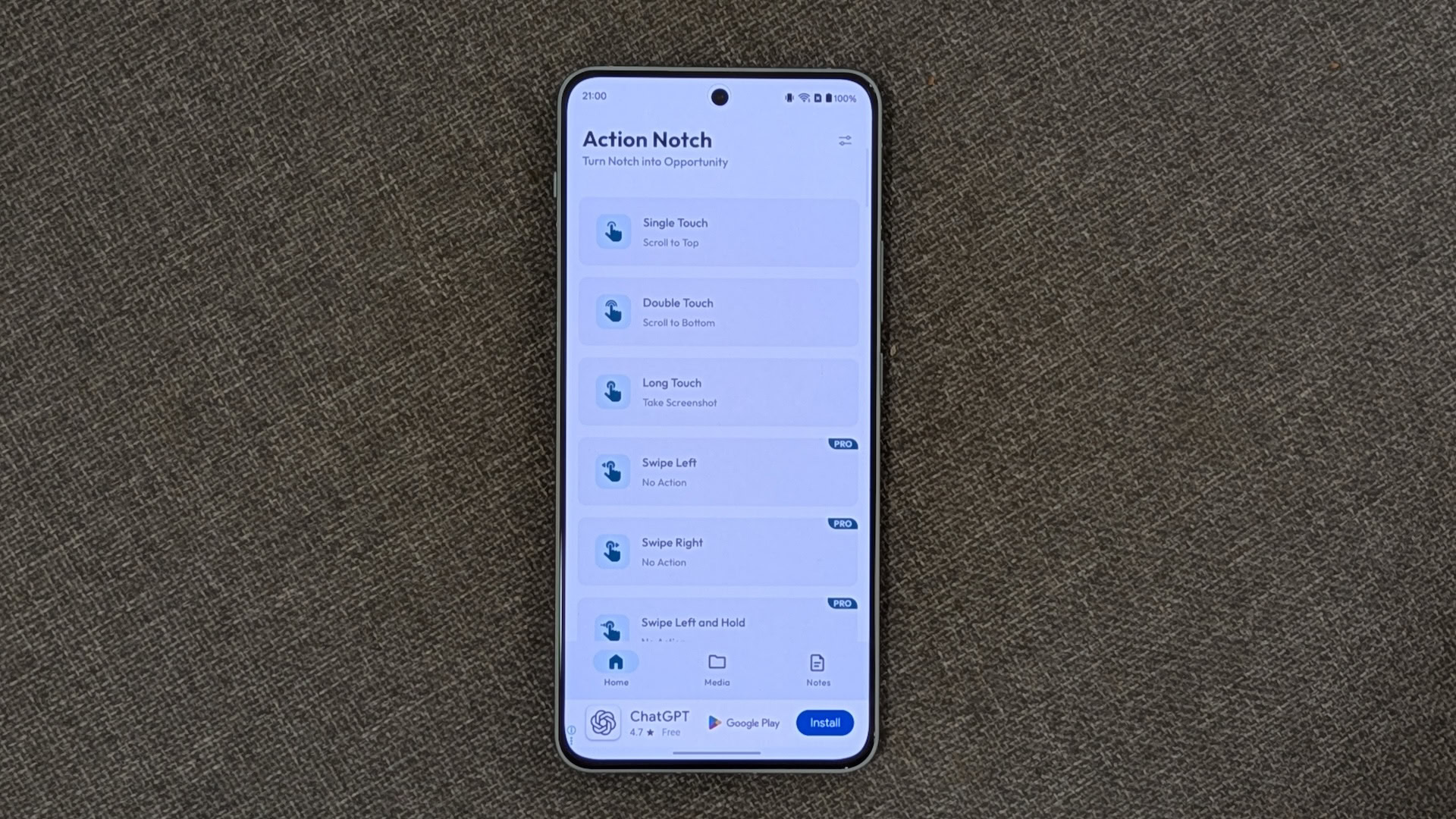
Deploying and fine-tuning these overlay tools requires a methodical approach to ensure seamless integration without disrupting normal device usage. Initial installation involves granting standard accessibility permissions, allowing the software to read display overlays and listen for specific touch events. Once configured, users can map their preferred gestures to targeted device controls or application shortcuts. However, because the camera cutout sits directly in the path of status bar elements and pull-down notifications, intelligent customization is paramount to avoiding frustrating misfires. Expert users routinely implement strict exclusion parameters, such as disabling touch recognition during active telephone calls or when the device is locked. Additionally, establishing application blacklists—preventing the utility from functioning within full-screen media players, reading apps with top-bar navigation, or competitive mobile games—ensures that the overlay never compromises immersive or precision-dependent tasks.
Despite the immense value these customization layers add to the Android experience, the ecosystem surrounding free utility applications faces persistent monetization challenges. Developers frequently rely on ad-supported business models to offset maintenance costs and fund ongoing feature development. Unfortunately, aggressive integration of intrusive, full-screen advertisements can occasionally hinder the user interface, complicating the initial setup process and frustrating those attempting to configure custom layouts. While upgrading to premium tiers typically removes these visual interruptions and unlocks advanced rule-based automation, the presence of friction in free variants remains a notable hurdle for widespread adoption among casual consumers.
Looking ahead, the trend toward functional peripheral zones reflects a broader evolution in human-computer interaction within the mobile space. As display technology continues to march toward true all-screen designs—potentially incorporating under-display cameras and advanced sensor arrays—the physical boundaries of interaction will continue to blur. Software solutions that repurpose dead zones demonstrate a persistent user demand for hyper-efficient, customizable shortcuts that transcend standard manufacturer interfaces. Whether through community-driven modifications or official OEM innovations, the philosophy of turning passive hardware constraints into active productivity tools is here to stay, permanently altering how we interact with our pocket-sized computers.
