

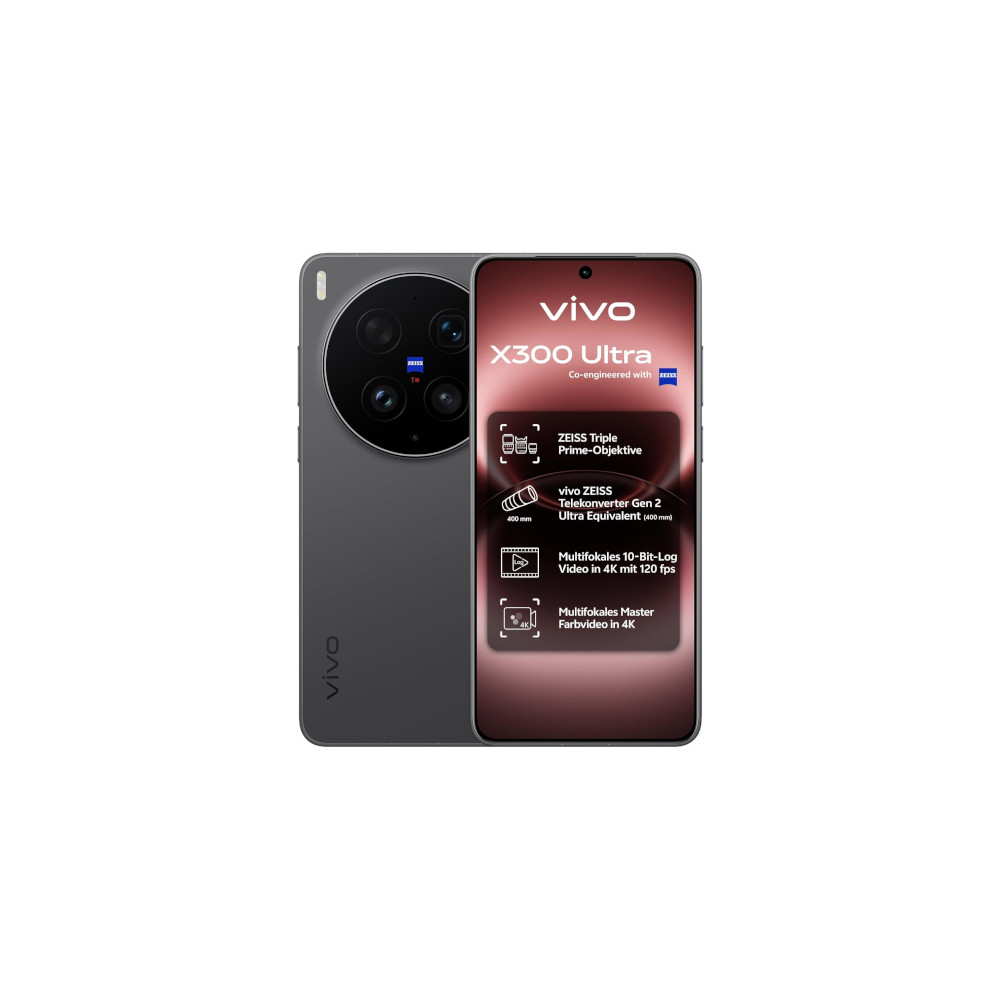
In the hyper-competitive arena of flagship smartphones, hardware specifications often dominate the conversation. We obsess over sensor sizes, pixel binning techniques, and the computational prowess of modern mobile chipsets. Yet, as I spent extensive time with the vivo X300 Ultra, I realized that the most transformative aspect of the device isn’t found in a spec sheet. It is hidden in plain sight: the default camera application. While industry giants like Google and Samsung continue to treat their camera interfaces as rigid, "one-size-fits-all" environments, vivo has pioneered a level of user-centric flexibility that makes current market leaders feel remarkably antiquated.
The Death of the Rigid Interface
For years, the industry standard for camera UI design has been characterized by a "top-down" approach. Manufacturers dictate where buttons reside, which modes are prioritized, and how the user interacts with the viewfinder. On a Google Pixel or a Samsung Galaxy, the experience is polished and aesthetically pleasing, but it is fundamentally unyielding. You are largely confined to the layout the software engineers decided was "optimal" for the average consumer.
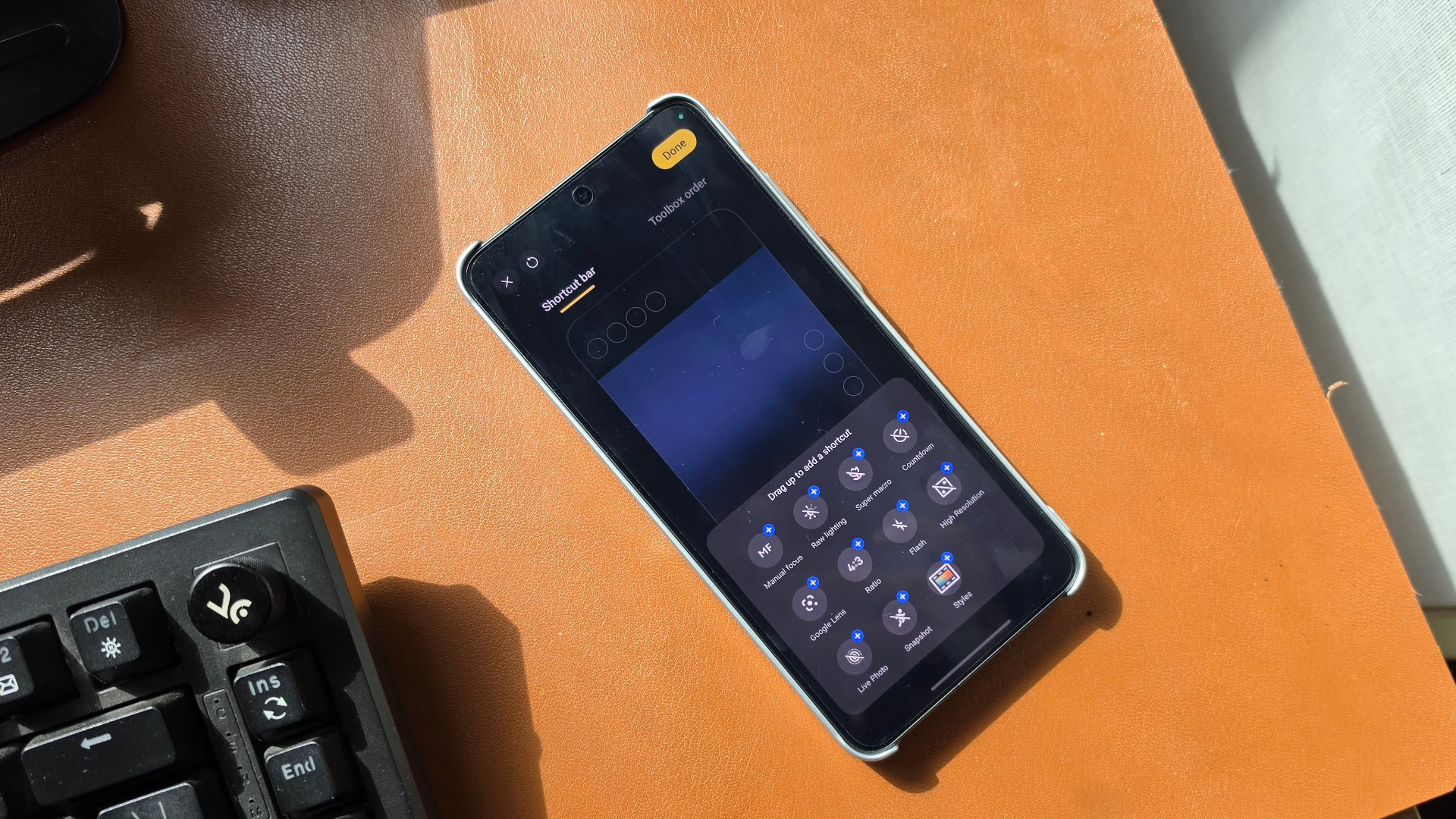
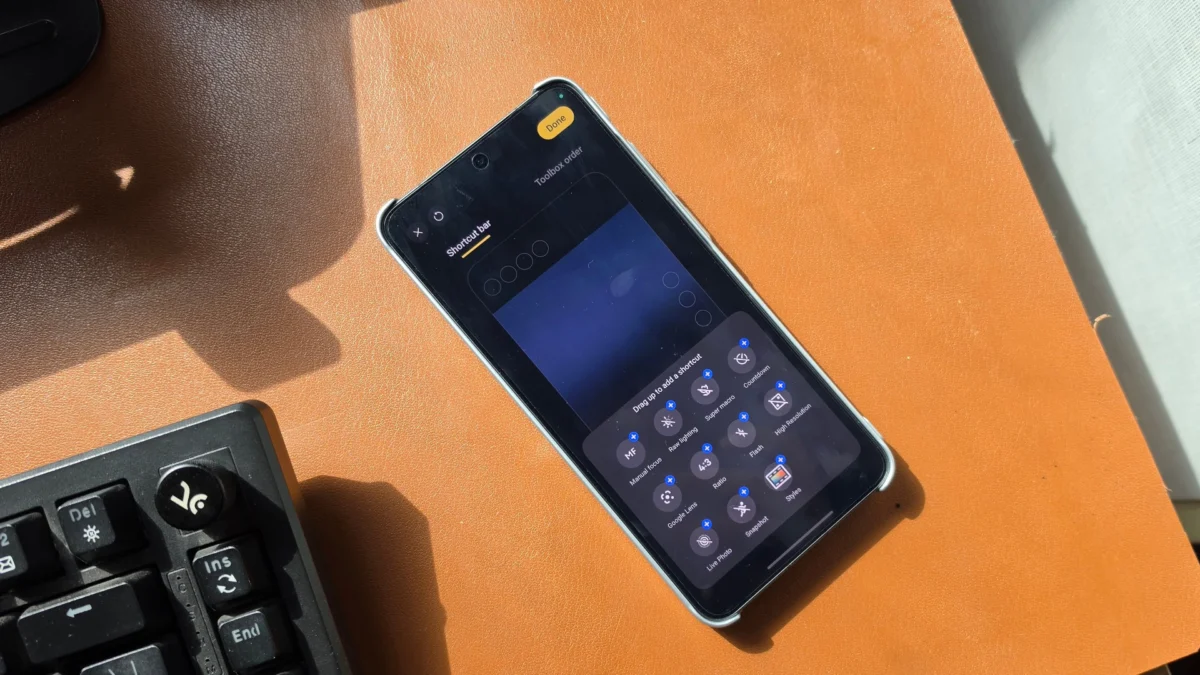
Vivo has taken a radically different philosophical stance. The X300 Ultra’s camera app is essentially a modular workspace. At the top of the interface, users are presented with a "Shortcut Bar," a customizable ribbon where up to four critical controls can be pinned for instantaneous access. This is further augmented by secondary shortcuts within the viewfinder itself, allowing for a personalized shooting experience that can be tuned to the specific needs of the moment.
The utility of this design cannot be overstated. If a user is primarily shooting street photography, they might prioritize a specific focal length or manual focus peaking. A portrait photographer might want immediate access to skin-tone smoothing or bokeh intensity. By allowing users to drag, drop, and prune these controls, vivo acknowledges a fundamental truth: the "average user" does not exist. Every photographer has a unique workflow, and the software should facilitate that workflow rather than obstruct it with menu diving.
The Power of Granular Customization
The customization extends far deeper than a few shortcut buttons. The "Toolbox," traditionally a static menu of secondary settings, is fully rearrangeable. By simply holding and dragging, users can prioritize the features they utilize daily while relegating rarely used functions to the background. This reduction of cognitive load is the secret to a more professional experience; it turns the camera app into a streamlined tool rather than a cluttered digital dashboard.
Furthermore, the main mode carousel—the horizontal strip that dictates whether you are shooting standard photos, video, or portraits—is equally malleable. While the primary "Photo" and "Video" modes remain fixed for navigational consistency, every other slot can be reorganized or swapped out. Whether one needs quick access to "Ultra HD Document" mode for office productivity or a specialized "Food" mode for social media content, the app adapts. It is a level of personalization that feels less like a mobile utility and more like a professional-grade camera interface.
UI Presets: The Smart Way to Shoot
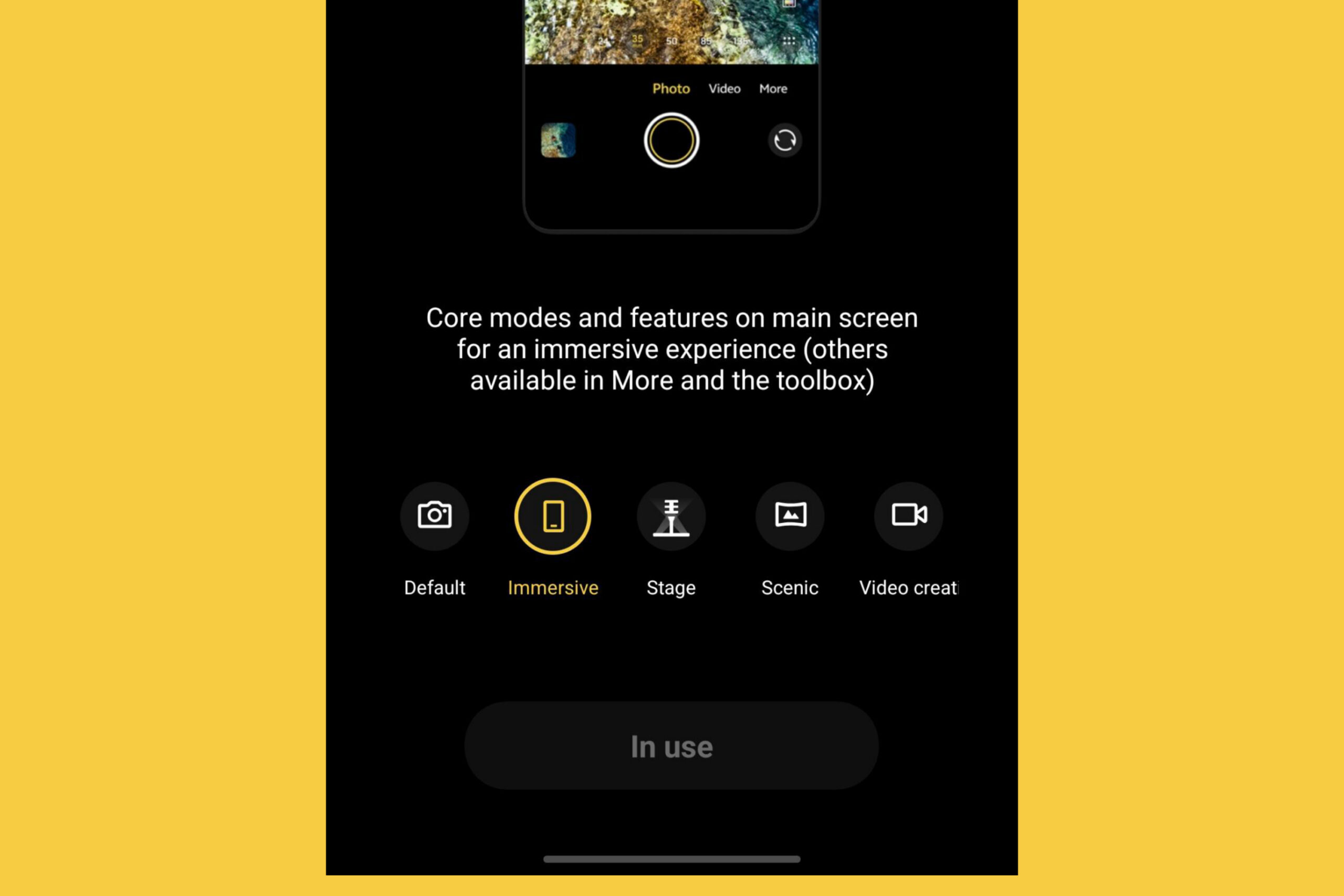
Perhaps the most intelligent inclusion in the X300 Ultra is the set of UI presets. Vivo recognizes that even power users don’t want to manually reconfigure their app every time they switch environments. The device offers five distinct presets that fundamentally shift the application’s behavior and visual layout.
The "Immersive" preset, for instance, strips away all but the most essential controls, effectively turning the phone into a minimalist point-and-shoot device. Conversely, the "Video Creation" preset reconfigures the entire interface to prioritize frame rates, bitrate controls, and audio monitoring, moving these features to the forefront. These are not merely cosmetic themes; they are functional workflows. By providing these templates, vivo bridges the gap between novice simplicity and professional control, offering a curated experience that evolves based on the user’s immediate intent.
The Industry’s Pivot
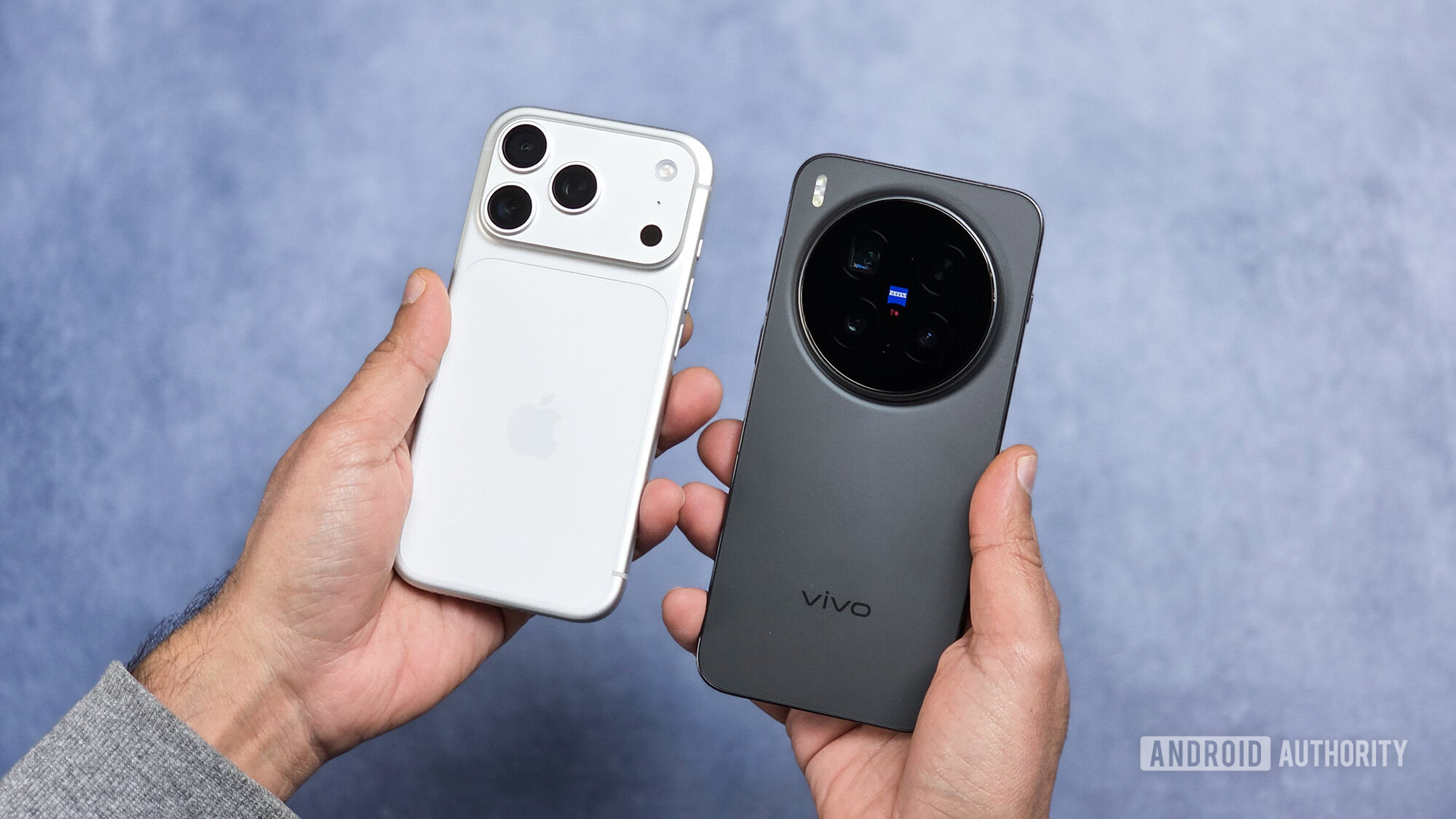
The success of this design philosophy is beginning to echo across the industry, even reaching the gates of Cupertino. Recent leaks and industry reports suggest that Apple is planning a significant overhaul of its own camera app, with a focus on deep customization. The move toward modular, user-definable interfaces is not just a trend; it is a response to the increasing complexity of smartphone photography.
As we enter an era where AI-driven processing and multi-lens arrays make the camera experience increasingly crowded with features, the risk of "feature creep" is real. If every AI enhancement, filter, and manual control is treated with equal visual weight, the user interface becomes a chaotic mess. Vivo’s approach provides a blueprint for how to manage this complexity. By letting the user define the hierarchy of their tools, the manufacturer ensures that the most powerful features remain accessible, not hidden behind layers of software.
A Call to Action for Google and Samsung
The reliance on rigid, proprietary layouts is becoming a bottleneck for innovation. Google, with its heavy emphasis on AI-driven computational photography, and Samsung, with its hardware-rich Ultra lineup, are currently at the top of their game in terms of output quality. However, the user experience of their camera apps is starting to feel dated compared to the fluid, personalized nature of the vivo interface.
The transition to customizable UI design is not just a "nice-to-have" feature; it is an accessibility and productivity requirement. Whether you are a professional using your phone to capture quick reference shots or an enthusiast trying to squeeze every bit of manual control out of the hardware, the software should be your ally.
If Google and Samsung wish to remain at the vanguard, they must move away from the assumption that there is one "correct" way to take a photo. They need to empower their users to build their own camera experiences. The technology to do so is already here; the hardware is more than capable. The only remaining hurdle is the willingness to relinquish control over the interface.
In the final analysis, the vivo X300 Ultra demonstrates that the future of mobile photography isn’t just about better sensors or faster chips. It is about the software that connects the photographer to the lens. By prioritizing the user’s autonomy, vivo has set a new benchmark that the rest of the industry would be wise to study—and eventually, to emulate. The era of the fixed, unchangeable camera app is coming to an end, and those who adapt will define the next generation of mobile imaging.
