

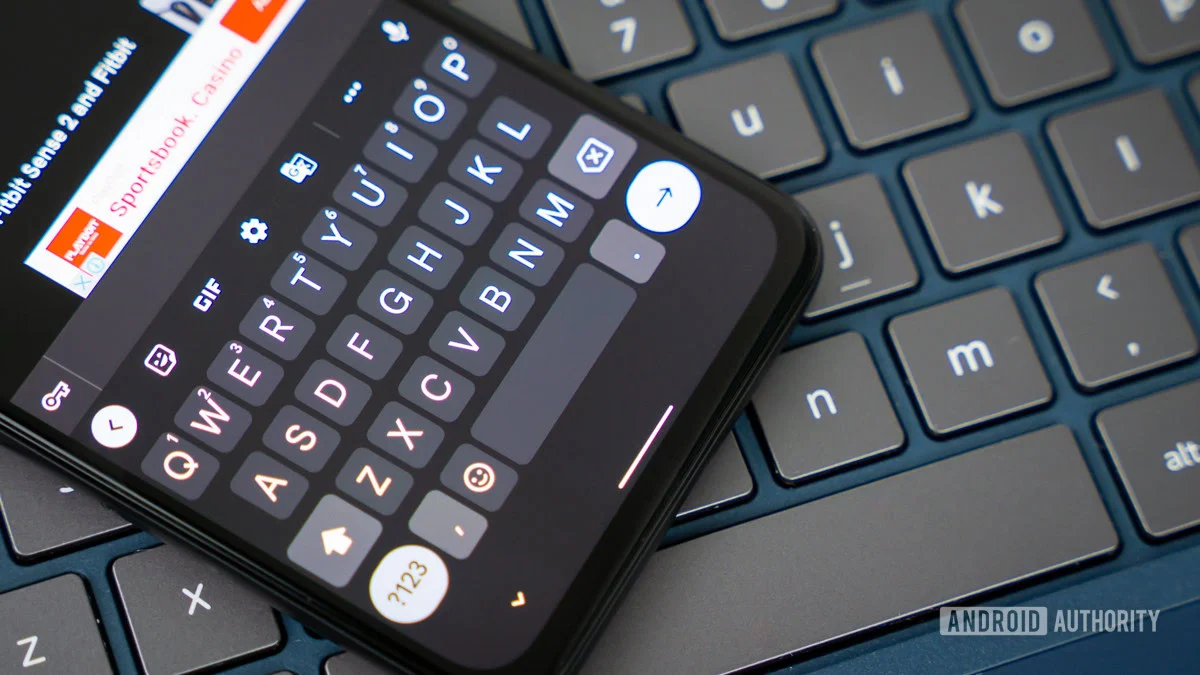
The evolution of mobile text input has been defined by a constant tug-of-war between automation and user agency. As virtual keyboards like Gboard have become increasingly sophisticated, they have adopted aggressive predictive models designed to accelerate the typing process. While these features are undeniably efficient for standard prose, they often create friction during specialized tasks—such as coding, entering complex usernames, or appending punctuation—where the software’s "helpful" interventions become a source of frustration. Recent developments within the Gboard codebase suggest that Google is finally prepared to hand the reins back to the user, addressing one of the most persistent, albeit minor, nuisances in the mobile typing experience.
The Problem with "Smart" Automation
At the heart of the modern smartphone typing experience lies the autocorrect suggestion bar. For years, Gboard has operated on an implicit assumption: when a user selects a predicted word from the suggestion strip, they are invariably moving on to the next word in a sentence. Consequently, the keyboard automatically appends a space character following the selected word.
For the vast majority of casual communications, this is a time-saver. It effectively reduces the number of taps required to compose a message, allowing the user to maintain a fluid rhythm. However, this logic falters in specific use cases. Consider the user who needs to append a suffix, a piece of punctuation, or an emoji directly to the end of a word. When Gboard forces a space, the user is compelled to perform an immediate backspace correction. While this micro-action takes only a fraction of a second, it represents a breakdown in the user experience that, when repeated dozens of times a day, degrades the perceived performance of the interface.
The Emergence of User-Centric Controls
Evidence surfaced recently indicating that Google is testing a new configuration toggle within the Gboard application settings. Deep-dive analysis of the application’s binary files revealed a feature currently identified as "Auto-space after suggestions." Located within the "Corrections & suggestions" sub-menu, this toggle is designed to act as a master switch for the behavior described above.
In its current, non-public implementation, flipping this switch to the "off" position instructs the keyboard to refrain from inserting that trailing space upon selection. When left in the default "on" state, the keyboard maintains its traditional, highly automated behavior. This approach is emblematic of Google’s broader strategy for Android: providing a robust, opinionated default experience while slowly introducing power-user toggles that allow for a more personalized configuration.
The Broader Industry Context: Efficiency vs. Control
The tension between automated convenience and manual control is a recurring theme in software design. As mobile operating systems have matured, the industry has shifted from a "one-size-fits-all" design philosophy toward a more modular approach. Apple’s iOS keyboard, for instance, has long faced similar scrutiny for its aggressive autocorrect patterns, leading to a vibrant market for third-party keyboard alternatives that prioritize precision over prediction.
By introducing this toggle, Google is essentially acknowledging that the "average" user is a myth. The modern Gboard user base includes developers who write code snippets on their phones, social media managers who use specific formatting patterns, and power users who prefer to minimize the keyboard’s interference with their manual flow. This move suggests that Google is prioritizing "predictable behavior" over "predictive behavior" for those who desire it. It is a subtle but significant pivot that aligns with the industry’s push toward increased accessibility and user customization.
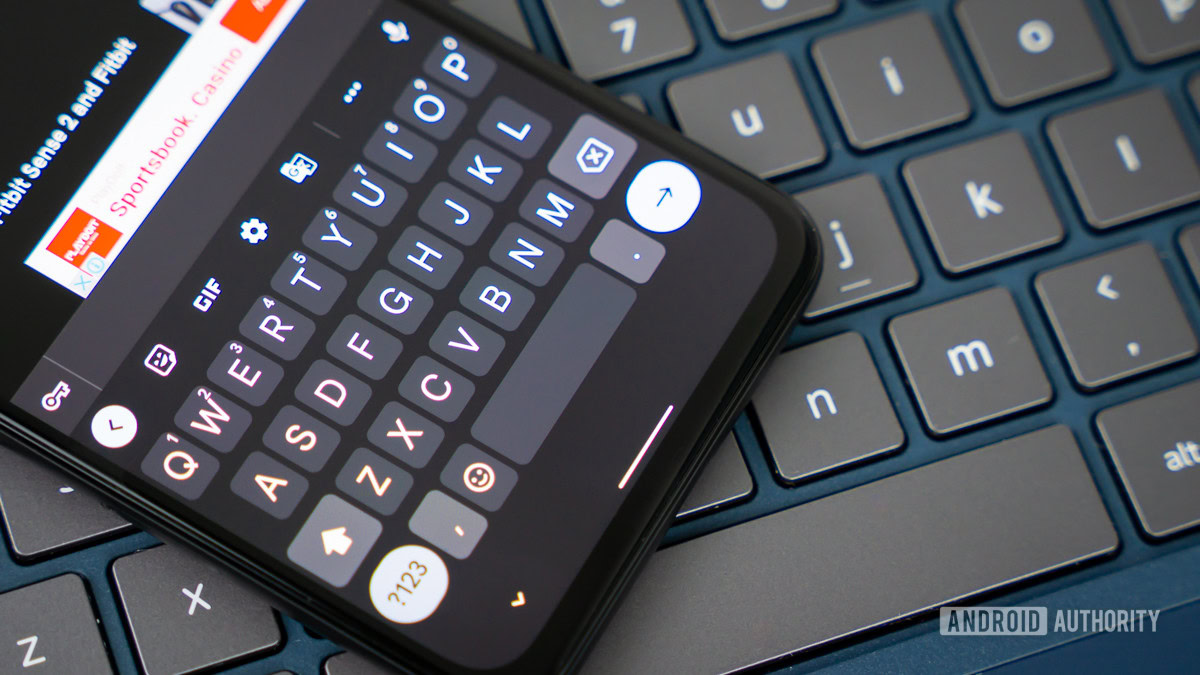
Accessibility and the Future of Input
The news of this granular control comes on the heels of other major accessibility initiatives from the Gboard team, including experimental features aimed at translating sign language via the smartphone camera into text. These developments, while distinct, share a common DNA: they are designed to make the keyboard a more inclusive, adaptable tool.
If the "Auto-space" toggle is indeed pushed to a stable release, it will likely serve as a blueprint for how Google handles other "intelligent" features. We can expect to see more of these "soft switches" in the future—options that allow users to scale back the AI-driven interventions of the keyboard without sacrificing the underlying machine learning models that provide the suggestions in the first place. This represents a mature stage of software development, where the focus shifts from "adding more features" to "refining the existing feature set for diverse use cases."
Expert-Level Analysis: What This Means for Gboard
From an architectural perspective, this change is relatively minor. It involves modifying the interaction listener that triggers after a word is committed from the suggestion strip. However, the implications for the user experience are substantial. For many, Gboard has felt increasingly "cluttered" as it has integrated more AI-driven features, such as real-time translation, GIF integration, and smart replies.
By providing a toggle for a core interaction mechanic, Google is signaling that it understands the "cognitive load" that these features can sometimes impose. When a user has to fight their own keyboard, the software ceases to be a conduit for communication and instead becomes a barrier. By allowing users to disable automatic spacing, Google is effectively lowering the barrier to entry for users who have historically found the keyboard too intrusive.
Furthermore, this development highlights the importance of APK teardowns in the modern tech landscape. Because these features are often hidden behind "feature flags"—code that is present in the app but disabled by default—the developer community can gain insight into the product roadmap months before an official announcement. It allows for a form of collaborative feedback where the public reaction to a potential feature can influence its final implementation or its priority in the development cycle.
Future Impact and Trends
Looking ahead, we are likely to see even more granular control over the "autocorrect" pipeline. Future iterations of Gboard could potentially allow for more complex rules: perhaps a user could choose to disable auto-spacing only when specific conditions are met, or perhaps the keyboard could learn that a specific user rarely wants a space after certain types of words, such as currency symbols or handles.
As we move toward an era where generative AI and large language models are increasingly integrated into mobile operating systems, the keyboard is becoming a more "intelligent" agent. However, with this intelligence comes the risk of "over-correction." The success of Gboard in the coming years will not be measured by how many new features it adds, but by how well it balances its machine learning capabilities with the user’s need for precise, predictable control.
In conclusion, while the "Auto-space after suggestions" toggle might seem like a minor adjustment, it is a bellwether for a more user-centric approach to software development. It validates the needs of the power user, respects the diversity of input habits, and reinforces the idea that the best technology is that which can be molded to fit the user, rather than the other way around. As we await the public rollout of this feature, it serves as a timely reminder that even the most established digital tools are constantly evolving to better serve the needs of a diverse and demanding user base. Whether this feature arrives in the next major update or is further refined, its presence in the code is a promising sign for the future of mobile productivity.
