

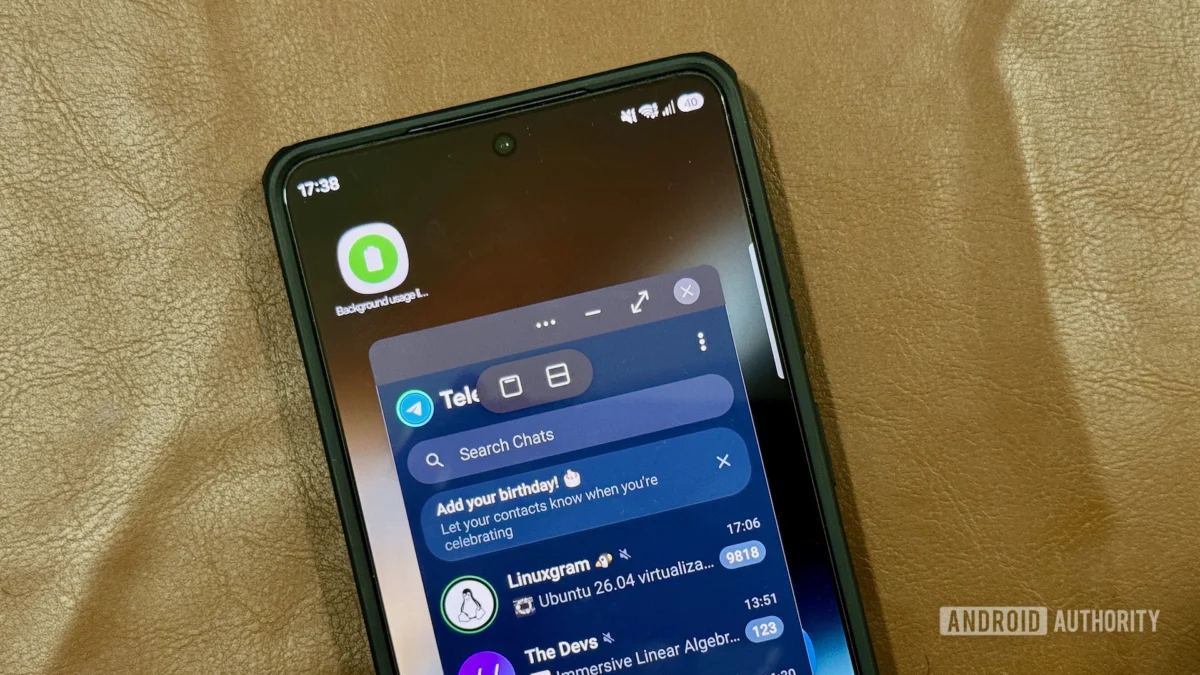
The evolution of mobile operating systems has long been defined by a constant push toward desktop-class productivity on pocket-sized hardware. As Google introduces fresh iterative upgrades to its core platform architecture—highlighted by the inclusion of floating application abstractions in recent software distributions—industry observers often look toward ecosystem-specific implementations to understand true utility. While baseline Android software engineering continues to refine its approach to contextual overlays, major hardware manufacturers have historically forged their own paths in interface design. For owners of flagship Samsung Galaxy hardware, the conversation surrounding modern screen real estate management reveals an interesting industry paradox: native stock solutions are frequently playing catch-up to proprietary features that have been refined over the course of multiple generations.
To contextualize this shift, one must examine the broader historical trajectory of mobile multitasking. In the nascent days of smartphones, full-screen single-app focus was the undisputed standard. Context switching required navigating through recent app switcher menus, creating persistent friction for users attempting to cross-reference data or maintain concurrent dialogues across disparate communication platforms. As screen sizes expanded and processing silicon gained desktop-tier throughput, the industry recognized an urgent need for multi-window paradigms. Manufacturers began experimenting with side-by-side splits and picture-in-picture modes. However, true freeform window management remained elusive for stock mobile platforms, leading OEMs to develop customized interface layers that bridged the gap between mobile operating systems and traditional windowed desktop environments.
Samsung’s proprietary interface ecosystem has long served as a testbed for advanced productivity tools. Among these, the capability to isolate software instances into independent, floating layers stands out as a masterclass in human-computer interaction design. While stock Android approaches floating abstractions through minimalist bubble overlays, the South Korean tech giant’s iteration—commonly designated as Pop-Up View—delivers a deeply comprehensive workspace model. Rather than forcing users into a constrained bubble container that demands a complete context shift upon expansion, this interface maintains persistent, resizable windows that behave similarly to desktop operating system environments.
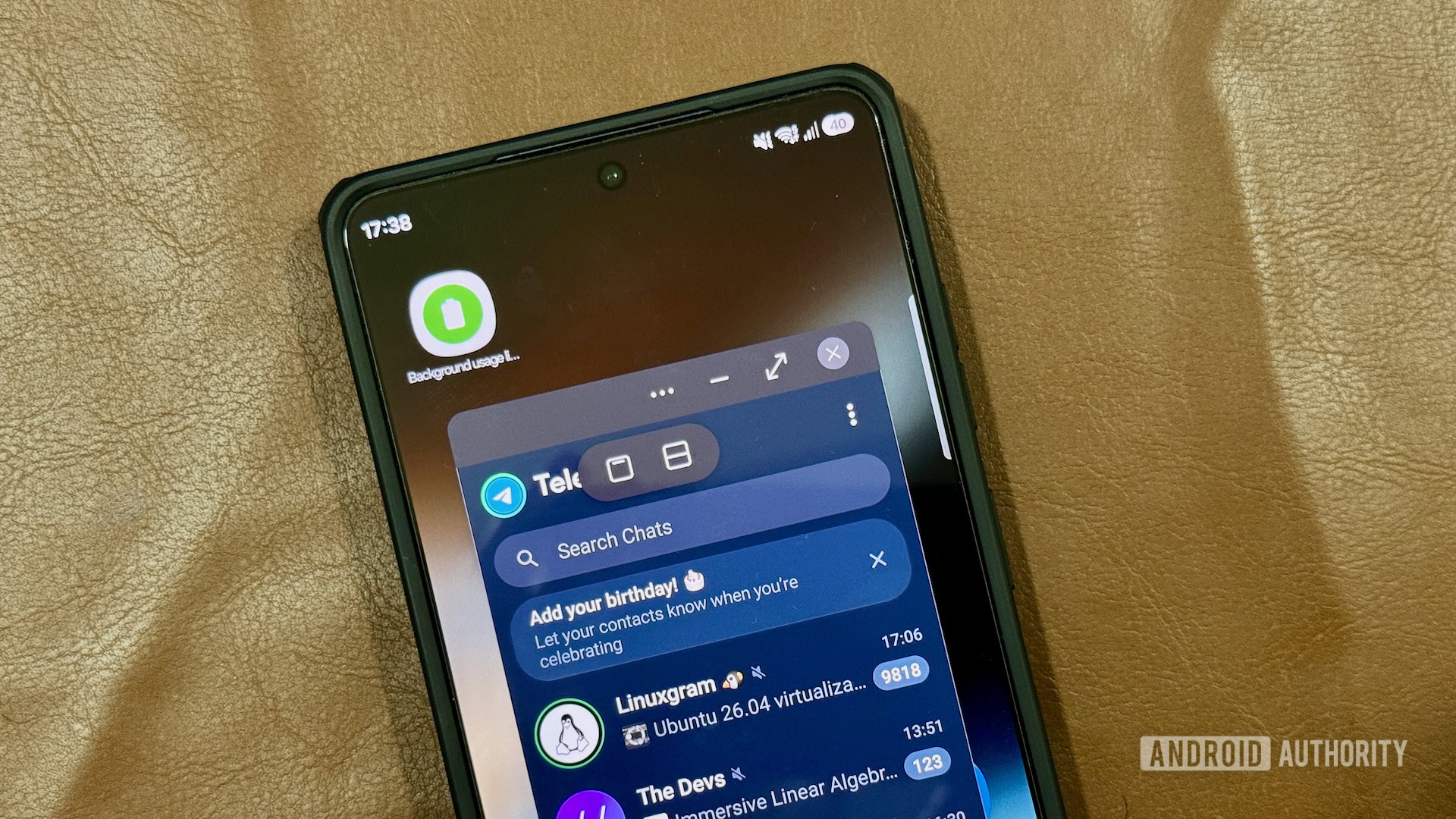
Analyzing the mechanics of this capability reveals significant architectural divergences from standard platform solutions. When evaluating user workflow efficiency, the ability to control window geometry independently is paramount. Standard bubble implementations typically lock the interface into a rigid, singular focus mode upon interaction, temporarily obscuring the primary underlying workspace entirely. Conversely, advanced windowed multitasking on Galaxy devices permits granular scaling. Users can manipulate diagonal boundaries to shrink or expand individual app instances, ensuring that secondary tools—such as a calculator or messaging client—consume only the precise amount of screen space required for the task at hand.
Furthermore, the industry implications of such software design choices point toward a future where hardware boundaries increasingly blur. As foldable displays and expansive slab screens become the industry norm, the demand for flexible window management will only accelerate. Operating system developers are under mounting pressure to deliver native APIs that support complex, multi-layered interfaces without sacrificing battery efficiency or thermal performance. Samsung’s longevity in deploying hardware-accelerated window compositing gives its user base a distinct operational advantage, proving that deep software customization can successfully pioneer interface standards years before they are adopted into the mainstream platform baseline.
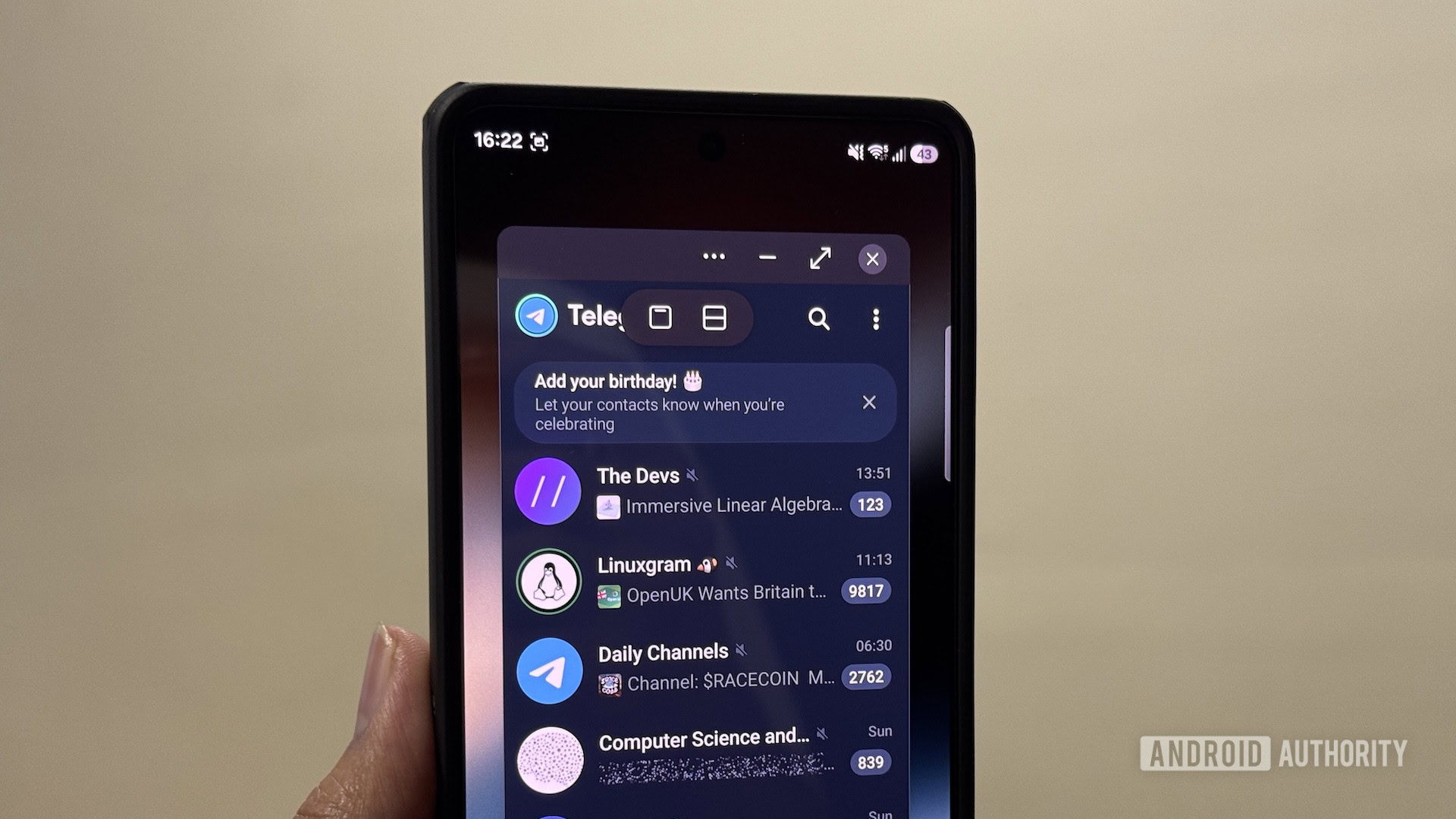
Beyond mere sizing adjustments, the control overhead provided within these floating windows establishes a high watermark for mobile ergonomics. A dedicated control handle positioned atop each window grants immediate access to vital state changes. Users can seamlessly transition a floating instance into a split-screen arrangement, snap it back to full-screen prominence, or minimize it into a discreet, collapsible indicator with a single tap. This eliminates the cumbersome back-and-forth navigation traditionally associated with mobile task switching. Managing up to five concurrent floating instances transforms a standard smartphone screen into a remarkably capable mobile workstation, accommodating complex workflows such as monitoring a live video feed while cross-referencing documentation and drafting a reply in a messaging utility.
Deploying these advanced workspace features requires minimal friction once the user is familiar with the available trigger vectors. Galaxy device owners can initiate a windowed session through multiple intuitive pathways depending on their immediate physical ergonomics. The most direct foundational route involves the recent applications overview, where selecting a specific process header reveals an immediate option to launch that process in a floating container. For power users seeking lightning-fast execution, gesture-based activation offers an optimized shortcut. By navigating through the device settings to enable multi-window preferences, users can configure a simple diagonal swipe from the upper display corners to summon a floating app instantly. The sensitivity of this trigger area is fully adjustable, accommodating diverse grip styles and preventing accidental invocations during standard edge-swipe navigation gestures.
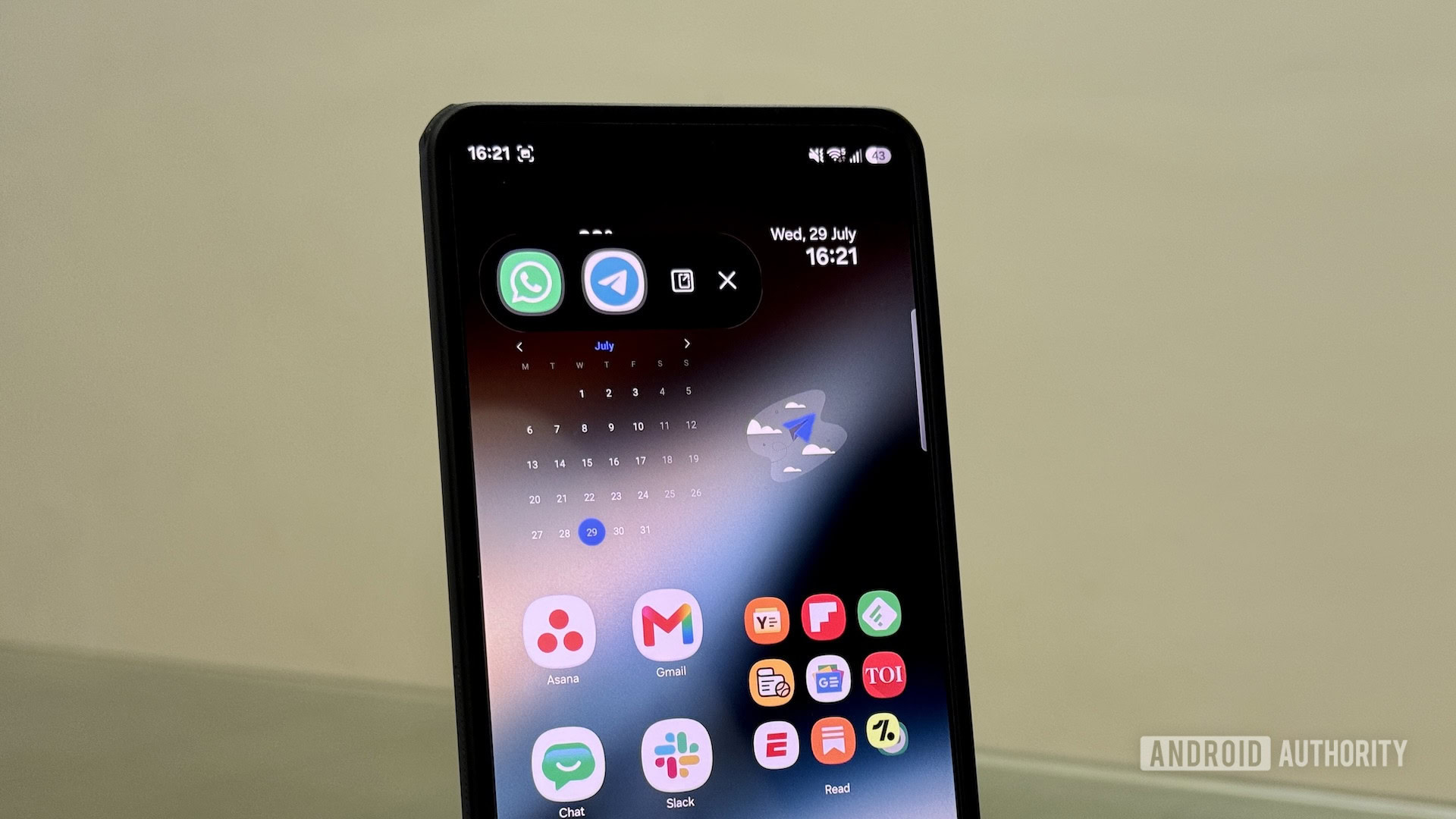
An alternative pathway lies within the versatile Edge Panel interface, a staple of the manufacturer’s software ecosystem. By swiping inward from the designated screen handle, users can access a persistent sidebar containing favorite shortcuts. Dragging any application icon directly into the central drop zone initiates the windowed mode instantly, bypassing the need to first open the application in full-screen view. This redundancy in input methods underscores a thoughtful approach to user experience design, ensuring that accessibility aligns seamlessly with individual user preferences.
As the mobile landscape looks toward upcoming software generations, the gap between stock platform capabilities and OEM innovations will likely remain a central topic among technology analysts. While vanilla operating system iterations continue to democratize basic floating multitasking for all ecosystem participants, advanced hardware layers demonstrate that deep, vertically integrated software engineering yields superior productivity dividends. For millions of daily users, the tools required to execute complex, multi-app workflows are not waiting on future platform rollouts—they are already embedded deeply within their current devices, offering a refined blueprint for the future of mobile computing productivity.
