

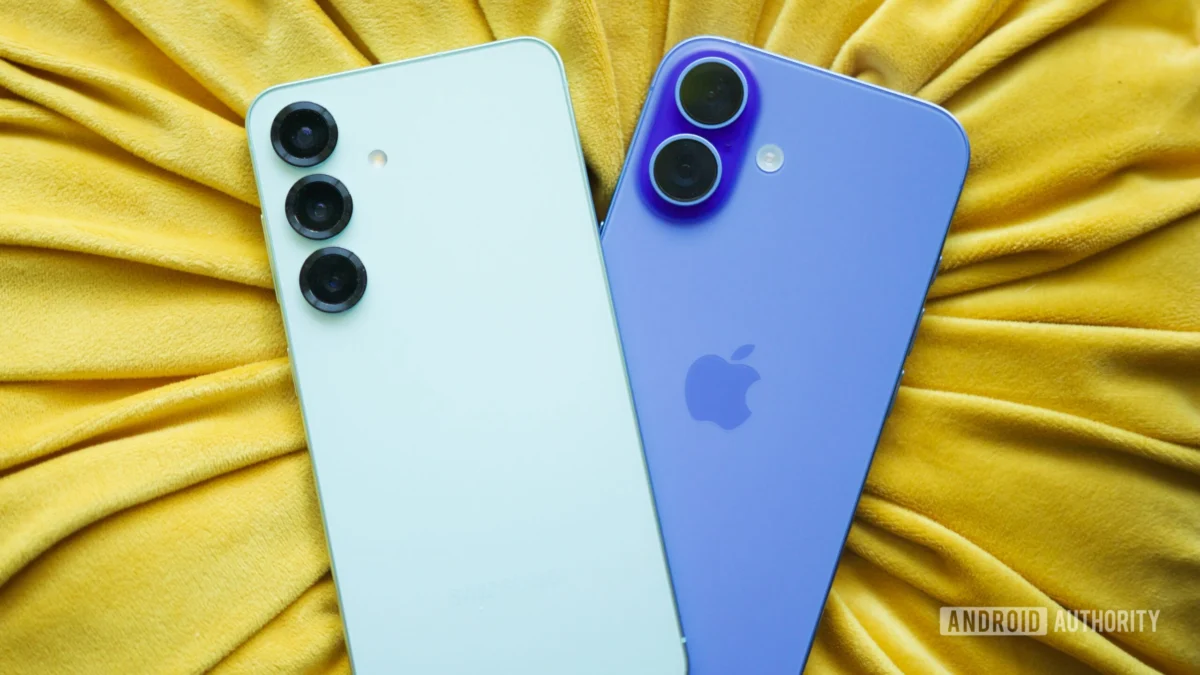
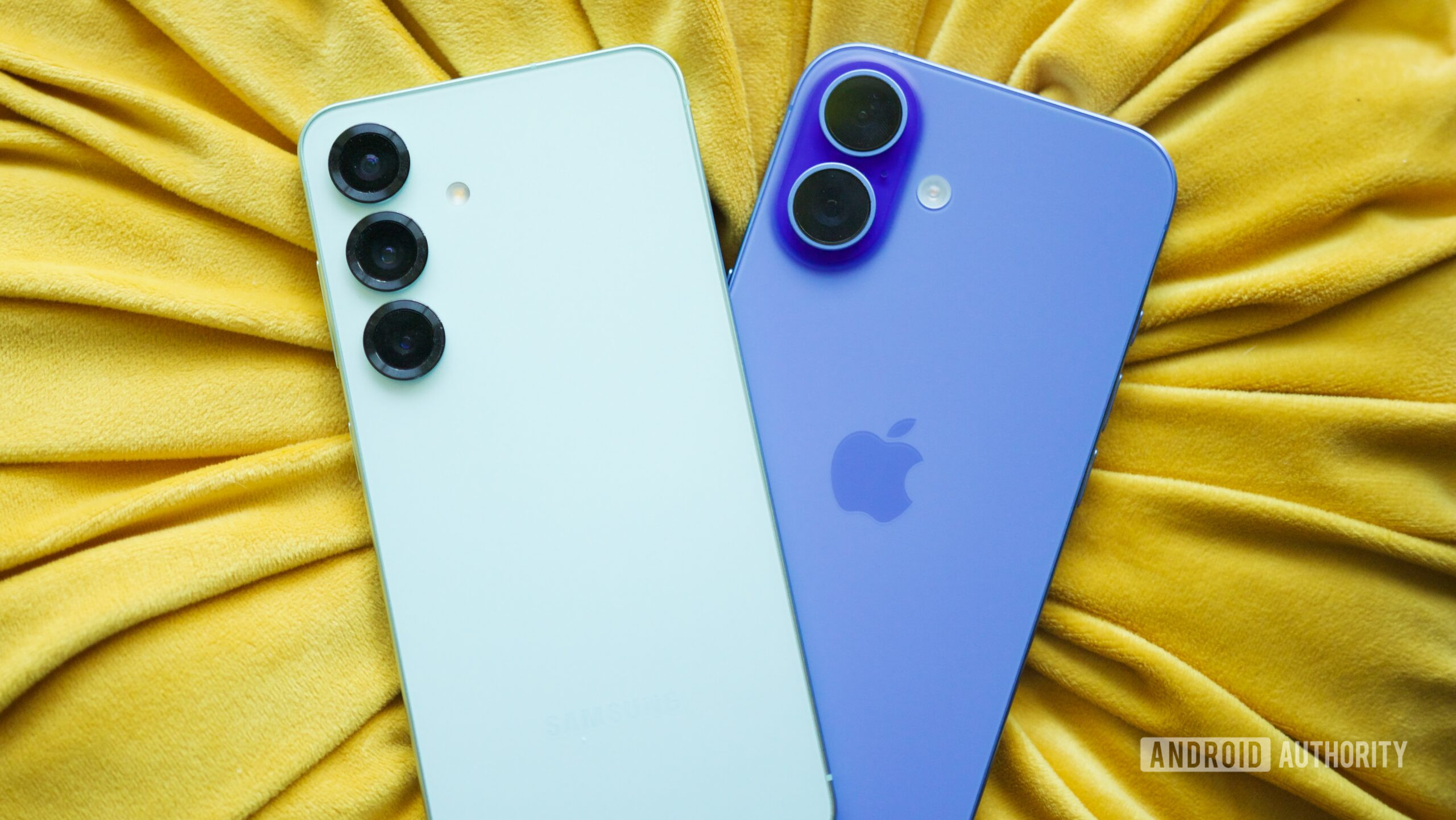
For as long as modern smartphones have dominated the consumer electronics landscape, the divide between Android devotees and iOS loyalists has remained fiercely contested. Operating systems are no longer just software platforms; they represent digital identities, philosophical frameworks, and deeply ingrained personal workflows. As a lifelong Android enthusiast who routinely reviews the bleeding edge of Google’s mobile ecosystem—currently daily-driving flagship hardware that pushes raw performance and hardware innovation to absolute limits—switching to an iPhone is completely out of the question. Even if Cupertino engineers a folding display that defies physics or introduces holographic projection, my allegiance to Android’s open nature, granular file management, and versatile custom launchers isn’t wavering.
Yet, true technical objectivity requires acknowledging excellence wherever it manifests, regardless of brand tribalism. Maintaining a secondary Apple device for professional evaluation and multi-platform testing inevitably exposes the stark contrasts between the two giants. While Android continues to outpace Apple in hardware versatility, multitasking freedom, and notification management, iOS possesses specific software implementations that elicit genuine envy. Some of these capabilities represent entirely unmatched paradigms within the Google ecosystem, while others exist in Google’s domain merely as fragmented, half-baked alternatives. Examining these seven distinct iOS features provides a fascinating lens into the ongoing tug-of-war shaping the future of mobile operating systems.
The Unrivaled Dominance of iMessage and the Messaging Disconnect
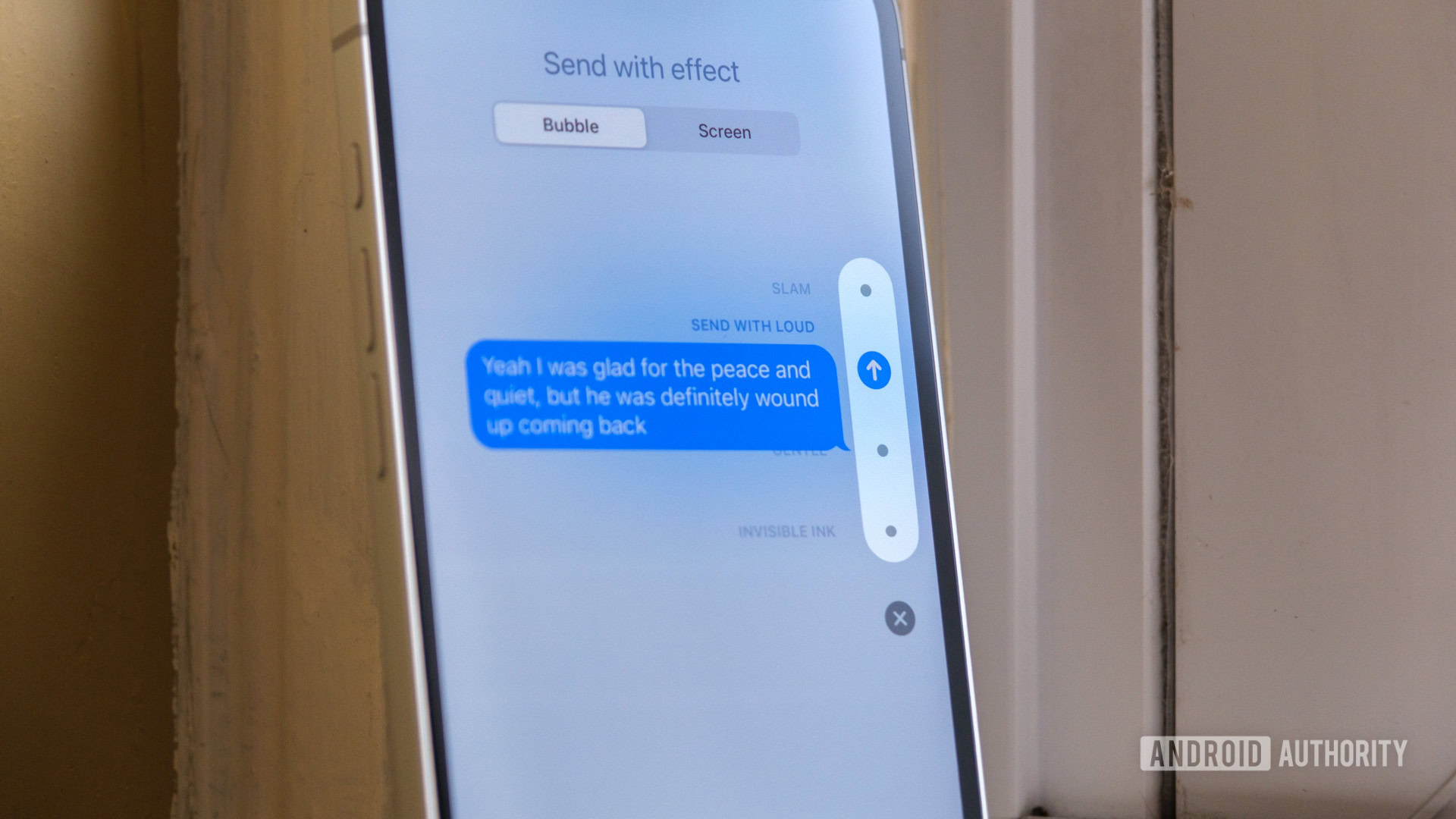
It is impossible to discuss cross-platform ecosystem friction without addressing the monumental chasm of instant messaging. Google Messages has made staggering leaps forward, successfully integrating Rich Communication Services (RCS) across millions of devices, introducing end-to-end encryption, typing indicators, and emoji reactions. However, RCS remains fundamentally hampered by a complex web of carrier dependencies, regional adoption rates, and third-party infrastructure hurdles. Conversely, iMessage operates on a unified, global protocol that functions reliably independent of traditional carrier SMS/MMS infrastructure—frequently operating seamlessly even in the complete absence of a physical SIM or active cellular plan.
The superiority of Apple’s messaging architecture extends far beyond sheer reliability. Feature parity is virtually non-existent when comparing standard multimedia distribution, immersive group chat physics, SharePlay integrations, expressive Memoji mechanics, and native canvas effects. Furthermore, FaceTime continues to establish the gold standard for consumer video communication, easily outperforming the fragmented and often inconsistent video solutions deployed across the Android landscape. When you factor in hardware continuity—the magical ability to transition mid-conversation from an iPhone to an iPad or a Mac without missing a single text bubble—Android’s attempts via web-based clients and RCS fall noticeably short of a truly native, holistic ecosystem experience.
Live Activities and the Genius of Glanceable Interface Design
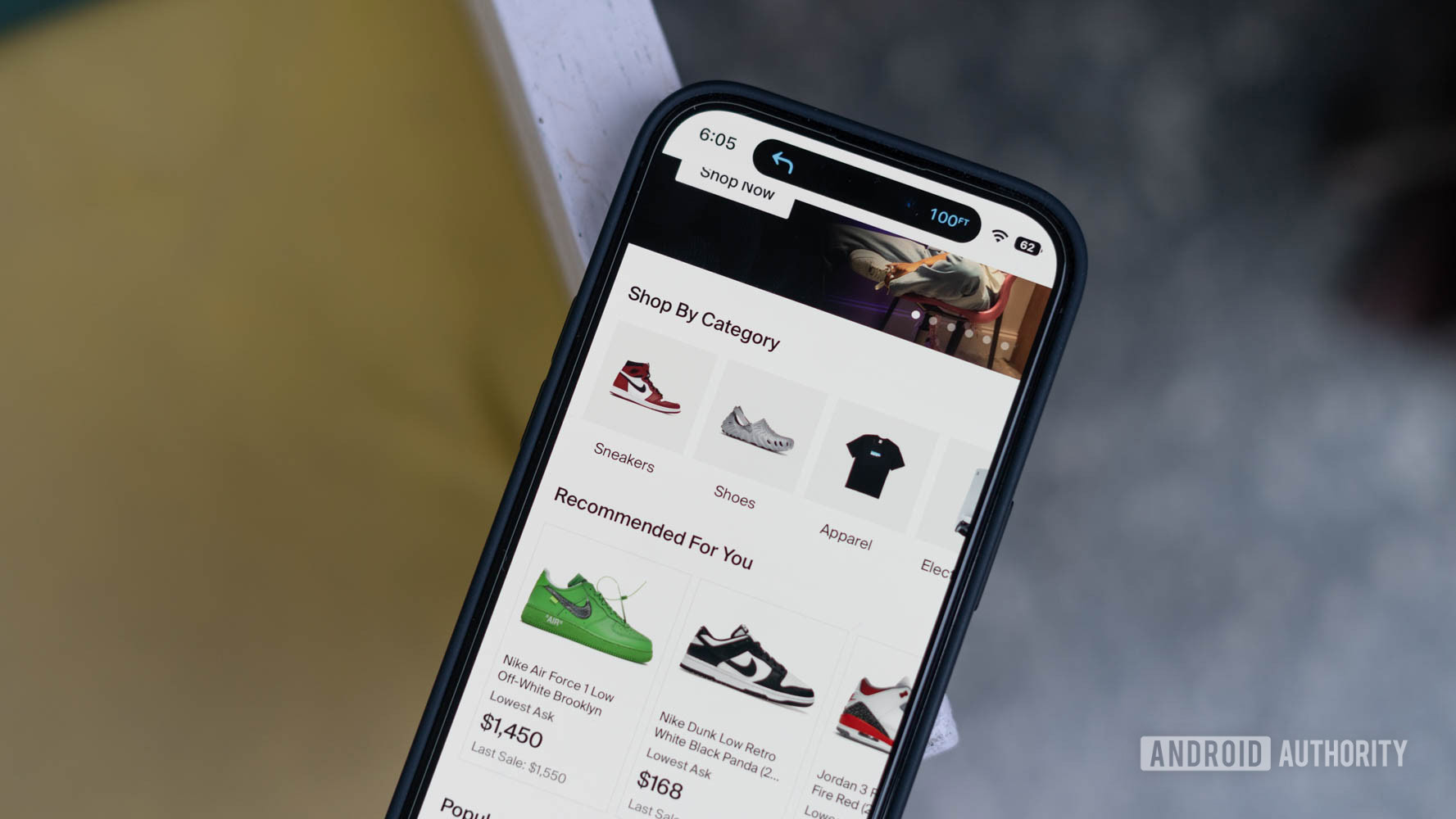
Among the most understated yet transformative UI innovations introduced by Apple in recent years is the concept of Live Activities. By anchoring real-time, dynamically updating information directly to the lock screen and the Dynamic Island, iOS fundamentally redefines how users interact with time-sensitive data. Whether monitoring the exact GPS coordinates of an incoming rideshare, tracking a food delivery countdown, checking live sports scores, or monitoring a flight boarding status, users receive immediate visual updates without needing to unlock their devices or launch dedicated applications.
While certain Android original equipment manufacturers have attempted iterative copies—and Google has steadily worked on native notification persistence features—Apple’s execution remains peerlessly polished. The ability to seamlessly manage multiple concurrent background activities, collapse or expand widgets fluidly, and dismiss updates with a single intuitive swipe transforms what could easily be an awkward hardware notch into an exceptionally functional UI element. It bridges the gap between active engagement and passive awareness with surgical precision.
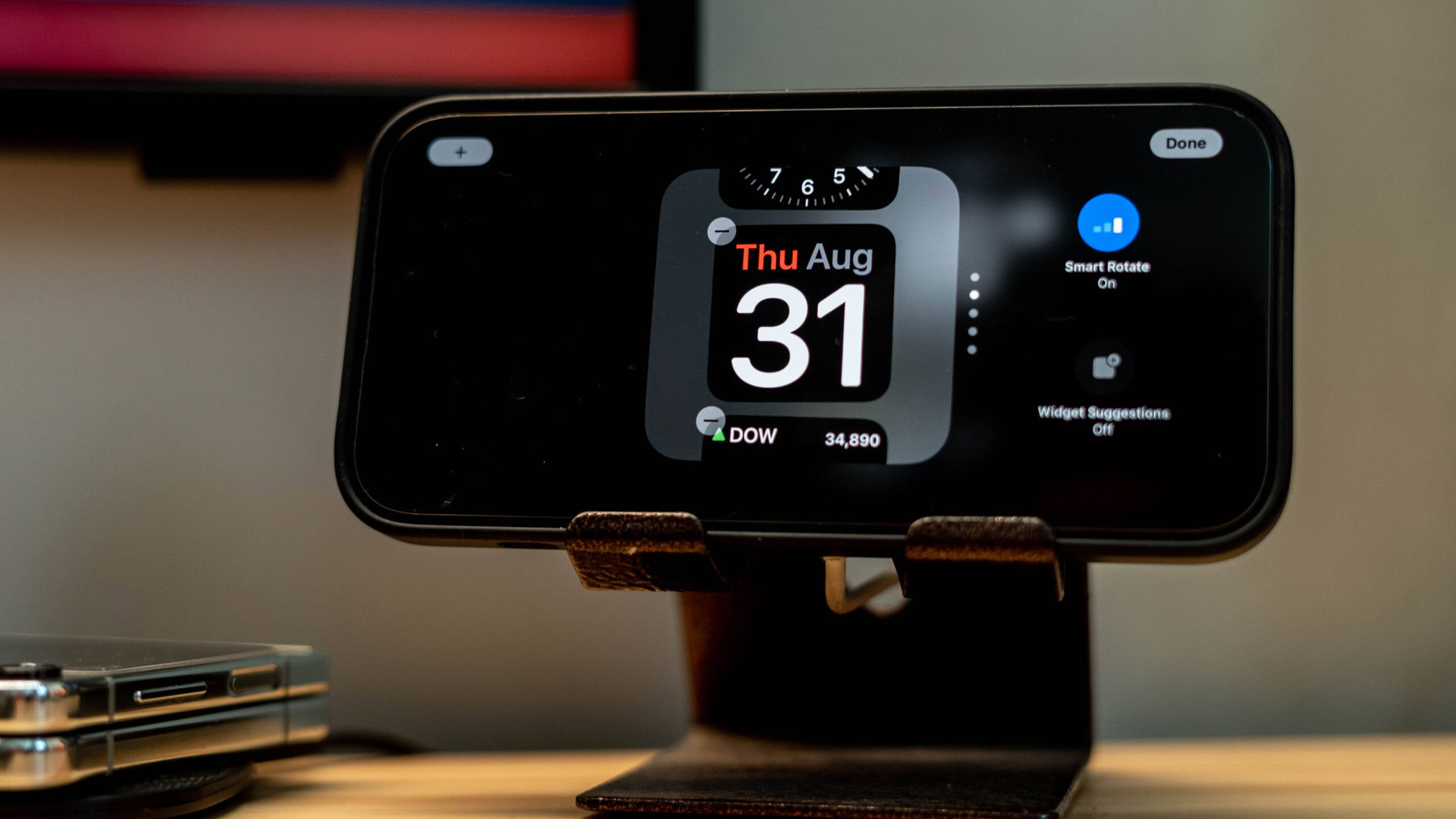
StandBy Mode and the Transformation of Idle Hardware
The modern smartphone spends a significant portion of its life resting horizontally on desks, nightstands, and charging pads. Apple capitalized on this dead time with StandBy mode, an ingenious software feature that instantly converts an iPhone into a functional smart display the moment it is oriented horizontally while connected to a power source. The interface intelligently surfaces high-contrast widgets, clock faces, rotating photo albums, calendar events, stock tickers, and active Live Activities. As ambient lighting shifts into evening hours, the display subtly transitions into an elegant, red-tinted monochrome aesthetic designed to prevent visual strain in dark environments.
Although Android devices have long supported various iterations of Always-On Displays (AOD) and screensavers, none achieve the same level of utility or aesthetic charm. Android’s implementations are typically restricted to monochrome text, isolated icons, or limited widget panes that fail to utilize the entire canvas of the display. StandBy mode succeeds because it repurposes idle hardware into something genuinely delightful and functionally useful, turning a routine charging session into an engaging ambient experience.
The Effortless Power of Apple’s Shortcuts Application
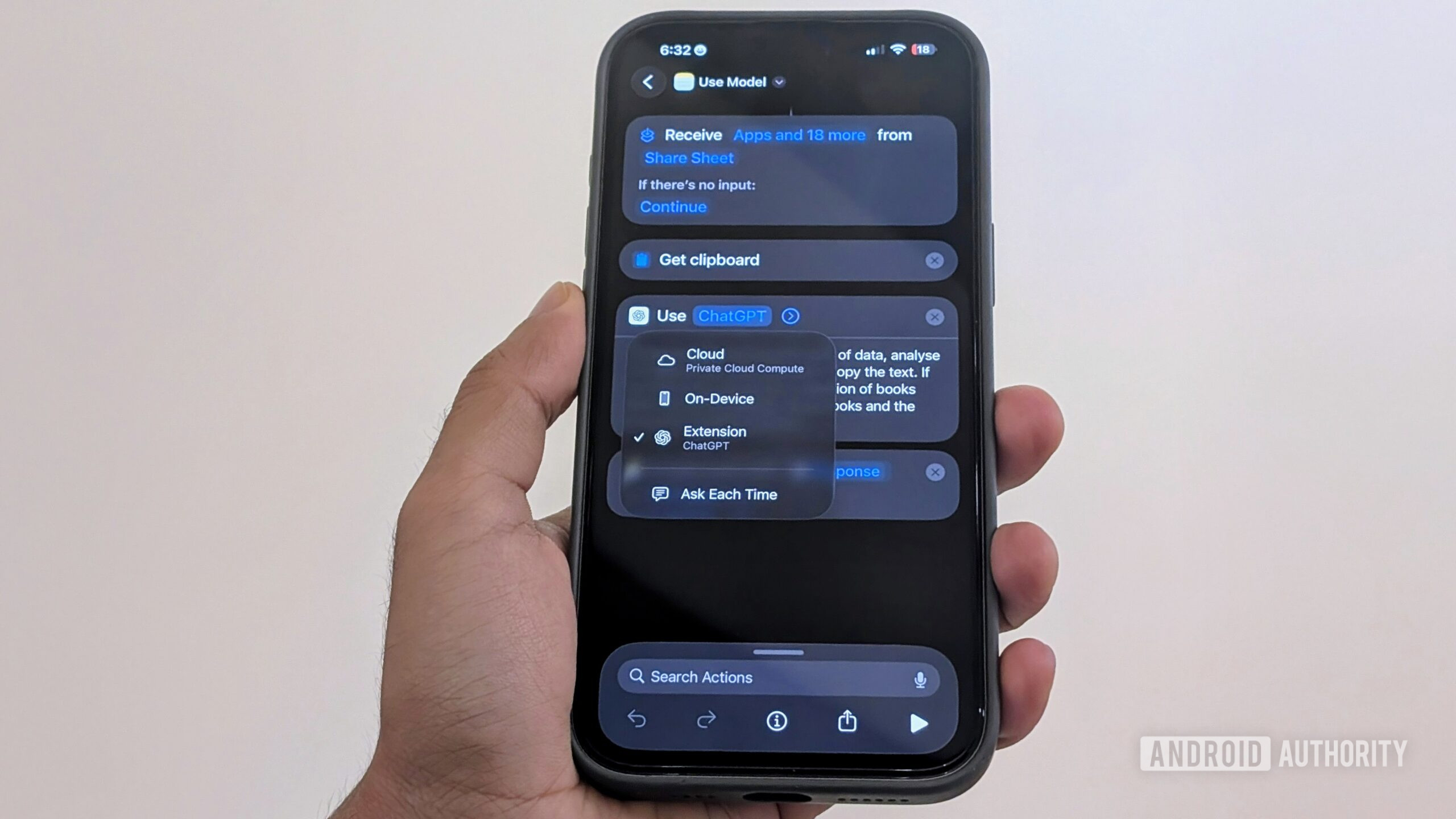
Automation has historically been touted as an exclusive playground for power-user mobile operating systems, yet Apple has quietly democratized and streamlined workflow automation through its native Shortcuts app. Building complex, multi-step routines—such as dynamically converting highlighted text into an audio file, executing structured time-blocking timers, parsing URLs, generating custom GIFs, or interacting with web APIs—is remarkably accessible. The application provides a robust library of pre-made templates while offering a visual node-based logic engine that allows advanced users to build sophisticated scripts from scratch.
Within the Android ecosystem, automation is notably disjointed. While Google Pixel devices feature lightweight context-aware routines, and Samsung’s Modes and Routines offer greater depth, they frequently struggle with deep integration across diverse third-party application ecosystems. True advanced automation on Android generally forces enthusiasts to rely on third-party utilities like Tasker or MacroDroid. While immensely powerful, these apps demand steep learning curves, lack native polish, and introduce external developer dependencies that average consumers will never navigate.
Spotlight Search as a Unified System Hub
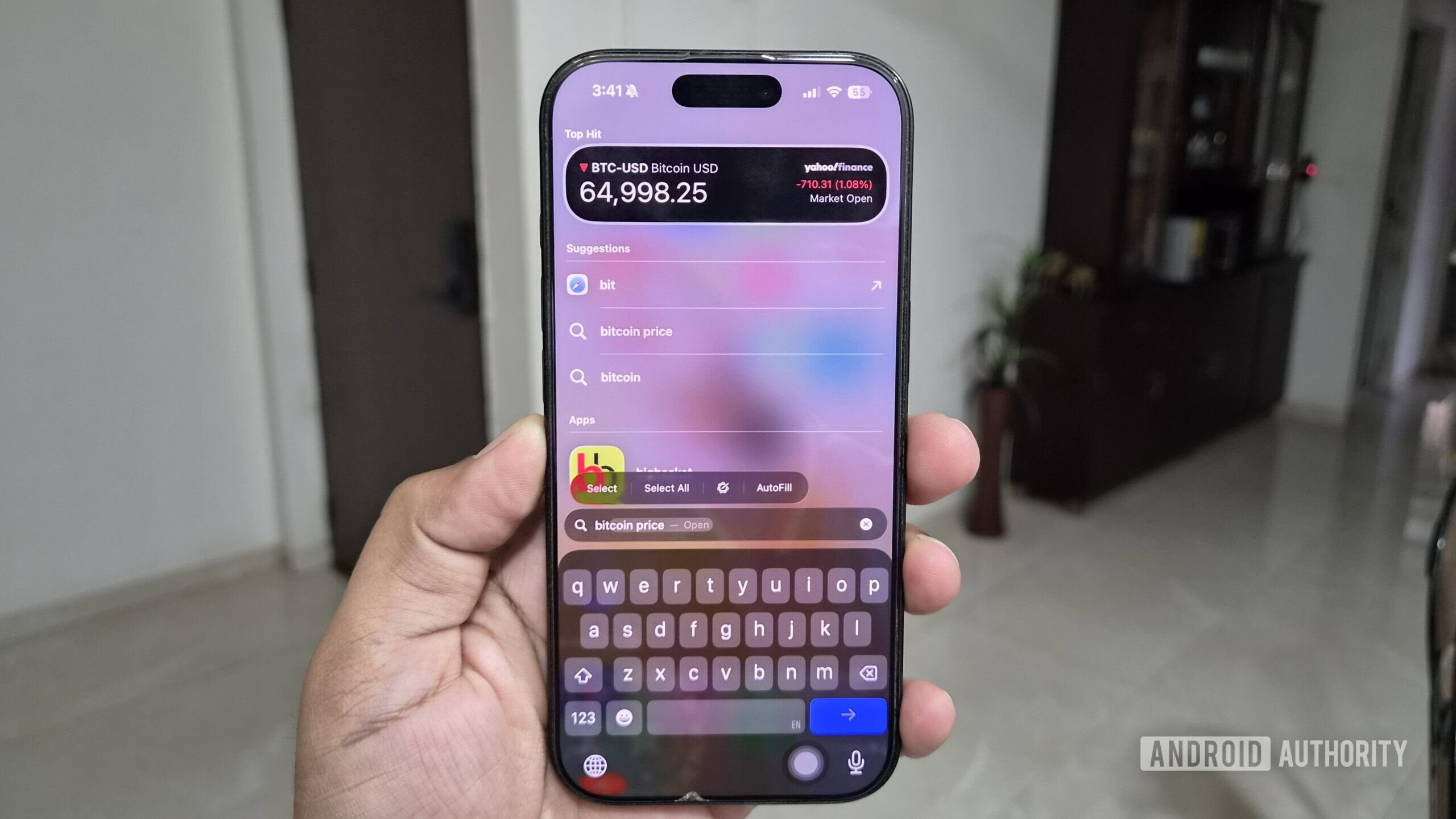
Swiping downward from virtually anywhere within the iOS home screen summons Spotlight search, an interface element that operates with terrifying speed and capability. Acting as a centralized neural hub for the entire device, Spotlight aggregates local contacts, deep-app message histories, cloud files, unit conversions, instant app downloads, live financial ticker data, alarm controls, and web queries into a single lightning-fast query interface. Users can complete complex multi-step digital tasks without ever hunting for individual app icons.
Android’s approach to global system search, conversely, suffers from fragmentation. While Samsung’s proprietary device finder and Google’s Pixel launcher search offer competent localized indexing, there is no universally optimized, system-level search standard across all Android hardware variants. Depending on whether a user purchases a Motorola, OnePlus, or Xiaomi device, the global search experience varies wildly in speed, indexing depth, and cross-application integration, leaving a noticeable gap in platform-wide consistency.
Comprehensive Cloud Backups That Leave Zero Residue
Perhaps the most glaring structural deficiency within the Android ecosystem lies in its fragmented backup and device-migration architecture. Apple’s iCloud backup paradigm operates with absolute thoroughness. When configured, it captures virtually every facet of the user’s digital footprint: application binaries, localized settings, messaging archives, media libraries, credential vaults, health data, and system configurations. Transitioning to a new iPhone requires nothing more than entering cloud credentials; within a few hours, the new device mirrors its predecessor down to the last minute preference, entirely untethered from physical cables or cross-device peer transfers.
In contrast, Google’s native cloud backup solutions—alongside various manufacturer-specific backup suites—remain notoriously piecemeal. While Google One securely preserves contacts, call logs, and basic app data, transitioning between different Android hardware ecosystems often results in broken app states, missing permission toggles, and unrecovered local data. Even cross-device transfers between identical brands can occasionally drop specialized system settings, proving that Android’s open philosophy struggles immensely with unified state replication.
The Uncompromising Architecture of Mobile Privacy
No discussion of iOS advantages can bypass the ecosystem’s aggressive, consumer-centric privacy frameworks, a domain where Apple has consistently outpaced its competitors. Features such as App Tracking Transparency (ATT) fundamentally disrupted the mobile advertising industry by forcing third-party developers to explicitly request permission before tracking user behavior across disparate applications and websites. The economic fallout—evidenced by massive quarterly revenue losses reported by major ad-reliant tech conglomerates—demonstrates the tangible efficacy of the restriction.
Complementing ATT is Apple’s Hide My Email service, which allows users to instantly generate unique, randomized cryptographic email aliases when registering for web services, keeping personal inboxes entirely shielded from targeted spam and data brokerage harvesting. Furthermore, iOS enforces sophisticated system-level protections that make native application locking and biometric verification standard across sensitive utility boundaries. While Android is gradually introducing similar modular security sandboxes, its historical openness leaves it structurally more vulnerable to aggressive telemetry collection and systemic tracking.
The Broader Industry Implications and the Road Ahead
None of the advantages detailed above are individually powerful enough to trigger a mass exodus of diehard Android enthusiasts from their preferred hardware platforms. The freedom of sideloading applications, the superiority of advanced window management, hardware diversity ranging from foldables to ultra-high-refresh-rate gaming phones, and the unparalleled customization of the user interface ensure that Android retains a fiercely loyal, highly technical consumer base.
However, consumer technology does not exist in a vacuum. As operating systems mature, the battleground has shifted from raw hardware specs—which have largely plateaued into overkill territory—to software polish, ecosystem synergy, and friction-free user experiences. Google and its hardware manufacturing partners ignore these persistent iOS strengths at their own peril. By critically analyzing what rival platforms execute with superior elegance, the Android engineering community can identify the structural blind spots necessary to forge the next generation of mobile computing supremacy.
