

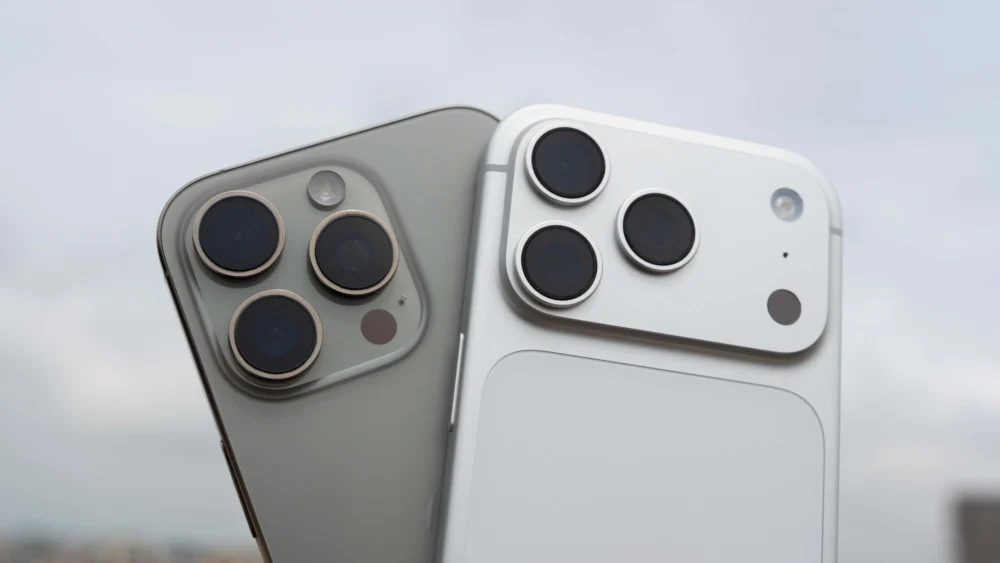
The mobile operating system landscape, despite its relative maturity in 2026, remains characterized by distinct philosophical divides between its two dominant players: Google’s Android and Apple’s iOS. While Android offers unparalleled customization, hardware diversity, and open-source flexibility—qualities deeply appreciated by enthusiasts—it consistently falters in one critical, user-facing area: the process of migrating data to a new device. Having navigated upgrades across both ecosystems, the stark contrast in the transition experience is palpable, making Apple’s proprietary synchronization methodology the singular feature Android needs to comprehensively emulate.
This isn’t merely about transferring contacts or photos; it is about replicating the state of a user’s digital life instantaneously. When a user invests in a new flagship—be it a Pixel, a Samsung Galaxy, or a device from another OEM—the expectation should be immediate continuity. The current Android reality, however, often necessitates a multi-hour, manual re-establishment of the user environment, a process that feels archaic when compared to the nearly magical simplicity achieved by Apple.
The Context: Ecosystem Control as a Migration Advantage
To understand the disparity, one must first acknowledge the inherent structural differences between the platforms. Apple’s walled garden approach, often criticized for its rigidity, is precisely what facilitates its flawless migration toolset. Since Apple controls the hardware (the iPhone) and the software (iOS) end-to-end, they guarantee a uniform API for data backup and restoration. Every iPhone runs a version of iOS that adheres strictly to Apple’s defined protocols for system state storage, app data encapsulation, and credential handling.
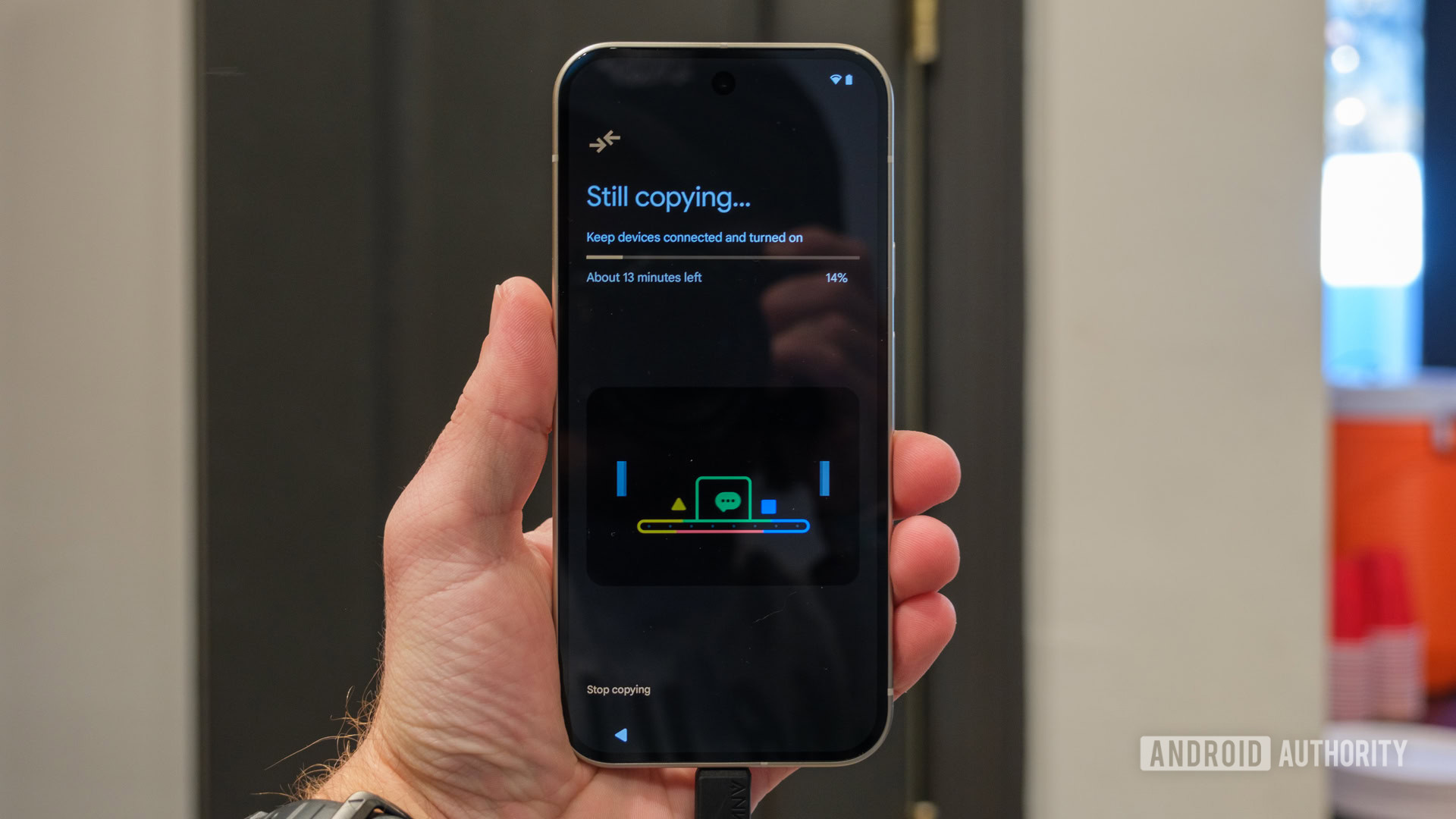
Conversely, Android operates on a fractured foundation. While Google provides the core operating system and the foundational Google Backup services through Google Drive, the final implementation is filtered through layers of OEM skins (One UI, OxygenOS, etc.) and carrier customizations. This fragmentation means that when a user moves from, say, a Xiaomi device running MIUI to a Google Pixel running stock Android, the transfer mechanism must contend with differing local storage schemas, proprietary feature implementations, and varying degrees of OS integration. The result is a transfer utility that often feels like a data dump rather than a true system clone.
The Benchmark: Apple’s Near-Perfect Device Cloning
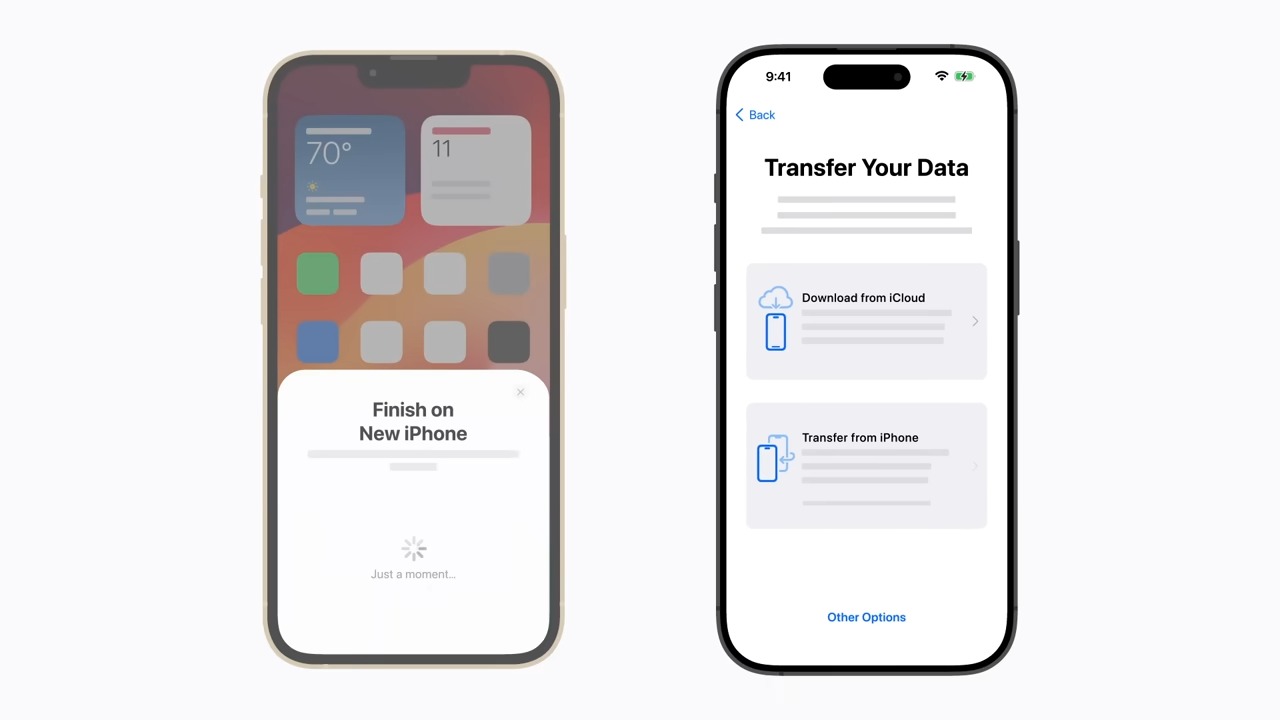
The envy of the Android world is Apple’s "Quick Start" feature, which allows for direct, device-to-device data transfer, typically over a local Wi-Fi connection or a direct peer-to-peer link. This process goes far beyond basic file transfer. It meticulously clones system settings, notification preferences, organizational layouts (like the arrangement of icons on the home screen and within folders), and critically, the login state of installed applications.
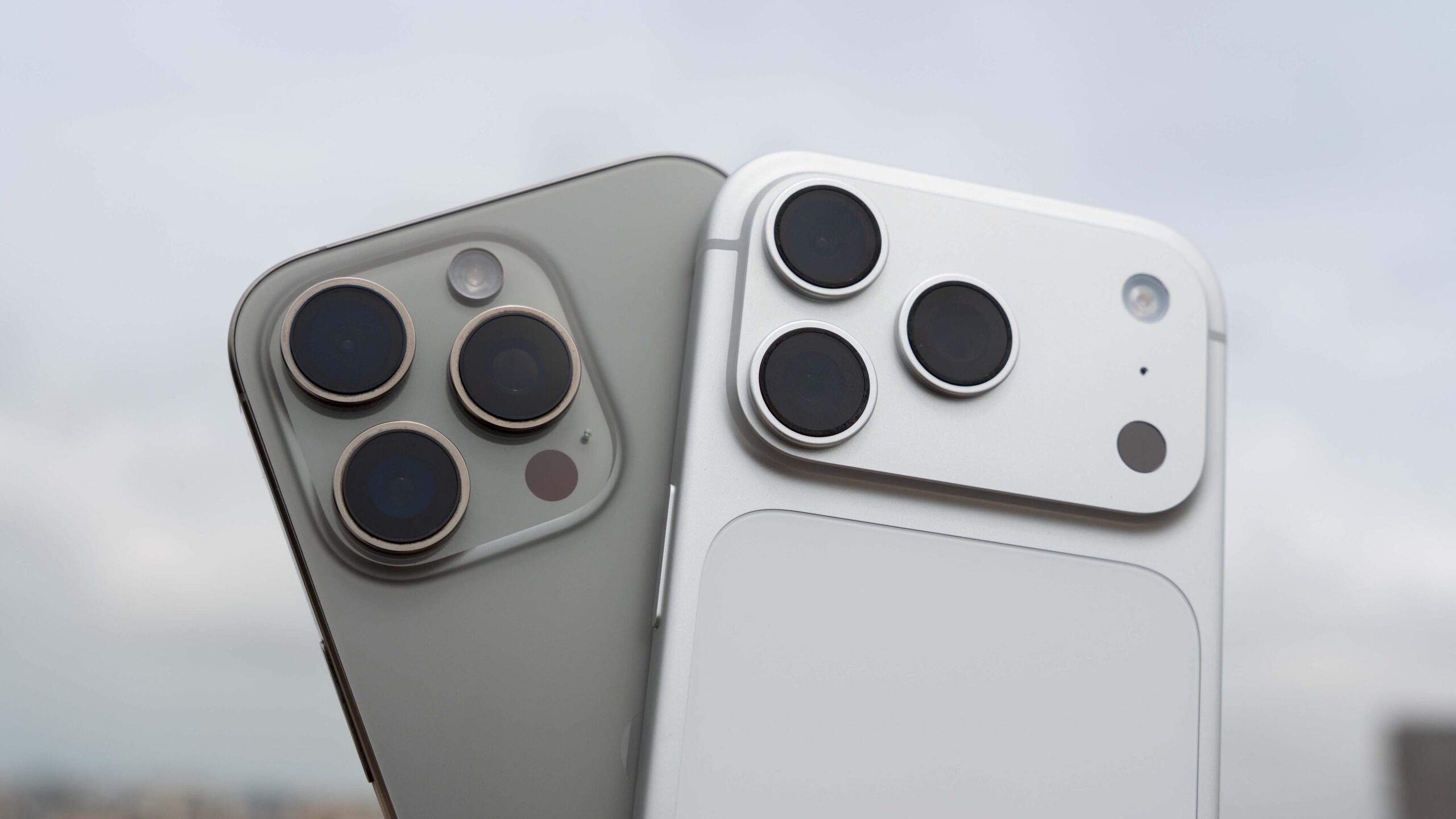
The preservation of application sign-in status is the single most disruptive element missing from the Android transition. When an iPhone moves to a new iPhone, the user seldom needs to re-authenticate in banking apps, social media platforms, or productivity suites. This is a massive time-saver and frustration-reducer. For the average user upgrading every two to three years, this seamless transition reinforces brand loyalty and minimizes perceived downtime.
Furthermore, Apple cleverly utilizes iCloud to bridge physical proximity gaps. The provision of temporary, extended iCloud storage during a new phone purchase allows users who need to immediately trade in their old device to perform a complete, cloud-based restoration. This preemptive backup capability ensures that even if the old device is relinquished at the point of sale, the new device is ready to go upon unboxing. While Samsung has attempted to mimic this with Samsung Cloud for Galaxy users, a universal, Google-mandated equivalent for the entire Android base remains elusive.
Android’s Current State: A Patchwork of Imperfection
The Android migration process, even in 2026, remains a multi-tiered disappointment.
1. Intra-OEM Transfers (e.g., Pixel to Pixel, Samsung to Samsung)
Within the same manufacturer, the experience is "tolerable." Samsung’s Smart Switch or Google’s built-in transfer tool can move core data effectively—SMS threads, contacts, and basic app lists are usually accounted for. However, the granular details are often lost. System-level customizations, specific keyboard dictionary entries, and custom notification profiles rarely survive intact. Crucially, the sign-in status issue persists, forcing users to engage in dozens of separate login rituals.
2. Cross-OEM Transfers (The OEM Desert)
Switching between brands—the very freedom Android champions—becomes an exercise in digital reconstruction. Migration tools provided by different OEMs often clash or fail to recognize the specific data structures of another manufacturer’s former system state. This often defaults the user back to the basic Google Drive backup, which, as noted, is fundamentally incomplete.
The loss of application permissions is a particularly insidious failure point. A user restores their device, installs WhatsApp, and finds video calls are malfunctioning, only to discover post-hoc that the camera permission was never re-granted because the restoration process failed to carry that specific security token over. These are small issues that aggregate into a feeling of fundamental instability during a major hardware change.
3. Media File Chaos
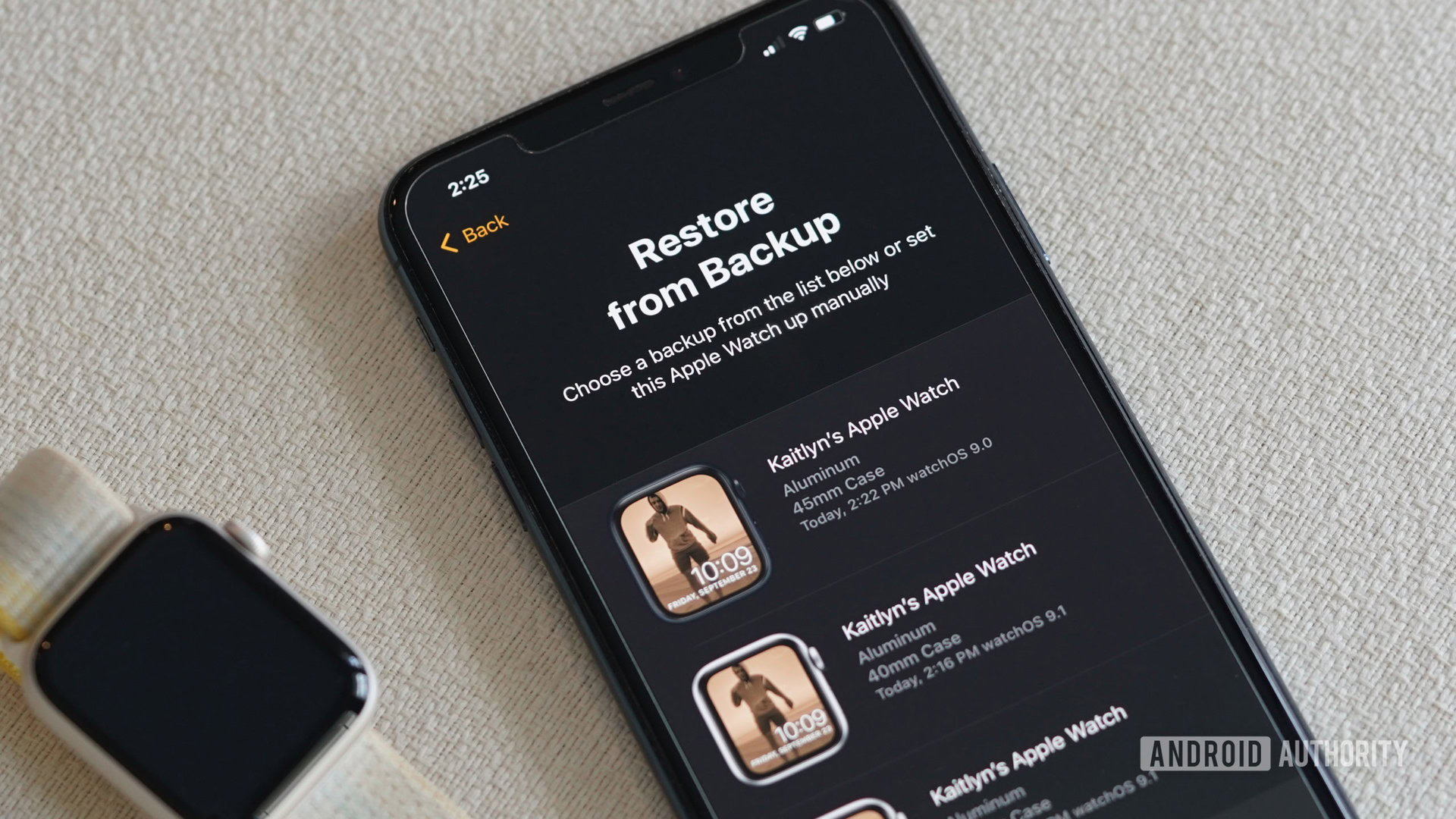
Even when media files—photos and videos—are successfully transferred, the organizational integrity is frequently compromised. OEM tools often flatten the directory structure, dumping all images into a single "DCIM" or "Pictures" folder, obliterating custom albums, screenshots separated by app, and download locations. This forces the user to spend significant time manually sorting media that should have been preserved according to its original metadata and location structure.
Industry Implications and Expert Analysis
The persistent failure of Android migration has profound implications for consumer behavior and the competitive balance of the mobile market.
Customer Retention and Upgrade Friction: Migration friction acts as a silent tax on switching. While the open nature of Android encourages users to explore different manufacturers, the pain of setup actively discourages them. A user comfortable with a Samsung interface might tolerate software quirks for two years rather than face the prospect of spending an entire evening re-logging into 50 different apps and resetting two-factor authentication tokens. This friction inadvertently props up brand loyalty, ironically limiting the very hardware diversity Android prides itself on.
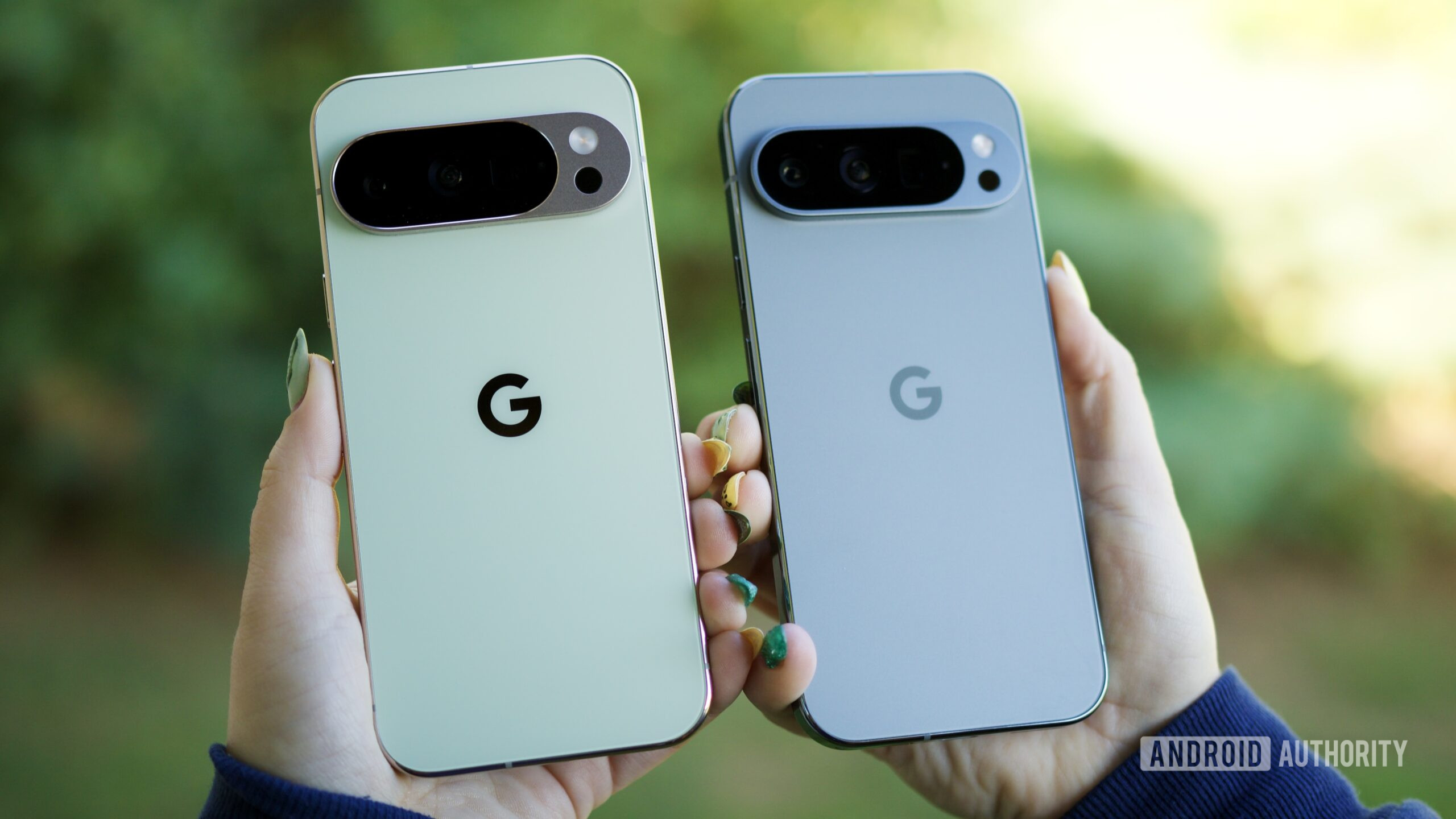
The Security Trade-off: The most significant barrier to achieving Apple-like seamlessness is the security model surrounding application credentials. Apple can dictate precisely how credentials are encrypted and transferred between devices under the user’s explicit biometric verification. In Android, while Google’s Restore Credentials API is a commendable step, its success relies entirely on third-party developer adoption. Until this API becomes a mandatory requirement for apps distributed via the Play Store (a highly unlikely scenario given Android’s openness philosophy), the experience will remain inconsistent.
From a security architecture standpoint, Google must find a way to leverage its established encryption pathways—perhaps through an enhanced, mandatory Google One backup tier—that developers must comply with for secure credential storage, effectively abstracting the authentication process away from per-app implementation silos.
The Wearable Ecosystem Gap: The integration of companion devices, exemplified by the Apple Watch backing up seamlessly with the iPhone via iCloud, highlights another Android deficit. While Wear OS devices often pair with Google Backup, the restoration process is frequently more complex and less comprehensive than the near-instantaneous Apple Watch restore process. For a user invested in the Android ecosystem, ensuring their smartwatch configuration survives a phone replacement should not require consulting multiple support forums.
Future Trajectories and Necessary Evolution
Looking ahead to 2027 and beyond, the expectation for digital continuity will only intensify as devices become more integrated with augmented reality interfaces and complex multi-device workflows. Google’s path forward requires a radical re-prioritization of the migration experience, treating it not as a utility, but as a flagship feature.
Mandating System-Level State Transfer: Google needs to enforce stricter standards for what constitutes a "complete" Android backup. This must extend beyond simple app lists to include:
- Application State Persistence: A standardized, secure mechanism, potentially leveraging hardware security modules (like the Titan M chip in Pixels) across all compliant devices, to transfer session tokens securely, reducing reliance on developer-specific API calls for simple re-authentication.
- UI/UX Cloning: A universal protocol for transferring home screen layouts, widget configurations, and system-wide dark mode preferences, ensuring the new device looks familiar immediately.
- Permission State Synchronization: A framework that intelligently re-applies necessary runtime permissions based on the data restored, minimizing the post-setup troubleshooting required by the user.
Elevating Google One Backup: Google must transform Google One Backup from a convenient add-on into the centralized, robust core of the Android transition experience. This means offering a substantial, perhaps even free, temporary storage boost specifically tailored for device upgrades, mirroring Apple’s trade-in strategy. The current 15GB free tier is insufficient for modern data volumes, especially when factoring in high-resolution media and large application caches.

Bridging the OEM Divide: The ultimate challenge lies in harmonizing the disparate OEM visions under a unified Google umbrella for migration purposes. While manufacturers will always differentiate through custom launchers and features, the underlying mechanism for state transfer must be standardized at the Android OS level, perhaps similar to how Google mandates specific security patch levels or connectivity standards. If a device ships with Google Mobile Services, the migration capability should meet a baseline standard set by Mountain View, regardless of the OEM’s overlay.
In conclusion, Android has mastered the art of openness, choice, and feature depth. However, this freedom comes at the cost of user convenience during the most critical moment of the device lifecycle: the upgrade. For Android to truly compete on the holistic user experience front—a metric where Apple currently holds a decisive, frustratingly simple advantage—Google must commit engineering resources to make device migration an invisible, effortless act. Copying the effect of Apple’s seamless transfer, even if the underlying architecture must remain fundamentally different due to Android’s open nature, is the single most vital, yet neglected, feature for the platform’s continued mainstream success. The patience of users who relish Android’s flexibility wears thin when faced with hours of tedious, repetitive setup tasks on their brand-new hardware. The time for incremental improvements is over; a full architectural overhaul of Android backup and restore is long overdue.