

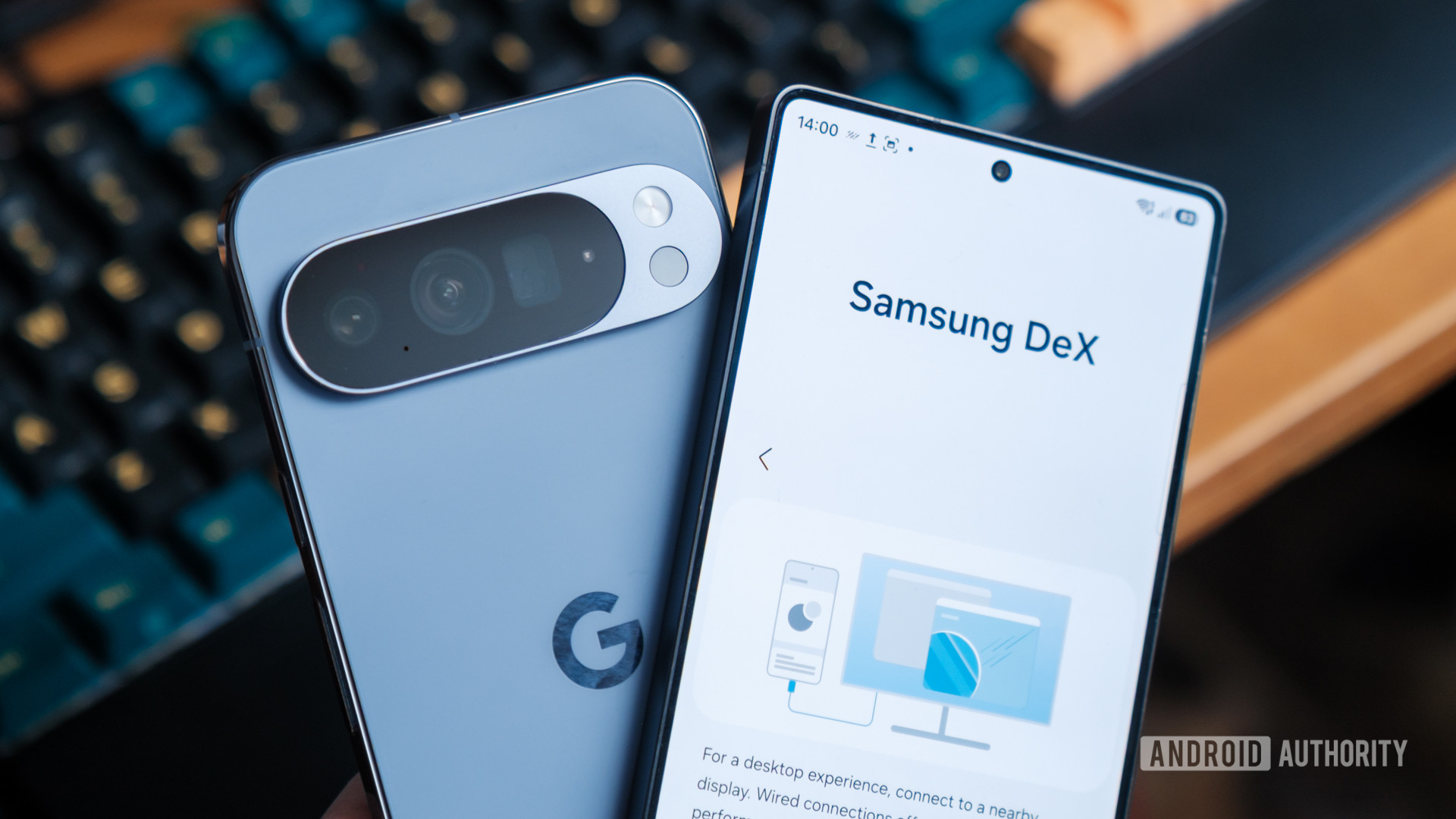
The concept of transforming a pocket-sized smartphone into a fully functional desktop workstation is no longer the stuff of science fiction; it represents a critical frontier in mobile computing evolution. For years, Samsung has championed this vision with its robust DeX platform, establishing a high watermark for integrating a sophisticated, PC-like environment directly from an Android device. Now, with the advent of Google’s native Pixel Desktop Mode, the landscape is shifting. This development isn’t merely a reactive measure; it signifies Google’s commitment to unifying the operating system experience across form factors, potentially setting the stage for the eventual mainstream acceptance of the "phone-as-PC" paradigm.
The arrival of Pixel Desktop Mode on flagship devices like the Pixel 10 Pro XL immediately forces a direct comparison with the incumbent champion, Samsung DeX, which has enjoyed a significant head start since its 2017 debut. While both solutions aim for the same ultimate goal—seamless productivity extension—their underlying engineering philosophies diverge significantly, leading to distinct user experiences even when running the same core applications. Understanding these architectural nuances is key to discerning which approach offers superior utility for the modern mobile professional.
The Foundational Split: Native Windowing vs. Custom Shell
At the most fundamental level, the difference between Pixel Desktop Mode and Samsung DeX lies in how each system addresses the inherent limitations of a mobile-first operating system when tethered to a large display.
Pixel Desktop Mode embraces a native approach. It utilizes the core Android operating system and leverages the advancements Google has made in native window management, allowing applications to render within resizable, floating windows directly atop the standard Android instance. This is an ecosystem-level integration, relying on the operating system’s intrinsic ability to handle multi-windowing for larger screens. The promise here is purity: the desktop experience is Android, just rendered differently.
Samsung DeX, conversely, employs a layer approach. It functions as a sophisticated, proprietary desktop shell built on top of Samsung’s One UI layer, which itself sits atop Android. When a DeX session initiates, Samsung effectively substitutes Android’s default window manager and user interface elements with its own highly tailored environment. While apps still execute within the familiar Android OS instance, the presentation, task management, and system interactions are governed by Samsung’s customized code, designed specifically to mimic traditional desktop conventions.
This architectural divergence has palpable effects on stability, feature parity, and developer compatibility. The native approach of Pixel Desktop Mode suggests better long-term scalability as Android itself evolves to support more diverse screen sizes (like foldables and tablets). However, Samsung’s layered approach, forged over years of iterative refinement, often translates into a more immediately polished and feature-rich environment because Samsung has had the latitude to build features that AOSP (Android Open Source Project) might not prioritize.
Connectivity and Initial Setup: A Test of Maturity
Both systems offer highly accessible entry points, primarily relying on the ubiquitous USB-C connection supporting DisplayPort Alt Mode for direct video output to external monitors. Power pass-through functionality is standard across both modern implementations, ensuring that extended use does not deplete the host device’s battery prematurely. Furthermore, the plug-and-play support for standard peripherals—Bluetooth keyboards, mice, and external storage devices (USB drives, SSDs, microSD cards)—is virtually identical and instantaneous, confirming that both platforms successfully abstract the underlying hardware access for the desktop environment.
However, Samsung DeX retains an advantage rooted in its longevity: connectivity diversity. Older DeX implementations and even some current models support more avenues for connection, including specialized DeX cables and the increasingly important Wireless DeX feature. This wireless capability, mirroring the screen and interface over Wi-Fi without a physical cable, offers unparalleled convenience for impromptu presentations or transitioning between workspaces. Google’s Pixel implementation, in its current iteration, appears strictly tethered to physical USB-C to DisplayPort/HDMI adapters, indicating a more constrained initial rollout focused solely on wired desktop augmentation. This limitation positions DeX as the more flexible solution for users requiring mobility without physical dongles.
The Desktop Metaphor: Customization vs. Minimalism
The first visual impression upon docking the phone reveals the clearest philosophical gap between the two systems.
Samsung DeX immediately establishes itself as a traditional desktop operating system clone. It features a fully customizable desktop canvas where users can place application shortcuts, system icons, and, crucially, Android widgets directly onto the background. This allows for persistent, glanceable information—weather widgets, persistent notes, or system monitors—to remain visible without occupying application windows. The dock, which mirrors the phone’s application bar, is positioned conventionally on the left side of the screen. DeX also supports the management of multiple independent virtual desktops, allowing power users to segment their workflows (e.g., one desktop for communication, another for coding).
Pixel Desktop Mode, conversely, presents a cleaner, almost Spartan interface. Its desktop area is largely ornamental, functioning primarily as a wallpaper container. There is no provision for persistent desktop icons or widgets. The application dock and the Android navigation buttons (Back, Home, Recents) are situated on the right side of the screen. While Pixel Desktop Mode also supports multiple virtual workspaces—a necessary feature for serious multitasking—the absence of customizable desktop elements makes it feel less like a dedicated work environment and more like a phone interface stretched across a larger canvas. This minimalist approach aligns with Google’s vision of a streamlined OS, but it sacrifices the immediate contextual awareness that DeX provides through its widget support.
Application Rendering and UI Scaling: Where Architectural Philosophy Meets Reality
The most critical benchmark for any desktop mode is how it handles the application ecosystem. Since both rely on the same underlying Android application pool, developers’ foresight in adapting their UIs for diverse aspect ratios becomes paramount.
Google has aggressively pushed developers to adopt responsive design principles, ensuring apps can handle everything from narrow portrait modes to wide tablet and foldable layouts. Pixel Desktop Mode capitalizes on this directly through the native window manager. As a window is resized, the application UI dynamically refreshes to the most appropriate layout supported by its manifest.
DeX functions similarly, leveraging the underlying Android capabilities while its own shell manages the window placement and resizing directives. In testing, both platforms proved highly capable with modern, well-coded applications. Apps designed for tablets or foldables scale fluidly, maximizing screen real estate effectively.
However, the Achilles’ heel in both systems remains legacy applications—older apps not updated for modern Android windowing specifications. In previous iterations, DeX often forced these non-compliant apps into fixed, non-resizable windows to maintain functionality. Anecdotally, the new Pixel implementation sometimes struggled more severely with these older titles, occasionally defaulting to a full-screen, unresponsive state when attempting to force a resize, suggesting that the native window manager might be less forgiving than Samsung’s customized shell layer when encountering poorly optimized codebases.
A notable disparity arises in web browsing. On DeX, Chrome often exhibits aggressive scaling that forces the mobile version of websites, leading to awkward layout issues on a large monitor, necessitating frequent manual requests for the desktop site view. Samsung Internet, optimized for DeX, generally performs flawlessly. Conversely, Google has invested effort in ensuring Chrome renders a more conventional desktop layout in Pixel Desktop Mode, although it notably lacks support for essential desktop features like browser extensions—a significant omission for many professional users.
System Integration and User Experience Refinements
The most compelling arguments for DeX stem from its accumulated refinements in system-level integration, features that Google’s newer system has yet to match. These are the "quality-of-life" differentiators that turn a functional mode into a truly productive environment.
Notifications and System Tray: This is perhaps the most glaring functional gap. Samsung DeX integrates a conventional PC-style system tray (or notification area) in the corner of the screen. This area houses persistent icons for connectivity, battery status, time, and crucially, provides quick access to notifications. Tapping a notification brings up a small, contextual pop-up window, allowing the user to triage messages or adjust settings (like toggling Wi-Fi) without interrupting the fullscreen application workflow.
Pixel Desktop Mode adheres strictly to the mobile paradigm. Quick settings and notifications are accessed by pulling down from the top of the screen, mirroring the phone experience. This forces the user to engage in a full-screen overlay that obscures active application windows, severely hindering rapid context switching and multitasking efficiency—a cardinal sin in desktop productivity. The small interactive icons in the status bar are also less accessible than DeX’s dedicated tray elements.
Persistent Configuration: DeX allows for distinct configuration profiles tied exclusively to the external display session. Users can set a unique wallpaper for DeX that remains independent of the phone’s lock screen or home screen setup. Furthermore, DeX offers specific timeout settings for when the external display is connected, preventing the phone screen from sleeping prematurely during a work session. Pixel Desktop Mode lacks this granular control; customization settings like wallpapers are shared across both phone and desktop interfaces, creating unwanted synchronization for users who maintain separate aesthetic profiles for their mobile and desktop contexts.
Ergonomic Aids: Samsung has integrated thoughtful touches that acknowledge the physical reality of using a phone as a tethered device. For example, the Galaxy S25 Ultra offers an on-screen touchpad button, allowing users to navigate the external display fluidly with simple screen gestures if a mouse is temporarily unavailable. This demonstrates Samsung’s comprehensive approach to the entire docking ecosystem.
Industry Implications and Future Trajectories
The introduction of Pixel Desktop Mode is more than a feature parity move; it’s a strategic alignment with Google’s broader ambition to dominate the computing ecosystem, evidenced by internal projects like the rumored "Aluminium OS." Google recognizes that the future of computing leans toward ambient, adaptable interfaces powered by increasingly capable mobile chipsets. By baking a native desktop environment directly into the core OS, Google is laying the groundwork for a universal Android experience that scales horizontally, rather than relying on manufacturer overlays like Samsung’s One UI.
This push has significant industry implications. If Google successfully standardizes native desktop windowing, it simplifies development for all OEMs, potentially leading to a flood of competent desktop modes across the Android landscape, effectively commoditizing DeX’s core functionality. However, this standardization also threatens to dilute the competitive edge Samsung has carefully cultivated.
Samsung’s advantage currently lies in its refinement. DeX is a mature product, offering features derived from years of direct user feedback focused squarely on professional desktop emulation. It prioritizes the desktop metaphor, providing familiar structures like system trays and customizable desktops. Pixel Desktop Mode, by contrast, feels like a proof of concept—a demonstration of where the operating system is headed, but not yet the best application of that concept. It prioritizes OS purity, resulting in a more phone-centric interaction model when docked.
Conclusion: The Current Hierarchy of Productivity
In the present comparison, Samsung DeX maintains its position as the superior, more complete Android desktop environment for users seeking immediate, high-fidelity productivity replacement for a traditional PC setup. Its advanced customization options, superior notification management via the system tray, and established connectivity flexibility give it a clear edge in usability and workflow integration. DeX feels like a true desktop OS layered atop the phone.
Pixel Desktop Mode is undeniably the future’s blueprint. Its reliance on native Android windowing suggests a leaner, more scalable architecture that will eventually benefit from platform-wide improvements. However, for the power user today, the current implementation feels constrained by its phone heritage—the intrusive, full-screen notification panel and the inability to customize the desktop canvas are tangible productivity roadblocks.
The gap, while substantial in terms of user experience polish, is not insurmountable. If Google iterates on its Desktop Mode with the same velocity that Samsung refined DeX over the past seven years, the technological foundation of the Pixel system strongly suggests it could surpass DeX. For now, however, the incumbent champion retains the crown due to superior execution of desktop conventions, leaving the Pixel experience as an exciting, yet functionally limited, preview of tomorrow.