

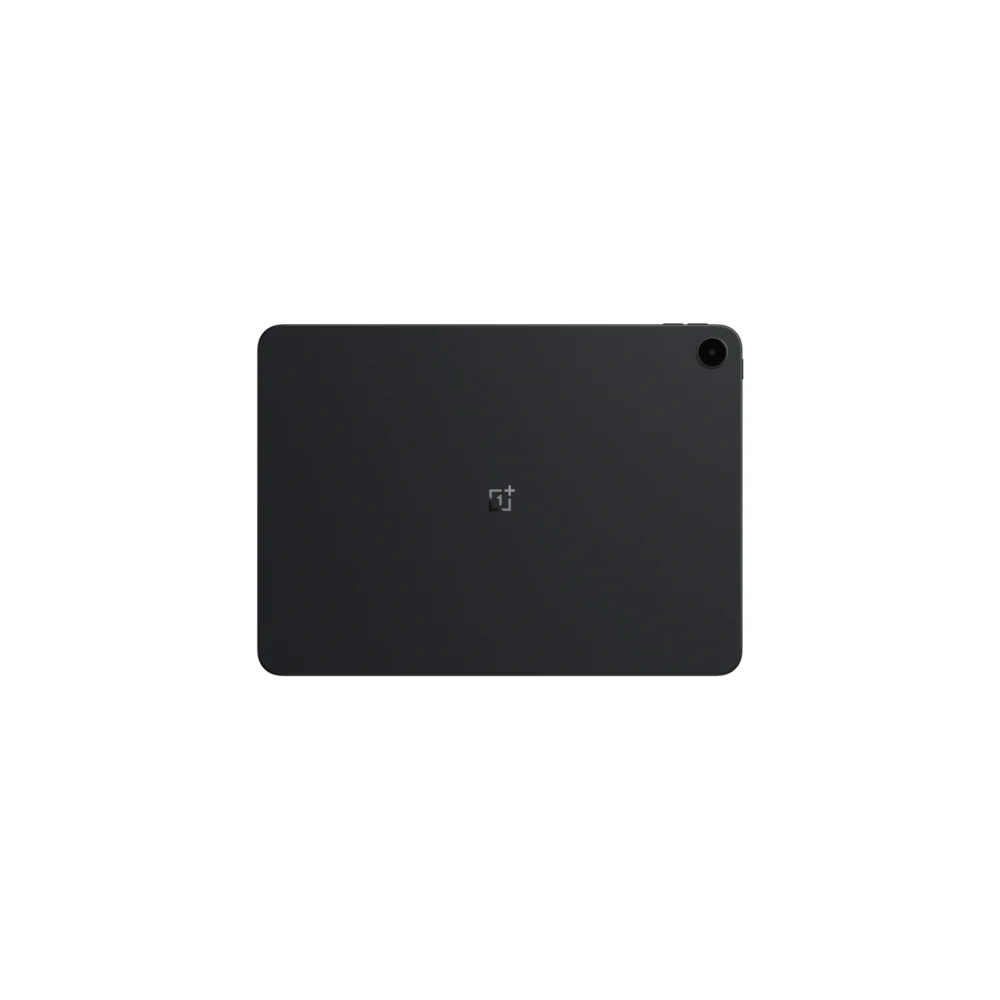
For over a decade, the Apple iPad ecosystem represented the zenith of portable computing for many professionals and creatives. From the powerhouse iPad Pro variants, often equipped with desktop-class silicon, to the highly capable iPad Air, Apple’s tablet line served as the default, safe choice, promising an unparalleled synthesis of robust hardware and refined software integration. However, the current technological landscape is experiencing a significant shift, one that challenges these long-held assumptions. Over the past month, a scenario previously unthinkable for this reviewer—a long-time iPad devotee—has materialized: the flagship tablet has been relegated to the accessory drawer in favor of the considerably more affordable OnePlus Pad Go 2, priced around the $400 mark.
This comparison, on paper, should be entirely one-sided, heavily favoring the incumbent. A fully kitted-out iPad setup, including essential peripherals like a keyboard cover and stylus, often commands a price point nearly triple that of the OnePlus device. Yet, when evaluating performance against a specific, demanding workflow centered on high-volume on-the-go learning, deep-dive research synthesis, and rapid idea capture, the OnePlus Pad Go 2 transcends its budget positioning. It is not merely a cost-effective substitute; in these focused productivity niches, it presents a demonstrably superior user experience. Abandoning the deeply entrenched Apple ecosystem for a mid-range Android slate is a paradigm shift, but one dictated by functional superiority for these core tasks. The following analysis details the specific technological and ergonomic advantages that justify this operational pivot and suggest a broader trend in the evolving tablet market.
The Ergonomic Revolution: A Productivity-Centric Aspect Ratio
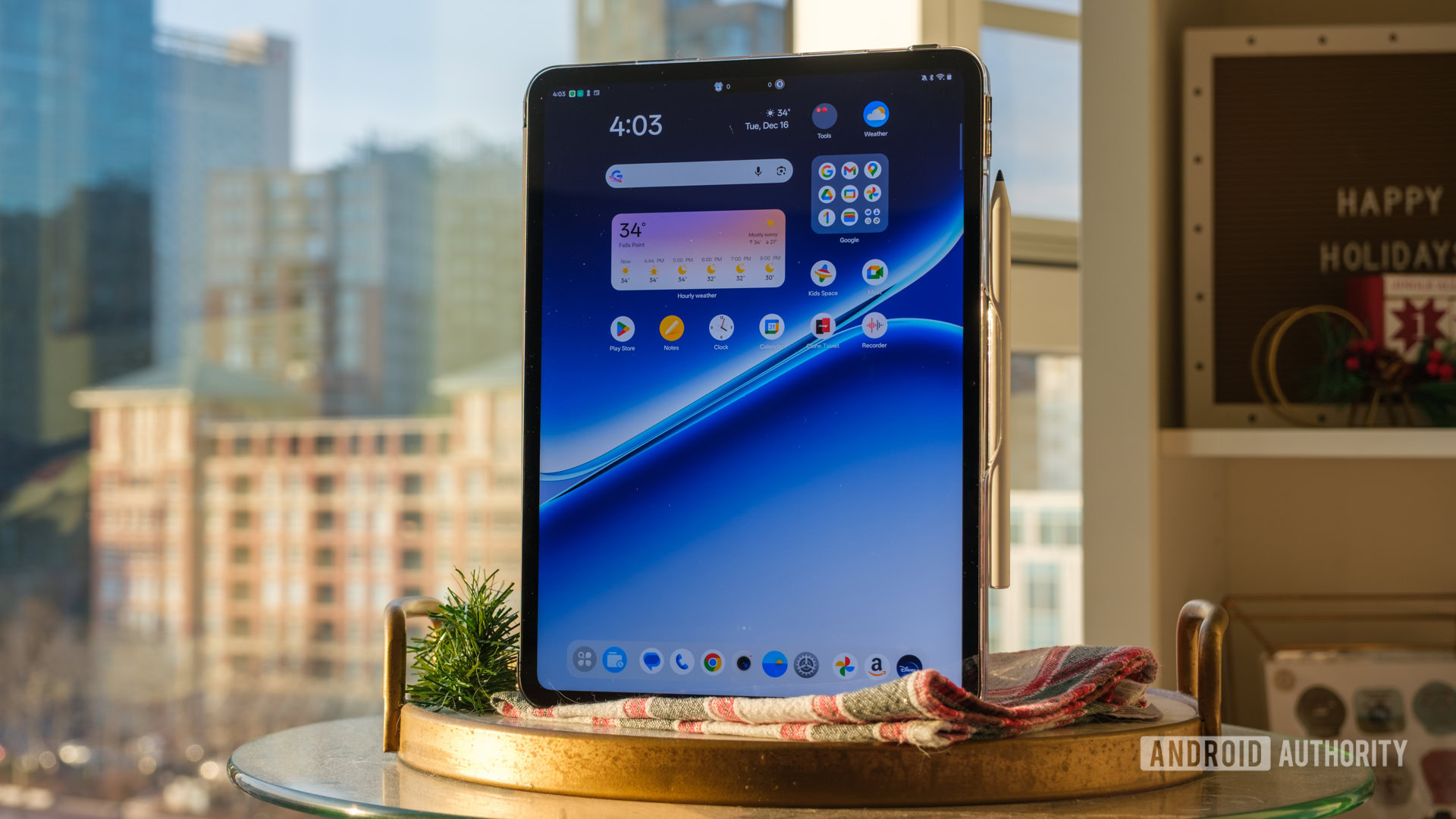
The initial and most profound divergence between this Android device and its primary competitors lies in a seemingly minor specification: the screen aspect ratio. Historically, the tablet market has been bifurcated, with most Android manufacturers defaulting to 16:10 or 16:9 displays. While these widescreen formats are perfectly adequate—even optimal—for immersive media consumption, such as streaming high-definition video from services like Netflix or YouTube, they prove deeply counterproductive for genuine productivity work. When oriented in landscape mode, these wider screens suffer from a severe lack of vertical real estate. This deficiency drastically truncates the viewable area for text-heavy content, making document review, extensive web browsing, and deep engagement with research materials unnecessarily cumbersome due to excessive scrolling.
The OnePlus Pad Go 2 consciously adopts the 7:5 aspect ratio inherited from its higher-tier sibling, the OnePlus Pad 2. This singular hardware choice fundamentally reorients the tablet experience toward utility. In practical terms, the screen presents a squarer profile, closely approximating the dimensions of standard A4 paper—the universal standard for print and documentation. While Apple’s iPad traditionally utilizes a 4:3 ratio, the 7:5 configuration often edges it out in terms of approximating a true document viewing experience, offering superior vertical density compared to the stretched widescreen formats prevalent elsewhere in the Android sphere.
This aspect ratio proves transformative when executing demanding split-screen multitasking. On most tablets, employing two applications side-by-side becomes an exercise in visual compromise, where both apps are excessively narrowed, reducing text visibility and forcing constant, frustrating reflow. The 7:5 canvas on the Pad Go 2 provides sufficient vertical breathing room, allowing two applications to coexist in a manner that feels genuinely useful. This configuration effectively mimics viewing two standard-sized smartphone screens juxtaposed, rather than two cramped, unusable widgets. From a productivity standpoint, this is a critical differentiator.

For intensive research workflows, this enhanced spatial arrangement is indispensable. The ability to maintain a reference video stream on one side while fluidly scrolling through a lengthy, dense PDF on the other is significantly enhanced. The increased vertical resolution minimizes the need for constant scrolling, allowing for sustained reading and analysis. Furthermore, the configuration actively discourages the inefficient habit of constantly rotating the device between portrait and landscape modes simply to gain context on a block of text. The intentional design choice acknowledges the enduring utility of A4 sizing, positioning the OnePlus Pad Go 2 less as a consumption device and more as a viable, portable workstation for knowledge workers.
Open Canvas: Solving Android’s Multitasking Conundrum
Hardware specifications, however compelling, are only half the story; the historical Achilles’ heel of the Android tablet environment has been software optimization. For years, the operating system felt like a scaled-up smartphone interface with minimal concessions made for large-screen ergonomics. OnePlus addresses this systemic issue head-on with its proprietary multitasking framework, Open Canvas. While not a novel invention for the brand, its implementation on this mid-range device is arguably the most mature and functional multitasking solution currently available on any tablet, including those running Apple’s iPadOS.
The contrast with Apple’s solution, Stage Manager, is stark. Stage Manager, while ambitious, often devolves into a confusing overlay of floating windows that consumes excessive screen space without providing commensurate utility, particularly for text-heavy tasks. Conversely, iPadOS’s standard Split View remains rigidly constrained, often rendering partner applications too narrow to display meaningful content without severe truncation.
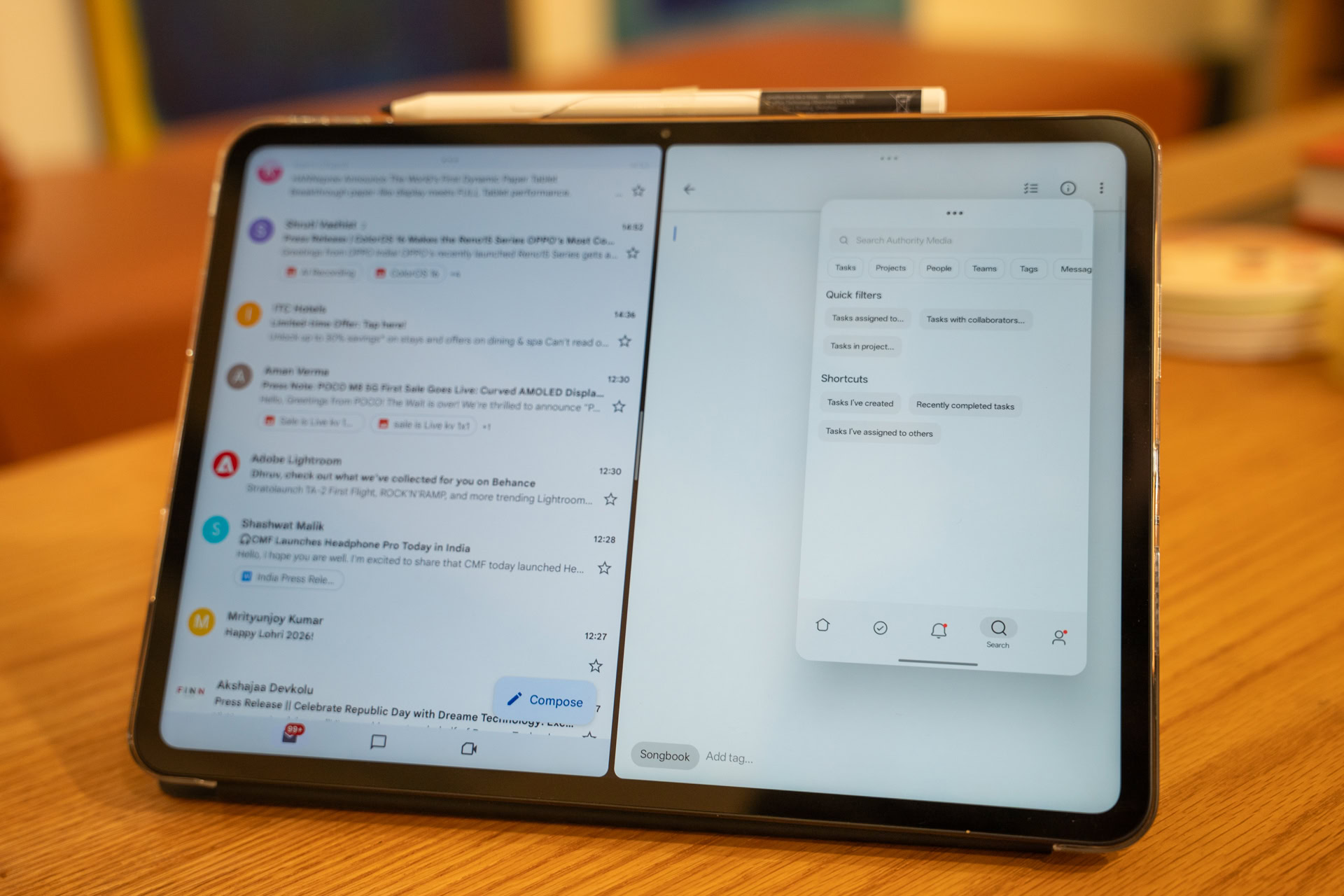
Open Canvas takes a refreshingly pragmatic approach. It supports the simultaneous operation of up to three applications, crucially avoiding the requirement that all three be visible and competing for prime screen real estate at all times. Instead, users can actively engage with two primary applications, while the third is strategically “pushed” to the side, residing in a dynamic, floating window. This secondary application can be instantly maximized, freely repositioned, or minimized as needed.
This fluidity is a massive advantage for complex workflows. Consider a research scenario: a primary browser window and a dedicated note-taking application occupy the main view. When a quick reference to a communication platform like Slack or a file management tool like Google Drive is required, a simple gesture nudges the active windows aside, sliding the necessary third application into focus. This process fluidly replicates the experience of utilizing a dual-monitor desktop setup, but miniaturized onto a single slate.
To underscore its efficacy, this entire analytical piece was composed using the device. The process involved Google Keep for initial outlines, a dedicated markdown editor for the draft, and Asana running in the peripheral Open Canvas window for task management checkpoints. The ability to seamlessly slide between these operational contexts without forcing application closures or battling aggressive RAM management constraints is a notable improvement over the current iPad experience, which often demands singular focus. The OnePlus Pad Go 2 intrinsically understands that modern productivity is context-switching, not single-threaded execution.
Elevating Note-Taking: Premium Stylus Features at a Mid-Range Cost
The historical barrier to entry for serious digital annotation on Android has often been described as the "Samsung Tax"—the necessity of purchasing a flagship Galaxy Tab S series device to gain access to a truly competent stylus experience. Lower-tier Android tablets frequently offered stylus support that was compromised by inadequate palm rejection, rudimentary pressure sensitivity, or significant input latency, rendering them suitable only for basic tapping.
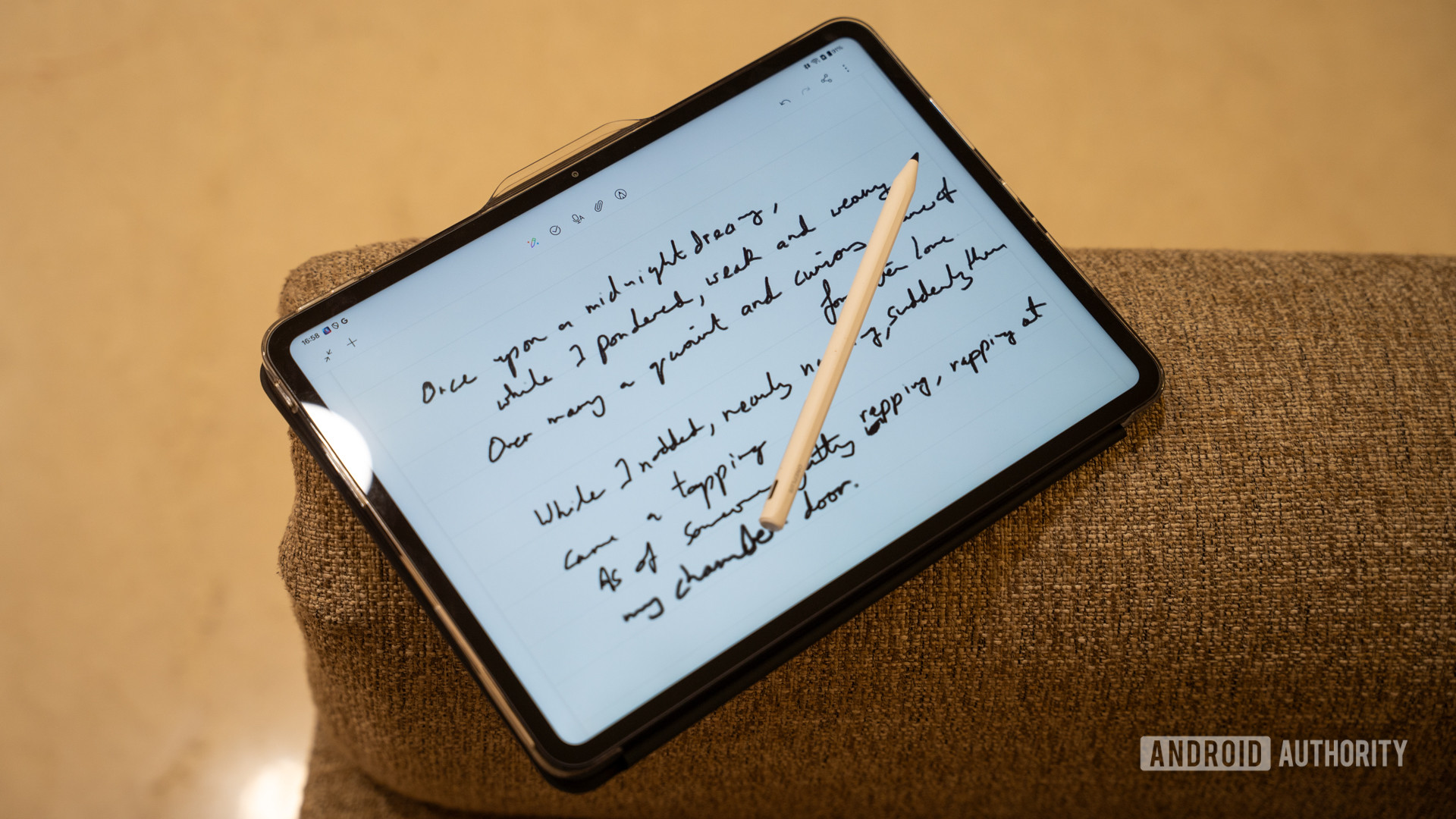
The OnePlus Pad Go 2 challenges this convention by integrating what can be considered first-class stylus support, even if it does not aim to unseat the absolute pinnacle of the market. While the accompanying stylus may not achieve the near-zero lag perfection of the latest Apple Pencil generation—the gold standard for digital artists requiring pixel-perfect responsiveness—it satisfies the vast majority of use cases encountered by students, researchers, and annotators. With 4,096 levels of pressure sensitivity and demonstrably low latency, it is more than adequate for highlighting complex documents, inscribing margin notes, and sketching conceptual diagrams.
Crucially, the physical design enhances usability. The stylus features a textured, matte finish that provides superior grip compared to slick, plasticky alternatives, and the nib offers a tactile resistance against the display glass that mimics the friction of writing on paper. Furthermore, OnePlus has intelligently woven stylus functionality into the core operating system. On an iPad, annotating a quick screenshot often involves a cumbersome sequence: capture, save, open the image, mark up, and then save/share. On the Pad Go 2, a swift corner swipe gesture initiates a screen capture that immediately transitions into an annotation canvas. These small, integrated quality-of-life enhancements aggregate into a significantly smoother, less interruptive workflow. The inclusion of magnetic charging and attachment for the stylus is another thoughtful touch often omitted in the budget segment, ensuring the tool is habitually available when needed.
The Untethered Professional: The Transformative Impact of 5G
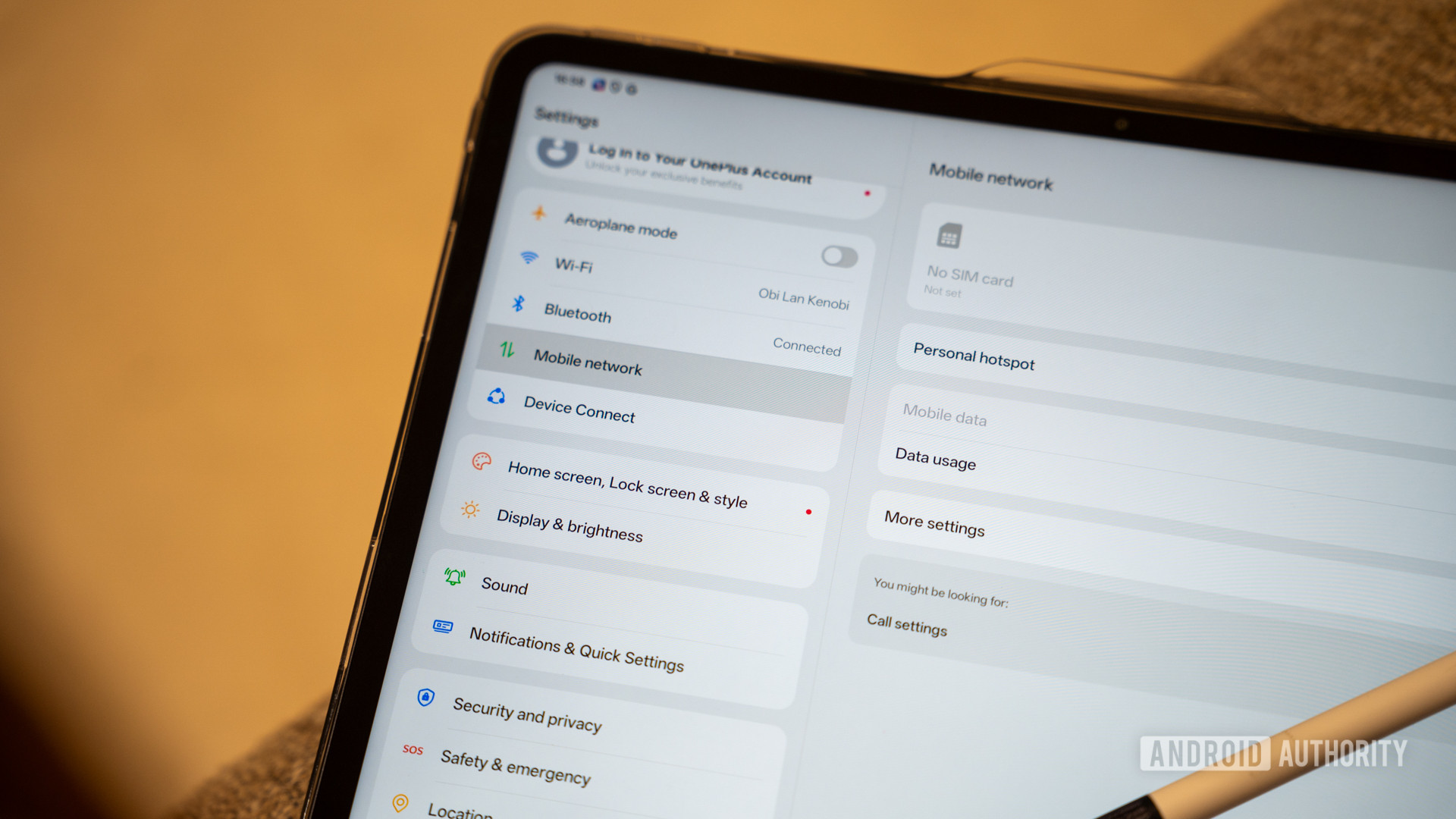
The true utility of any productivity device hinges on its ability to function reliably outside the confines of a stable Wi-Fi network. For Apple users, achieving this mobility with an iPad necessitates a significant financial commitment—often pushing the total cost towards the four-figure mark for the cellular model—plus the ongoing expense of an auxiliary data plan. While tethering via a smartphone hotspot is a viable alternative, it imposes an immediate and noticeable drain on the primary device’s battery life and requires constant manual management.
The OnePlus Pad Go 2 democratizes mobile connectivity by offering optional 5G capability at a fraction of the premium tablet cost. For a user whose workflow demands constant connectivity—whether reviewing cloud documents on a train, accessing real-time data between meetings, or handling immediate communications—this always-on capability is a revolutionary upgrade. The immediacy of accessing shared documents or responding to critical updates without needing to establish a hotspot transforms the tablet from a tethered device into a genuine extension of the primary mobile office.
This consistent, high-speed connection fundamentally alters the perception of cloud dependency. The user is liberated from the anxiety of ensuring local file copies exist or troubleshooting synchronization conflicts upon returning to Wi-Fi. Notes in Notion, research materials in Google Drive, and collaborative documents are perpetually current. This constancy fosters a mental model where the tablet is treated as an active node within the professional network, rather than a sophisticated offline reader that requires scheduled syncing sessions.
Practical Intelligence: AI Tools Designed for Friction Reduction
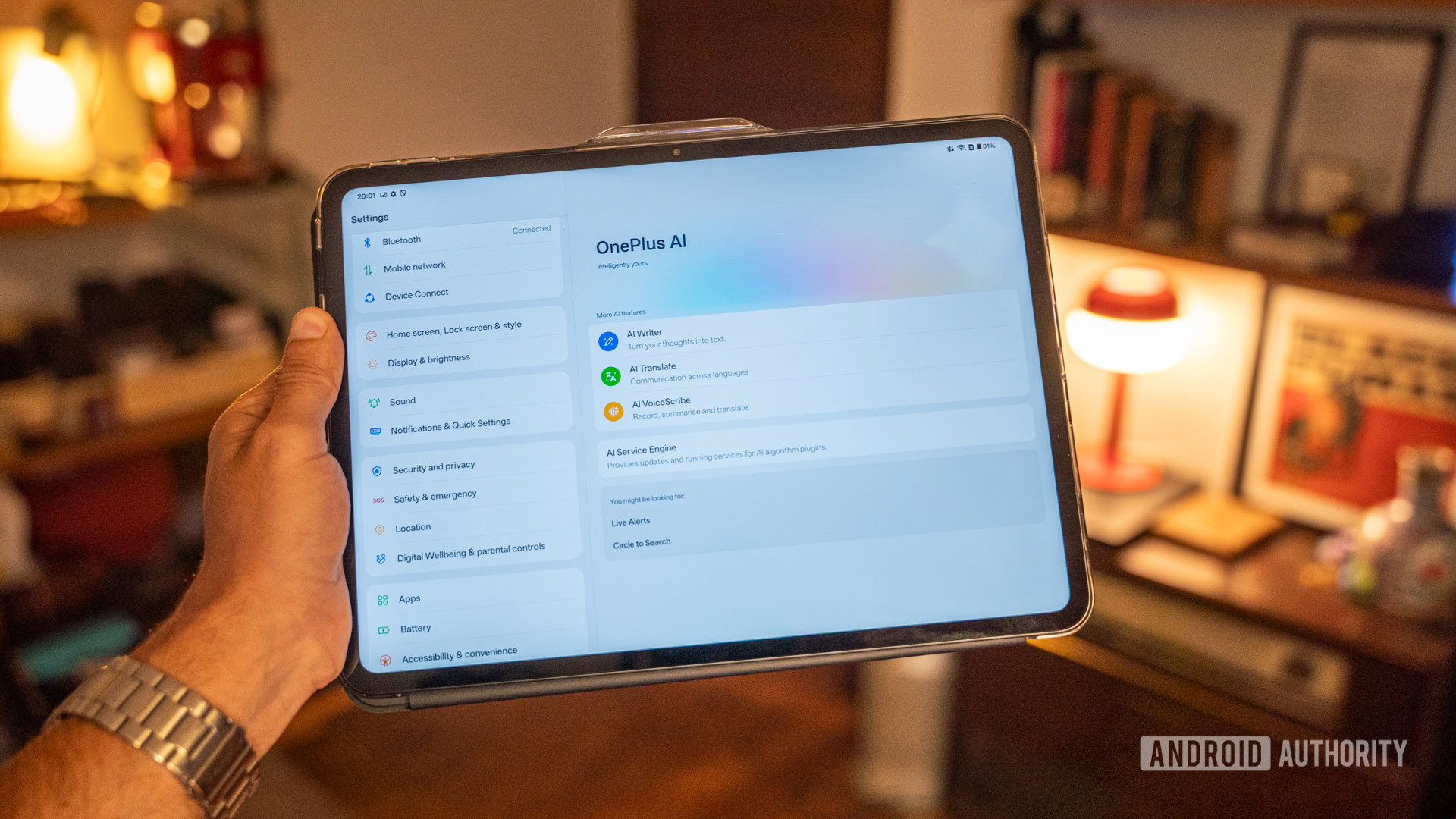
The current industry trend mandates the integration of Artificial Intelligence features across all hardware categories. While flagship smartphones often feature headline-grabbing, resource-intensive AI applications, OnePlus has adopted a more pragmatic approach for the Pad Go 2, focusing on utility rather than novelty. The implemented AI features are designed to streamline existing workflows rather than reinvent them entirely.
The OnePlus AI Writer, for instance, serves not as a replacement for human composition—a task for which it is often ill-suited—but as an effective post-composition editor. It excels at taking raw, unstructured thoughts or bullet points and refining them into coherent paragraphs or providing alternative phrasing for clarity. This functions perfectly as a lightweight assistant for polishing initial drafts derived from quick notes.
This is powerfully augmented by the AI VoiceScribe tool. This sophisticated AI-driven voice recorder provides robust transcription services for voice memos or recorded meetings. For note-takers, this means capturing spontaneous insights during a conversation and instantly generating a text outline. This transcript can then be fed directly into the AI Writer for structuring, creating a rapid iteration loop from spoken word to organized text.

Perhaps the most significant functional advantage stemming from the Android environment is its native approach to file management, which directly benefits research tools like NotebookLM. Uploading source materials (PDFs, research papers) into an AI research environment on the Pad Go 2 is remarkably straightforward: a simple drag-and-drop operation from the device’s file manager suffices. This contrasts sharply with the often-obfuscated process on iPadOS, where moving a file from a web browser into a specific third-party application frequently requires navigating layers of share sheets, relying on application-specific file support, and hoping for successful transfer protocols. The inherent, transparent file system structure of Android facilitates a more direct and less frustrating interaction with research-heavy applications.
A Dedicated Tool, Not a Compromised Laptop Substitute
The fundamental philosophical difference between the Pad Go 2 and its higher-priced Apple counterpart dictates much of its success in this specific context. The iPad, particularly those with M-series chips, is consistently marketed as a laptop replacement, pushing performance boundaries into video editing and demanding computational tasks. The OnePlus Pad Go 2 harbors no such pretense. It understands its role: a lightweight, efficient instrument optimized for reading, writing, and information absorption.
This focused design philosophy yields significant dividends in efficiency. The processor, while not benchmark-topping, is perfectly optimized for the operating system and primary applications, resulting in exceptional battery endurance. The device consistently delivers two full days of heavy, mixed usage before requiring a charge. Furthermore, its standby performance is remarkable; it can reside in a bag over a weekend and awaken on Monday morning retaining the vast majority of its charge. This reliability removes the constant "battery anxiety" associated with more powerful, but power-hungry, flagship devices.
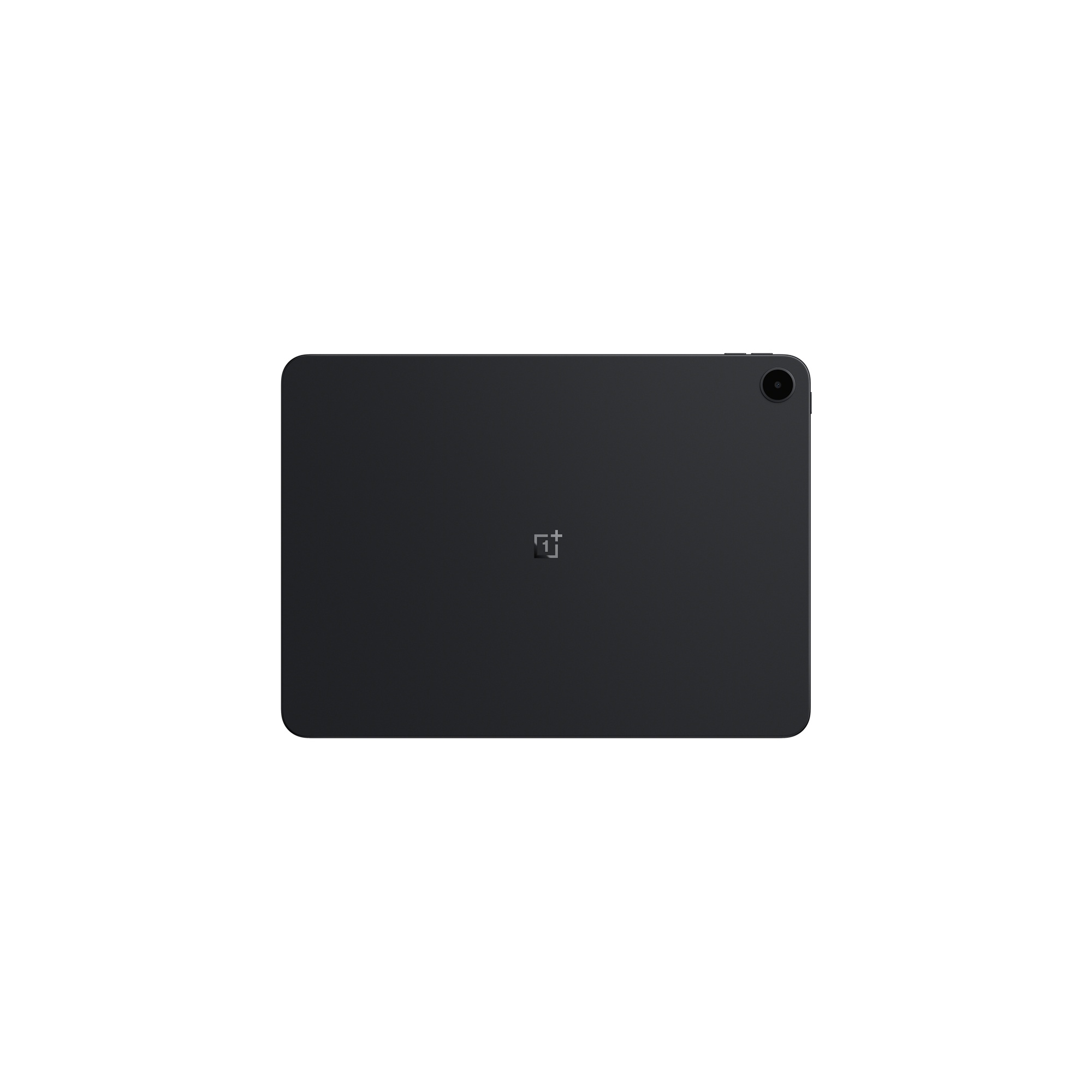
The Pad Go 2 succeeds because it embraces utilitarianism. Its build quality is sufficient that it can be carried in a standard backpack without the mandatory encasement in a rugged, heavy-duty shell, a necessity for protecting premium investments. For the niche professional—the student synthesizing lectures, the journalist compiling field notes, or the consultant reviewing dense reports—who prioritizes portability, context-switching capability, and an accessible price point, the OnePlus Pad Go 2 represents an outstanding value proposition. It supplants the aging iPad not through raw processing power, but through a superior understanding of the real-world application of a modern productivity tablet. It executes its defined function—being a highly usable tool—exceptionally well, which is precisely what the discerning mobile professional requires.
The industry implications of this shift are significant. It signals a maturation of the Android tablet segment, moving beyond merely mimicking iOS features to developing bespoke software solutions, like Open Canvas, tailored to the strengths of the platform. As manufacturers like OnePlus invest in optimizing the Android experience for larger form factors, the cost of entry for high-utility mobile computing continues to drop, forcing premium players to justify their pricing not just on benchmarks, but on tangible, daily workflow improvements. The value proposition is no longer about having the most powerful chip; it is about having the right form factor, the right aspect ratio, and the right software tools for the job at hand. The OnePlus Pad Go 2 proves that for a significant segment of the professional user base, the $400 utility slate is currently outperforming the $1,500 status symbol.