

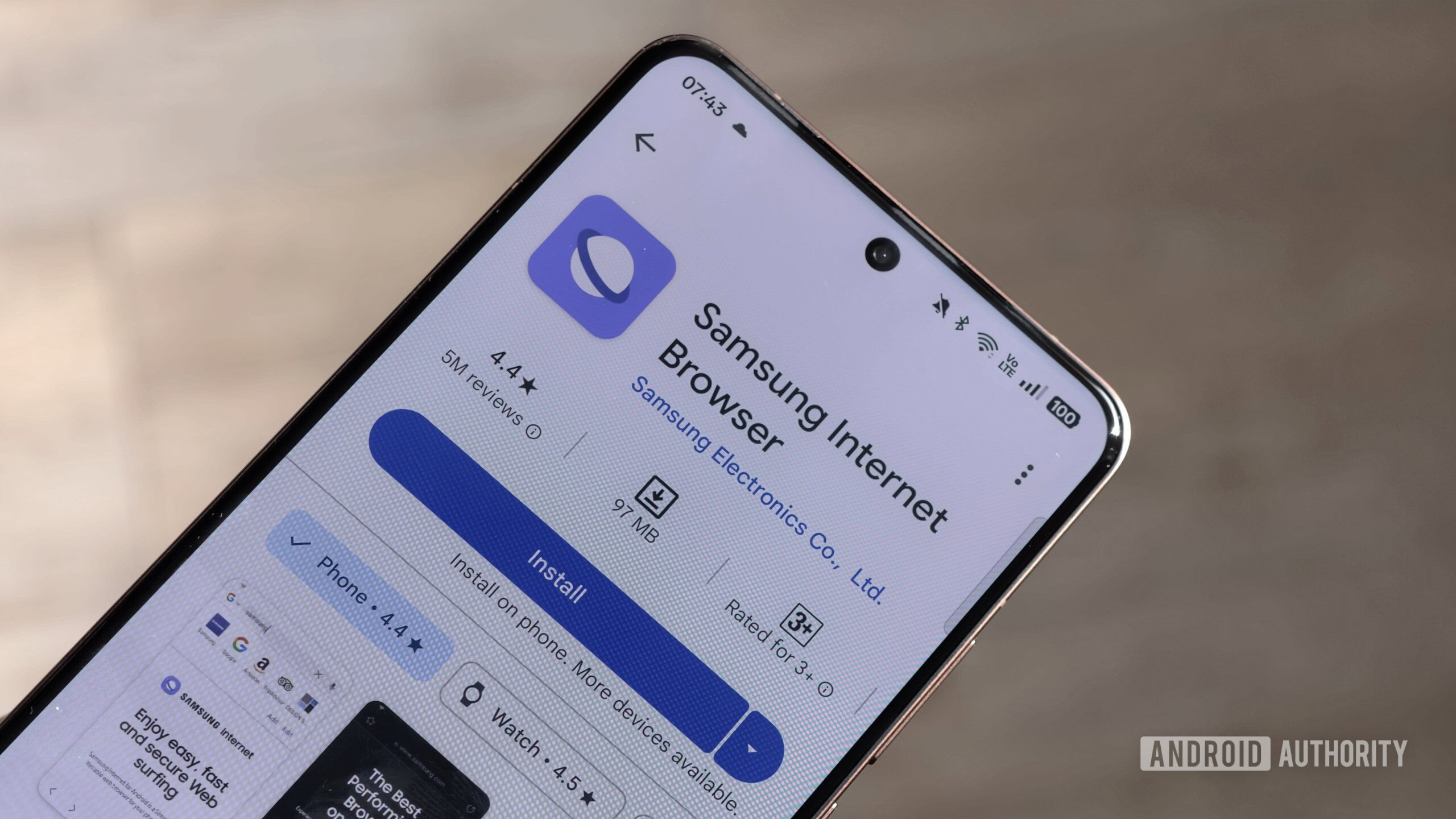
Samsung’s commitment to refining its proprietary software ecosystem continues with subtle yet significant updates bubbling up in the testing phases for its upcoming One UI 9 platform. While the user interface layer itself often garners the most attention, the underlying applications—particularly core utilities like the Samsung Browser—are receiving crucial enhancements that signal a strategic shift toward advanced mobile multitasking. A recent deep dive into pre-release builds suggests that the browser, recently streamlined under the singular moniker "Samsung Browser" from its former "Samsung Internet" designation, is set to gain native, simultaneous multi-window support, a feature that could fundamentally alter how power users interact with web content on Samsung devices.
This development is more than just a minor feature addition; it represents Samsung’s persistent effort to differentiate its Android experience, particularly for users leveraging larger-screen devices like the Galaxy Z Fold series or productivity-focused tablets. For years, managing numerous active web sessions has been relegated to the often cumbersome process of juggling numerous tabs within a single browser instance. While tabs offer organization, they frequently fail when a user needs to actively compare, contrast, or transfer data between two distinct web pages in real-time. The introduction of true multi-window capability for the browser—allowing independent, concurrently rendered windows—addresses this long-standing friction point directly.
Contextualizing the Evolution of Samsung Browser
To appreciate the weight of this potential change, one must look at the history of Samsung’s browser efforts. Unlike many competitors who have fully embraced Google Chrome as their default and often only offering, Samsung has maintained and invested heavily in its own Chromium-based browser. This dedication is strategic: it allows Samsung greater control over integration with its hardware features (like DeX, S Pen functionality, and specialized screen ratios on foldables) and provides an avenue to introduce unique features before they trickle down to the broader Android ecosystem or are implemented in Chrome.
The rebranding to simply "Samsung Browser" aligns with a broader trend of simplification and clearer product identity across Samsung’s suite. However, the real substance lies beneath the surface. Prior iterations focused on privacy enhancements, improved reading modes, and optimizations for specific Samsung hardware. The move toward true multi-window support signifies a pivot toward leveraging screen real estate for genuine parallel workflow execution, moving beyond simple visual organization toward active parallel processing.
Industry Implications: The Desktop Paradigm on Mobile
The integration of native multi-window browsing brings the mobile web experience closer to the established desktop paradigm. On Windows or macOS, users routinely have multiple browser windows open—one for research, one for drafting an email, one for monitoring a live feed, and perhaps another for general reference. Replicating this fluidity on mobile, especially on devices with large, foldable displays, is critical for professional adoption.
For flagship foldable devices, which Samsung heavily promotes as mobile productivity hubs, the lack of robust, native multi-window support in core apps creates an artificial ceiling on productivity. While Android’s general multi-window framework exists, having an application natively understand and manage multiple instances, optimizing resource allocation and input handling for each window, offers a far superior user experience. This feature suggests that Samsung is designing One UI 9 not just for aesthetic updates but for deeper functional parity with desktop operating systems, recognizing that the modern mobile workflow often involves asynchronous tasks requiring simultaneous visual reference.
Furthermore, this places pressure on other mobile browser developers. If Samsung can seamlessly implement this feature across its high-volume device base, competitors relying solely on Chrome might appear comparatively limited in their multitasking capabilities, forcing a wider industry consideration of dedicated multi-window support for web clients.
Expert Analysis: Technical Hurdles and User Benefit
Implementing simultaneous browser windows is technically non-trivial. Each new window instance requires the rendering engine (Chromium) to initiate a new, independent context. This demands careful resource management, especially concerning RAM and CPU cycles, on mobile chipsets. Samsung’s ability to demonstrate this feature on varied hardware, including older devices like the Galaxy S21 FE alongside the cutting-edge Z Fold 7, suggests significant optimization efforts are already underway to manage the overhead efficiently.
The primary benefit is contextual switching efficiency. When comparing two product specifications, or referencing a legal document while composing a summary, minimizing the cognitive load associated with switching between full-screen tabs is invaluable. Users will no longer lose their place or deal with tab reloading latency; instead, they gain visual segmentation for disparate tasks within the same application environment.
The visual cues demonstrated—showing the feature working across foldables and standard slabs—are telling. On foldables, the utility is obvious: one window on the main screen, one on the secondary, or two side-by-side on the large internal display. On traditional devices, this likely translates to utilizing Android’s split-screen or pop-up view modes with greater stability and deeper integration, potentially allowing for smoother resizing and docking of browser panes.
Further Feature Indications: AI and Cross-Device Continuity
Beyond the headline multi-window functionality, the analysis of the build reveals other intriguing developments hinting at a more interconnected and intelligent browsing experience coming with One UI 9.
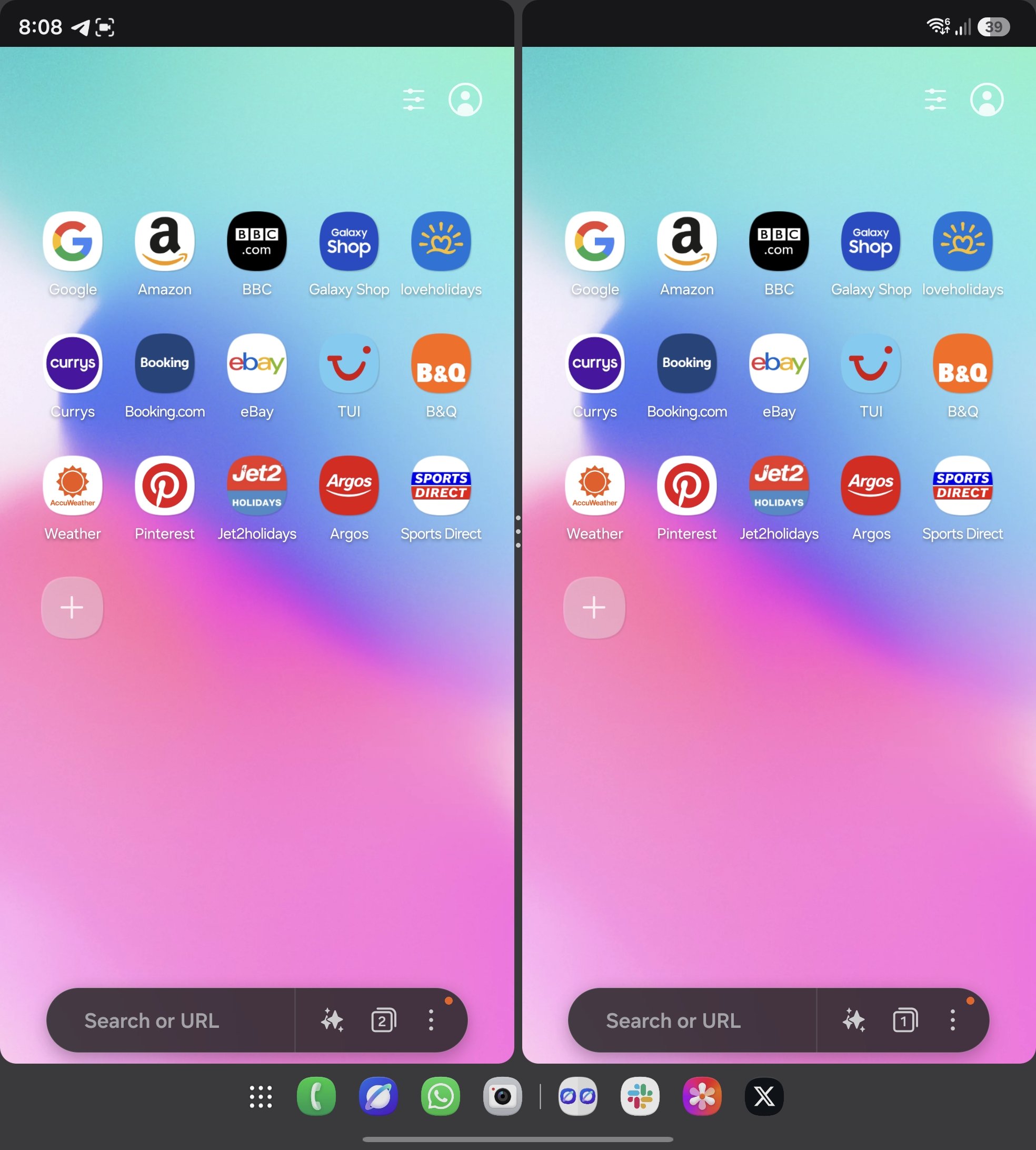
The noted appearance of the "Ask AI" feature now bearing a beta label suggests Samsung is maturing its on-device or cloud-integrated AI capabilities within the browser. This is likely tied to summarizing web pages, drafting responses based on content, or providing context-aware search refinements. The transition from a hidden, experimental feature to a marked beta indicates impending public release, positioning Samsung Browser as a key interface for Samsung’s generative AI strategy moving forward. In an era where content overload is the norm, AI-assisted summarization is becoming less of a luxury and more of a necessary feature for efficient consumption.
Equally significant is the discovery of the "Enable Cross Device Resume" toggle within the debug settings. This suggests a deeper investment in Samsung’s "Continuity" framework, aiming to bridge the gap between mobile and desktop (or other Samsung devices). While many ecosystems offer session syncing, "Cross Device Resume" implies a more immediate, perhaps even background-synced, capability to pick up exactly where a user left off—not just open tabs, but the scroll position, form data, and active state of a page—across different hardware running the updated software suite. This speaks directly to the workflow of a user moving from a quick check on their phone during transit to a deep dive on their Galaxy Book later.
The Road Ahead: One UI 9 Timeline and Feature Stability
It is crucial to manage expectations regarding the rollout. Since these features are tethered to the One UI 9 release cycle, they are currently in a volatile testing phase. One UI 9 itself is anticipated to align with the launch of the next major Android version, placing its general availability likely several months away, potentially in the late fall or early winter period following the next major hardware cycle.
Between now and the stable release, features like multi-window support can undergo substantial refinement. The implementation might evolve from a simple windowing capability to a more complex system involving better drag-and-drop functionality between windows, or integration with Samsung Notes/Email apps directly from the browser instance. The initial demonstration suggests functional parity, but the refinement phase will determine its true utility and polish.
Samsung’s iterative approach, often testing major features months in advance through these early application builds, showcases a development philosophy prioritizing robust ecosystem integration. By ensuring the browser—the primary portal to the internet—is optimized for its specific hardware capabilities (especially foldables), Samsung reinforces the value proposition of its premium devices.
This multi-window evolution in Samsung Browser for One UI 9 is a clear indicator: Samsung is doubling down on making its devices not just powerful consumption tools, but genuine, multi-threaded productivity machines capable of handling complex, concurrent digital tasks without forcing users back to a traditional desktop environment. The convergence of advanced hardware, streamlined branding, and targeted application feature updates paints a clear picture of Samsung’s vision for the future of mobile computing. The days of simply managing tabs may soon be replaced by true, parallel web workspaces. This shift elevates the utility of Samsung’s entire mobile computing stack, providing a compelling reason for power users invested in the Samsung ecosystem to anticipate the arrival of One UI 9 with genuine enthusiasm. The competitive landscape of mobile operating systems places a premium on productivity differentiation, and this browser enhancement positions Samsung strongly in that critical arena.