

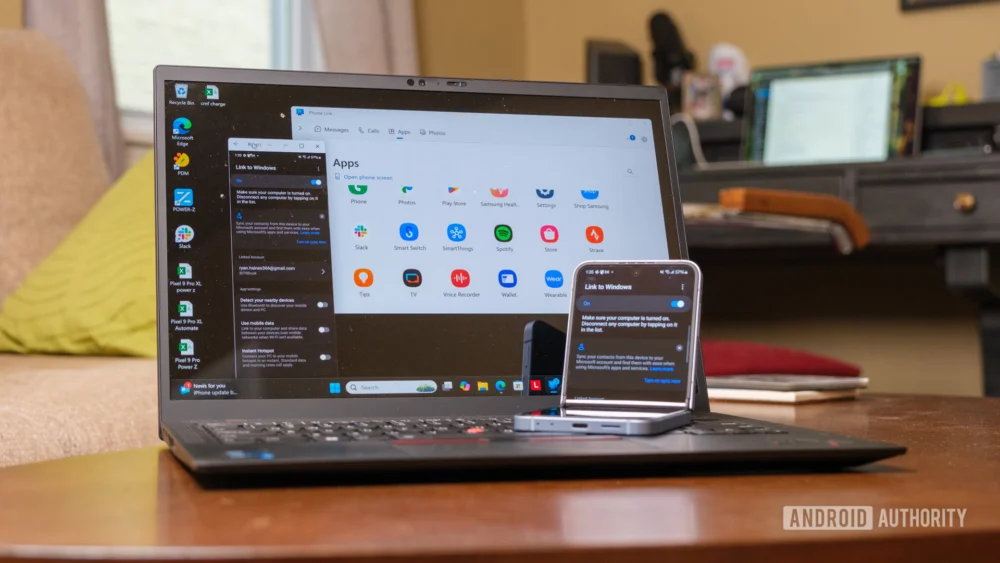
The ongoing evolution of Microsoft’s Windows 11 operating system is signaling a significant pivot toward seamless cross-device continuity, a functionality long championed by Apple’s ecosystem with features like Handoff. Recent developments, specifically the expansion of the "Cross-Device Resume" feature into the Release Preview Channel builds (26100.7701 for 24H2 and 26200.7701 for 25H2, identified by KB5074105), underscore Microsoft’s commitment to dissolving the friction between mobile Android experiences and the desktop environment. This move is not merely an incremental update; it represents a strategic architectural enhancement designed to embed the PC more deeply into the user’s continuous workflow, irrespective of the originating device.
The initial iteration of Cross-Device Resume, introduced in 2025, established the fundamental concept: allowing users to transition active application states from an Android device directly onto a Windows machine. While initial implementations focused heavily on native Microsoft services like OneDrive, this new wave of expansion demonstrates a crucial shift toward third-party integration and more complex application states. The inclusion of Spotify playback resumption, alongside continuity for Microsoft 365 applications such as Word, Excel, and PowerPoint, indicates a maturation of the underlying communication protocols linking the Windows shell with the Android subsystem.
To fully appreciate the gravity of this development, one must examine the historical context of cross-platform integration efforts. For years, the computing landscape was defined by distinct silos. Apple excelled at this vertical integration; the consistency between an iPhone, iPad, and Mac was nearly unparalleled, providing a near-magical flow of information and context. Microsoft, conversely, faced the monumental challenge of bridging the highly heterogeneous ecosystem of Android devices—a landscape characterized by numerous manufacturers, varying Android versions, and different OEM skins—with the deeply entrenched Windows desktop environment. Early attempts, such as the foundational "Link to Windows" partnership, often relied on screen mirroring or simple notification forwarding, which are fundamentally passive experiences. Cross-Device Resume, however, aims for an active, stateful handoff.
The technical architecture enabling this functionality is complex. It requires robust synchronization mechanisms that securely transmit the current state vector—such as the exact scroll position in a document, the playback time in a media stream, or the open tab layout in a browser—from the mobile device’s OS kernel layer, through the connectivity framework (likely leveraging Bluetooth LE or Wi-Fi Direct for proximity awareness), and into the Windows shell, where the corresponding desktop application must be ready to ingest and render that state instantly. When the feature extends to Spotify, it implies a partnership that allows Microsoft’s system to interact with Spotify’s local state cache or API endpoint to capture the precise moment of listening, a level of detail far beyond simple "open this app" commands.
Industry Implications: The Battle for Workflow Supremacy
This enhanced continuity feature has profound implications for the competitive dynamics between major technology platforms. For Microsoft, deepening Android integration serves a dual purpose: it strengthens Windows 11’s relevance in an increasingly mobile-first world, and it provides a compelling counter-narrative to the "walled garden" approach of Apple. By making the PC the undisputed central hub for productivity and media consumption, regardless of where the content originated, Microsoft aims to capture workflow inertia. If users can start drafting an email on their Samsung phone during a commute and instantly pivot to finishing it in Outlook on their docked PC, the switching cost associated with abandoning the Windows ecosystem increases significantly.
For Android manufacturers, particularly Samsung, which has historically been the most synergistic partner with Microsoft through deep "Link to Windows" integrations, this is a validation of their strategy to extend the mobile experience onto the desktop. These integrations create a powerful lock-in effect for premium Android hardware. A user heavily invested in the Samsung/Windows continuity loop is less likely to switch to an iPhone/Mac combination, as the friction of losing that seamless workflow would be substantial.
The integration with Microsoft 365 applications (Word, Excel, PowerPoint) is perhaps the most commercially significant aspect. These are the bedrock applications of the modern knowledge worker. Allowing instant resumption of complex spreadsheet edits or document formatting across devices ensures that the PC remains the primary editing environment, even if the initial ideation or data capture occurred on the go. This subtly reinforces the dominance of the Microsoft productivity suite over competing cloud-based solutions that may offer less granular state transfer capabilities.
Expert Analysis: Beyond Simple Mirroring
The key differentiator between this modern approach and earlier attempts at connectivity is the concept of stateful continuity. Older technologies, like basic remote desktop or simple app launching, required the user to manually reorient themselves upon switching devices. Cross-Device Resume aims to eliminate that cognitive load.
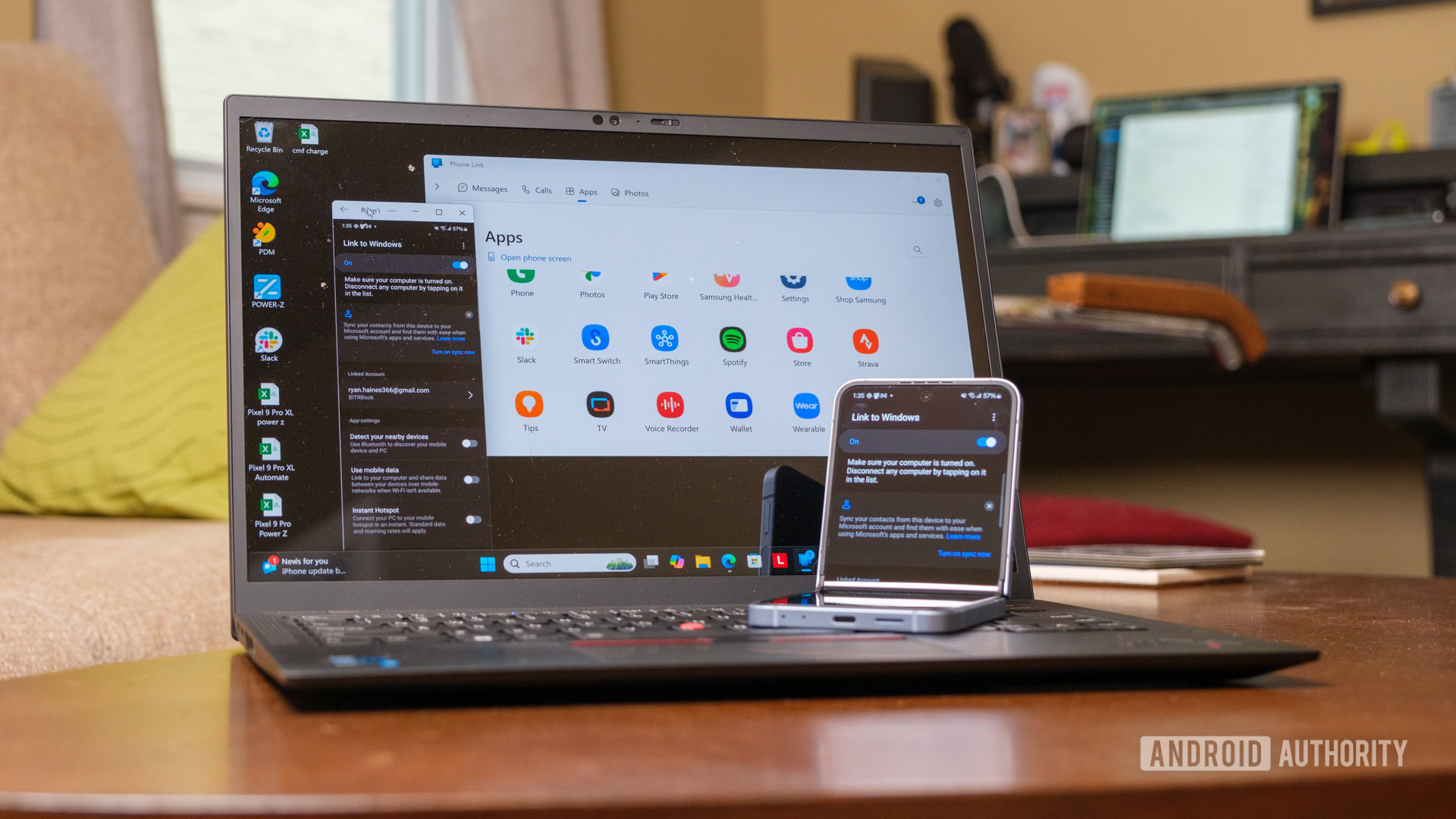
From a software engineering perspective, achieving this level of integration requires sophisticated use of APIs and potentially leveraging machine learning to predict user intent. When a user walks into their office and sits at their PC, the system must decide, based on location, time of day, and recent activity, which application state to offer. The fact that Spotify, a third-party application, is included suggests that Microsoft has either developed a universal state-transfer protocol that Spotify has adopted, or they are utilizing sophisticated background process handoffs managed through the Your Phone/Phone Link services.
The inclusion of browsing sessions also points toward deeper integration with web technologies. If the system can resume a complex web session (perhaps involving multiple tabs or authenticated states) across platforms, it suggests leveraging standardized web technologies like session tokens or service workers that are accessible to both the mobile OS and the Windows browser stack (likely Edge).
Furthermore, the deployment strategy—releasing simultaneously to the 24H2 and 25H2 Release Preview Channels—indicates a high degree of confidence in the feature’s stability and a clear path toward general availability, possibly aligning with the next major Windows feature update cadence.
Broader Context and Future Trajectory
The underlying technological trend driving this is the diminishing relevance of the device boundary itself. Modern computing is moving toward a "service mesh" model, where the user’s context is the persistent entity, and the device (phone, tablet, PC, mixed reality headset) is merely a temporary interface presenting that context. Apple has driven this narrative for years, and Microsoft is now aggressively pursuing parity, albeit through a different—and arguably more open—partner ecosystem (Android).
One area for critical future development, which remains to be fully detailed in these updates, is the handling of hardware-specific interactions. For instance, if a user is editing a complex graphic in an Android photo editor that utilizes specific mobile GPU acceleration features, how seamlessly does that state translate to a desktop environment potentially running on entirely different hardware? True continuity demands abstraction layers that normalize these hardware dependencies.
Another critical aspect is security. Transmitting application state across devices necessitates robust encryption and authentication to prevent session hijacking or unauthorized access to sensitive data streams (like active documents or media playback credentials). The trust relationship established between the authenticated Microsoft account and the linked Android device must be impeccable.
The simultaneous announcement of other Quality of Life improvements in these Insider builds—such as making Smart App Control togglable without a clean install and the visibility of the Device card on the Settings home page—suggests that Microsoft is bundling foundational infrastructure improvements alongside these headline features. Making Smart App Control more flexible signals a move toward making advanced security features less burdensome for general users, perhaps anticipating that the increased inter-device complexity necessitates simpler security management tools.
Looking ahead, the success of this enhanced Cross-Device Resume capability will likely dictate the pace of future Windows development. If adoption is high, we can anticipate Microsoft pushing the boundaries further:
- Richer State Transfer for Gaming: Allowing users to pause a demanding PC game and resume at a checkpoint on an Android streaming service, or vice versa, would be a significant win for the PC gaming sector.
- AI Contextual Handoff: Integrating Copilot more deeply into the handoff process, where the system doesn’t just resume the app but summarizes the last few actions taken on the originating device, saving minutes of reorientation time.
- Broader Third-Party Adoption: Moving beyond major players like Spotify to include niche productivity tools and communication platforms, solidifying Windows as the true nexus of the user’s digital life, regardless of their mobile OS allegiance.
The introduction of these specific application continuities in the Release Preview Channel strongly suggests that Microsoft is fine-tuning the user experience for a widespread public release in the near term. This ongoing effort to perfect the seamless transition between mobile and desktop computing is reshaping user expectations and forcing competitors to accelerate their own interoperability roadmaps. The era of discrete devices is waning; the age of continuous workflow is rapidly approaching maturity on Windows 11.