


Update, February 3, 2026 (03:54 PM ET): OpenAI has officially acknowledged a significant service disruption affecting the ChatGPT infrastructure. Independent monitoring platforms, such as DownDetector, reflect a marked surge in user-reported access failures, confirming widespread instability. At this time, the provider has not disseminated detailed technical information regarding the root cause or provided an estimated timeline for full service restoration. This report will be supplemented as official communications or definitive resolution data become available.
Original Context, March 12, 2023 (06:39 PM ET): The rapid ascension of generative Artificial Intelligence, epitomized by OpenAI’s ChatGPT, has transformed it into a globally utilized digital utility. Its capabilities—spanning complex content generation, sophisticated idea synthesis, and foundational code construction—have cemented its role as an indispensable tool for millions. However, this immense popularity frequently strains the underlying computational architecture, leading to frustrating periods of inaccessibility. When this critical AI resource becomes unavailable, users require systematic troubleshooting pathways. This analysis details a structured diagnostic and remediation process designed to restore access or identify the source of the failure, whether it resides on the user-end or within the platform’s core infrastructure.
The Inevitable Volatility of Hyper-Scale AI Services
The initial rollout and subsequent exponential growth of large language models (LLMs) like ChatGPT exposed a critical vulnerability in cloud-native, high-demand services: scalability ceilings. In the early phases of its public availability, OpenAI experienced frequent, often unpredictable, outages. These were not typically due to software bugs but rather a classic infrastructure challenge—demand dramatically outpaced provisioned capacity. This reality underscores a crucial point for modern digital consumers: services that become infrastructure—essential layers of productivity—are subject to the same reliability concerns as power grids or traditional internet backbones, albeit on a faster, more volatile cycle.
When encountering an unresponsive ChatGPT interface, the diagnostic process must begin externally, confirming the scope of the issue before attempting localized fixes.
Step 1: Verifying the System Status—External vs. Internal Reporting
The absolute first step in troubleshooting any widespread service failure is to ascertain if the problem is systemic (server-side) or isolated (client-side). Assuming the issue is with OpenAI’s servers is the most statistically probable scenario during peak usage times.
To verify the system’s operational health, users must consult OpenAI’s official status portal. This dedicated page is engineered to provide real-time telemetry on the performance of various services, including API endpoints and the primary web application. A message indicating "Elevated error rates on all models" or a similar descriptor confirms a service-side degradation, meaning remediation efforts on the user’s end will be fruitless until the provider resolves the underlying capacity or software conflict.
Should the official status page itself fail to load—a possibility during extreme network congestion—reliance shifts to third-party outage aggregators. Services like DownDetector compile user reports into visualizable metrics, showing spikes in reported connection issues. While less authoritative than the source itself, these platforms offer a rapid consensus on whether the community is experiencing the same failure. This initial triage saves significant time by preventing the user from pursuing unnecessary local troubleshooting steps if the problem is demonstrably global.
Step 2: The Necessary Pause—Allowing for Infrastructure Recovery
If the status check confirms a general service disruption, the most effective, albeit often frustrating, solution is patience. Generative AI inference requires massive computational resources. When demand spikes—often correlating with global work hours or major news events—the queue for processing requests lengthens significantly.
This often manifests not as a complete failure to load the interface, but as prolonged response times or an Internal Server Error message that appears after an unusually long delay. For users without a subscription tier that guarantees priority access (such as ChatGPT Plus), the only recourse is to wait for the system load to subside. While subscription tiers aim to offer preferential treatment, even premium services can suffer degradation during catastrophic overload events. The rate-limiting mechanism, designed to prevent individual users from consuming disproportionate resources, can also trigger temporary blocks if an account submits too many consecutive queries in a compressed timeframe, necessitating a brief cooling-off period.
Step 3: Scrutinizing Local Connectivity—The Network Integrity Check
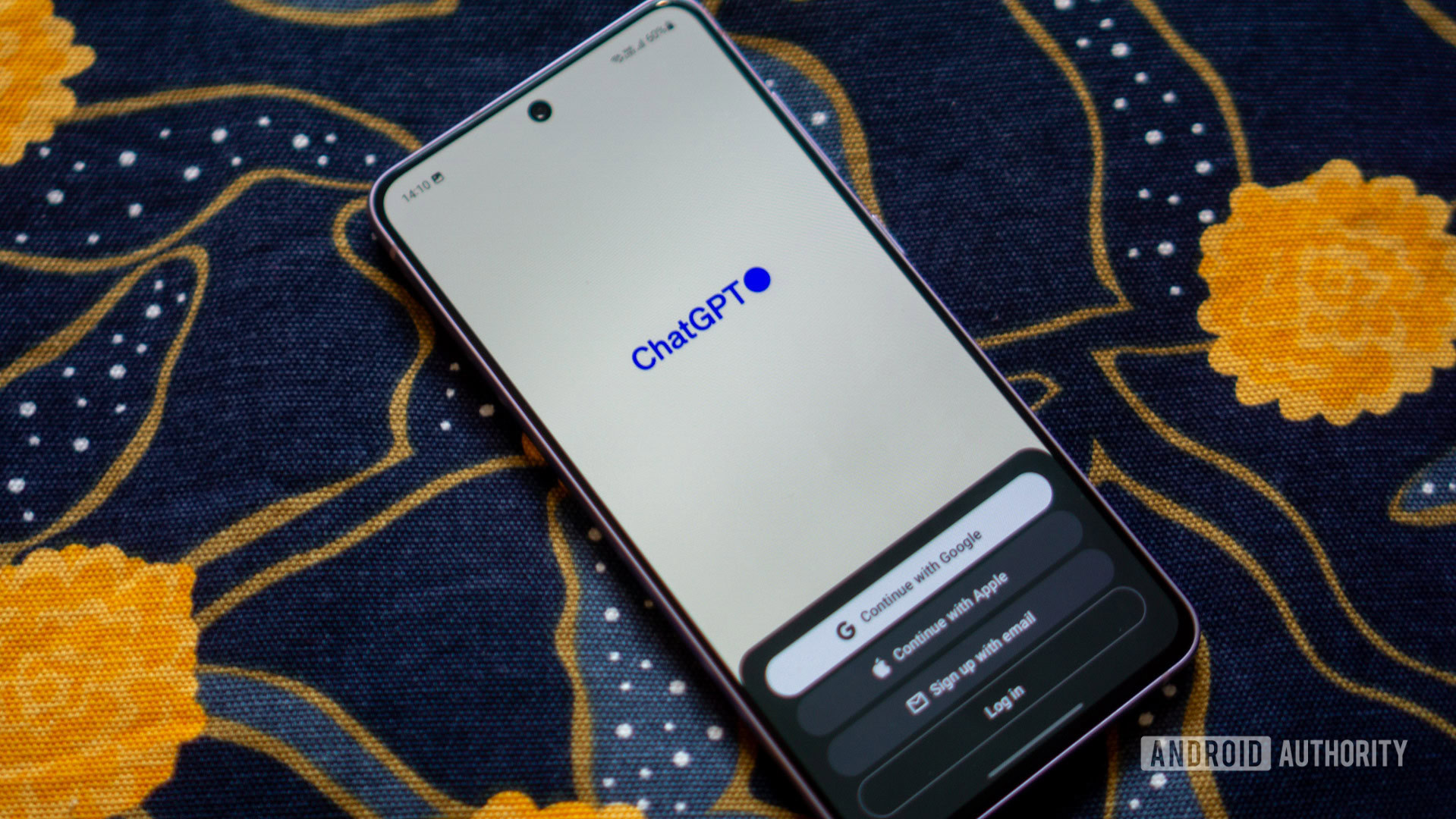
If the platform status pages indicate normal operations, the focus must pivot to the client’s local network environment. A poor or intermittent connection can easily result in timeout errors that mimic a server outage.
Basic network validation involves attempting to access other high-traffic, stable web services. If these sites load instantly, the local connection is likely sound. If they also exhibit latency or failure, the issue lies with the local router, modem, or Internet Service Provider (ISP). A simple router reboot often clears temporary routing tables or memory hiccups that impede stable connections.
More nuanced connection issues can arise from network segmentation or security protocols. If the user is employing a Virtual Private Network (VPN), this must be immediately disabled. Many AI service providers, including OpenAI, implement aggressive IP blocking mechanisms to counter spam, credential stuffing, and service abuse originating from known commercial VPN server ranges. A user may be perfectly functional on their home network but blocked simply because their VPN exit node has been flagged. Temporarily switching from Wi-Fi to a mobile data connection (or vice-versa) is an excellent isolation test to confirm if the block is tied to a specific network segment.
Step 4: Session Integrity and Authentication Refresh
AI platforms rely heavily on maintaining secure, authenticated sessions to track user history, preferences, and subscription status. These sessions are time-limited for security and resource management.
If the connection appears locally stable and the servers are reported as operational, a session expiration or corruption is a strong candidate for failure. The solution is a clean re-authentication. Users should explicitly navigate to the Log out function (typically located in the lower-left quadrant of the web interface) and then re-enter their credentials. This forces the generation of a new, clean security token. While ChatGPT can sometimes be accessed in a limited, logged-out state, crucial features—such as access to custom instructions, saved conversation history, or GPT-4 functionality—will be unavailable, leading to perceived service failure.
Step 5: Browser Environment Isolation—Cache, Extensions, and Incognito Testing
The browser acts as the primary gateway to the web application, and its internal state can introduce unexpected conflicts. Corrupted local storage, outdated cookies, or overly aggressive browser extensions can interfere with JavaScript execution or network requests necessary for the real-time chat interface.
Testing in Incognito/Private Mode is a critical isolation technique. Private browsing windows launch without loading existing cookies, cached data, or most third-party extensions. If ChatGPT functions perfectly in this environment, the fault lies squarely within the main browser profile. This points toward clearing the cache or disabling specific extensions.
If the cache is suspected, a full browser data clearing is warranted. This procedure, while effective, is destructive to convenience, as it requires logging back into all websites. Users should proceed with caution, typically electing to clear only cookies and cached images/files while preserving browsing history and saved passwords. For Apple ecosystem users, the steps for clearing Safari cache differ slightly and require consulting platform-specific guides due to iOS/macOS security sandboxing.
Alternatively, cross-browser testing offers a less disruptive confirmation. Attempting to load ChatGPT in a completely different browser (e.g., switching from Chrome to Firefox or Edge) bypasses all configuration and extension issues specific to the primary application. If the service works elsewhere, the user can systematically debug their primary browser.
Step 6: The Mobile Alternative—Leveraging Native Applications
As the ecosystem matures, reliance on the browser interface diminishes. OpenAI has actively promoted the rollout of official mobile applications for both iOS and Android. For users experiencing persistent browser-related issues—perhaps due to restrictive corporate firewalls or persistent local configuration errors—the mobile app presents a valuable, isolated access route. These native applications often utilize distinct API endpoints or handle session management differently than the web client, potentially bypassing the specific point of failure encountered in the desktop browser environment. Adopting the mobile app can serve as a temporary workaround or, for many, a preferred daily interface.

Step 7: Advanced Troubleshooting—Addressing Potential Restrictions
In rarer cases, access failures result from automated security flags against the user account itself, even without the user explicitly triggering rate limits. If ChatGPT consistently rejects prompts with generic errors, it might signal a temporary restriction placed on the account due to perceived unusual activity patterns. While OpenAI rarely publicizes these specific triggers, bypassing them usually involves the same steps as session management: logging out, clearing cookies, or waiting for an automated security review period to elapse.
Furthermore, if the application is not processing requests correctly, but the interface loads, the user might be encountering content policy enforcement mechanisms designed to prevent the generation of harmful, restricted, or prohibited content. Users must review the platform’s usage guidelines if they suspect their prompts are bordering on restricted topics, as continued attempts can lead to more severe, prolonged access limitations.
Step 8: Exploring the Competitive AI Landscape
When all troubleshooting steps fail, or if the outage window extends beyond a tolerable period for critical work, the final pragmatic step is platform migration. The generative AI space is highly competitive, meaning downtime for one leader fuels growth for its rivals.
Competitors such as Microsoft Copilot (often leveraging OpenAI’s underlying technology but integrated with Microsoft’s search infrastructure) or other LLMs like ChatSonic or those powering the latest iterations of Google’s Gemini provide viable functional parity for many tasks. Expert analysis often shows that while base models may be similar, integration matters: Copilot, for instance, historically demonstrated superior accuracy on current events due to its direct, real-time connection to the Bing search index, whereas ChatGPT excelled more in purely creative or deductive reasoning tasks not requiring external data. Utilizing these alternatives ensures workflow continuity, even during the primary platform’s vulnerability period.
Industry Implications and Future Trends in Reliability
The frequent outages of leading AI services carry significant industry implications. For businesses integrating LLMs via API into their production workflows, this unreliability necessitates robust failover strategies. Enterprise architects are increasingly designing systems that can seamlessly pivot to a secondary, functionally similar model provider if the primary experiences downtime. This redundancy shifts the reliability burden from the single vendor to the adopting enterprise architecture.
Looking forward, the trend points toward decentralized and specialized model deployment. As LLMs become modularized, we anticipate less reliance on monolithic web portals. Instead, AI functionality will be embedded more deeply into operating systems, enterprise software suites, and communication platforms (like the integration with WhatsApp mentioned contextually). This distribution mitigates the impact of a single server farm failure. However, it introduces new vectors for failure, such as dependency on third-party API governance or application-specific network configurations.
Furthermore, the pursuit of AI Sovereignty will drive companies to deploy smaller, fine-tuned, open-source models locally or on private clouds. While these models may lack the generalist power of a GPT-4 class system, their guaranteed uptime and data control offer a crucial business continuity advantage when the major public cloud services falter. The troubleshooting guide for an enterprise will evolve from simple connection resets to complex load-balancing across multiple model providers, cementing service resilience as a non-negotiable feature in the next generation of AI adoption.