

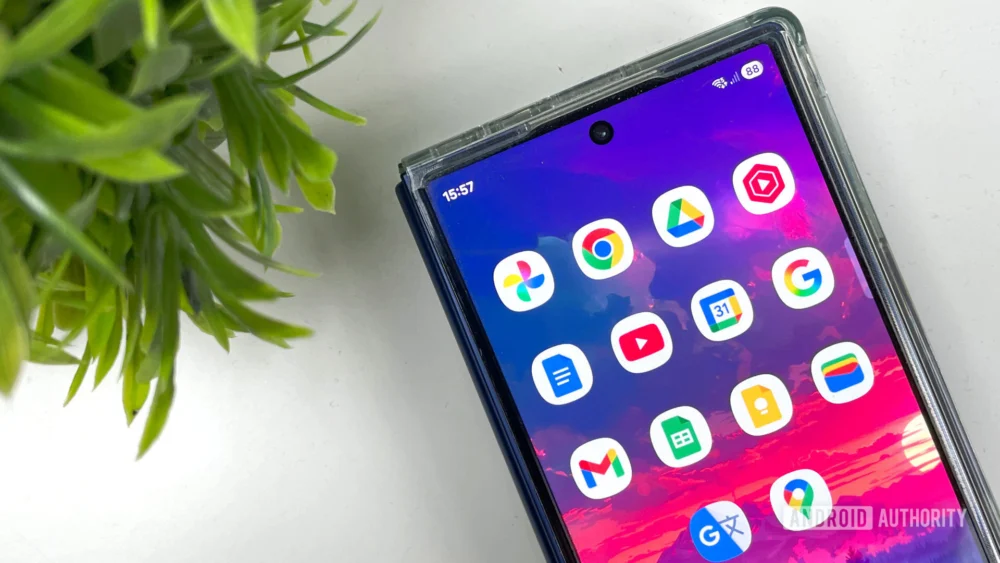
The modern digital existence is increasingly defined by fragmentation—a sprawling collection of hardware, operating systems, and proprietary software ecosystems. For many professionals, particularly those in technology media who routinely rotate through flagship devices across Android, iOS, Windows, and macOS, maintaining workflow continuity becomes a genuine logistical challenge. Amidst this landscape of walled gardens and platform dependencies, Google’s suite of services has cemented itself not merely as a collection of useful applications, but as the invisible connective tissue binding disparate digital environments. This reliance, often taken for granted, is the core reason why migrating away from the Mountain View giant remains an impractical proposition for heavy multi-device users. The perceived "lock-in" is not purely algorithmic; it is fundamentally rooted in unparalleled engineering for ubiquity and consistency.
The Foundation: A Background in Universal Access and Standardization
To fully appreciate the adhesive quality of Google’s ecosystem, one must first understand the historical context. Unlike Apple, whose ecosystem is inherently designed for vertical integration (iOS, macOS, iPadOS), or Microsoft, whose primary strength remains tethered to the Windows desktop environment, Google consciously engineered its services for maximum horizontal reach. This strategy, initiated with the launch of early web-based tools like Gmail and Google Docs, pre-dated the smartphone wars but proved perfectly suited for the subsequent proliferation of diverse mobile platforms.
The early 2010s saw the rapid diversification of mobile operating systems. While Android rose to prominence, iOS maintained its premium foothold, and Windows Phone, though ultimately failing, demanded developer attention. Google’s imperative was clear: data must travel where the user travels, irrespective of the device’s DNA. This meant developing robust, high-fidelity applications not just for Android—where they benefit from deep OS integration via Google Play Services—but equally polished versions for iOS, and critically, functional, feature-equivalent web portals for traditional desktops.
This foundational commitment to platform agnosticism stands in stark contrast to competitors. Apple’s ecosystem is a masterclass in seamless handoffs between its own devices (Handoff, Universal Clipboard), but the friction introduced when attempting to bridge an iPhone to a Windows PC or a Chromebook is often palpable, requiring third-party workarounds or accepting diminished functionality. Microsoft, conversely, has made significant strides with its "Your Phone" and integration features, yet its productivity suite (Office 365) still feels most native when operating within the Windows/Azure framework, showing minor inconsistencies when fully deployed on a pure Android or Linux environment.
The result for the power user is a significant cognitive load reduction when operating within the Google sphere. When a professional pivots from reviewing a new foldable Android handset in the morning to drafting a technical report on a MacBook in the afternoon, the expectation is that the work state—the open document, the recent search query, the saved location—remains instantly accessible. This expectation is met by Google’s core applications due to their standardized cloud API structure, which underpins every iteration of the app, whether native or web-based.

Deconstructing the Pillars of Effortless Transition
The seamless experience Google provides can be distilled into several key operational advantages that translate directly into productivity gains for the perpetually device-switching user.
1. The Single Sign-On (SSO) Multiplier Effect
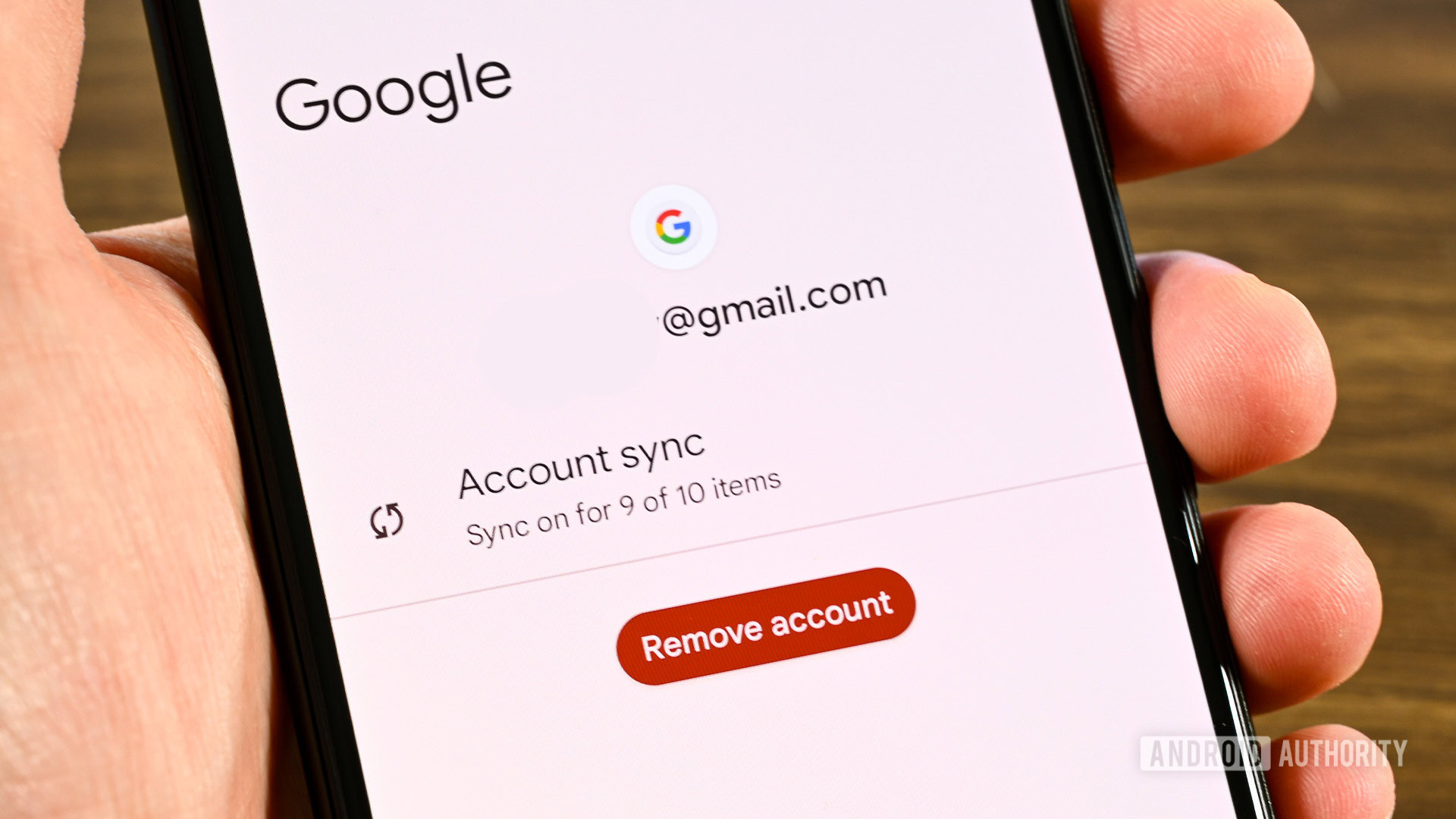
The most immediate advantage is the sheer power of the Google Account as a universal digital passport. Unlike ecosystems where identity management is siloed (e.g., needing separate logins for Apple Mail vs. iCloud Drive setup on a third-party device), signing into one Google application on a new device often triggers authentication across the entire suite.
For a technician setting up a loaner device—be it an iPhone 15 Pro Max, a Pixel 8 Pro, or a Windows laptop fresh out of the box—the process transforms from a tedious setup ritual into a simple authentication step. Upon logging into Gmail, for instance, the system implicitly trusts the identity across Chrome, Google Photos, Drive, and Calendar. This single action restores configuration, historical data, and security parameters (like two-factor authentication reliance).
From an architectural standpoint, this relies on Google Cloud Identity infrastructure. The session tokens generated are platform-agnostic and highly granular, allowing individual applications to query authorization without re-prompting the user for passwords unless necessary security thresholds are breached. This contrasts sharply with competitive suites where cross-platform credential synchronization often relies on less secure or more cumbersome methods, such as email verification or exporting/importing password files.
2. Cross-Platform Application Parity and Polish
A critical, yet often overlooked, factor is the relative feature parity across Google’s core offerings on rival platforms. While the deep integration of Google services into the native Android OS is undeniable (e.g., Google Assistant integration, default SMS handling), the performance and feature set of Google’s iOS apps are often industry-leading for third-party software.
Consider Google Docs or Sheets. While Microsoft Office apps are robust, the web versions of Google’s Workspace tools load faster and maintain better real-time synchronization fidelity, particularly when multiple users are collaborating. Crucially, when transitioning from the Android app to the iOS app, the UI conventions shift appropriately (e.g., navigation bar placement), but the functional elements—the location of editing tools, the sharing dialogues, the file structure within Drive—remain functionally identical.
This near-perfect conceptual replication across operating systems minimizes the "re-learning curve" during context switches. A user does not need to relearn where the ‘save’ function is or how to access attachment options when moving between an Android tablet and an iPad for a meeting; the muscle memory developed on one platform transfers directly to the other because Google prioritizes functional standardization over strict adherence to native OS UI paradigms when necessary.
3. The Inertia of Data Volume and Utility Breadth
The third major factor is the sheer breadth and depth of data aggregated within the ecosystem, creating significant switching costs that go beyond mere software functionality. This moves beyond simple productivity into personal infrastructure management.
For the journalist or tech reviewer, this infrastructure includes:
- Google Photos: Decades of visual media, automatically tagged, backed up, and accessible via search queries referencing location or subject matter. Migrating terabytes of indexed media is a monumental task.
- Chrome Sync: Not just bookmarks, but complex browsing histories, stored form data, and crucially, saved passwords managed via Google Password Manager. This forms the security bedrock for accessing external services.
- Google Maps Timeline/History: Detailed movement logs that serve as an implicit diary or record of site visits, which is invaluable for factual cross-referencing in reviews.
When attempting to switch to a privacy-focused alternative like Proton, for example, the user gains superior security guarantees but sacrifices this historical context and the sheer utility of Google’s sophisticated AI-driven indexing (like "search for dog on beach" in Photos). While alternatives offer storage, they rarely offer the same level of integrated, intelligent data retrieval that has been cultivated over years of passive use. The time and effort required to manually port, re-index, and potentially lose context in this massive data corpus acts as a powerful, non-contractual barrier to exit.
Industry Implications: The Cloud as the New Operating System
Google’s dominance in this specific niche—cross-platform workflow continuity—has profound implications for the broader technology industry. It signals a fundamental shift where the operating system (OS) becomes secondary to the cloud service layer. Users are increasingly loyal not to their phone’s hardware or OS, but to the platform that manages their digital life, regardless of the screen they are looking at.
This creates a substantial hurdle for new entrants or incumbents attempting to foster alternative ecosystems. Microsoft has attempted to bridge this gap by making its Office suite and OneDrive available everywhere, but its fundamental weakness lies in its productivity narrative being tethered to Windows’ legacy dominance. Apple, while possessing the tightest ecosystem, actively resists true interoperability, viewing cross-platform functionality as a dilution of its premium offering.
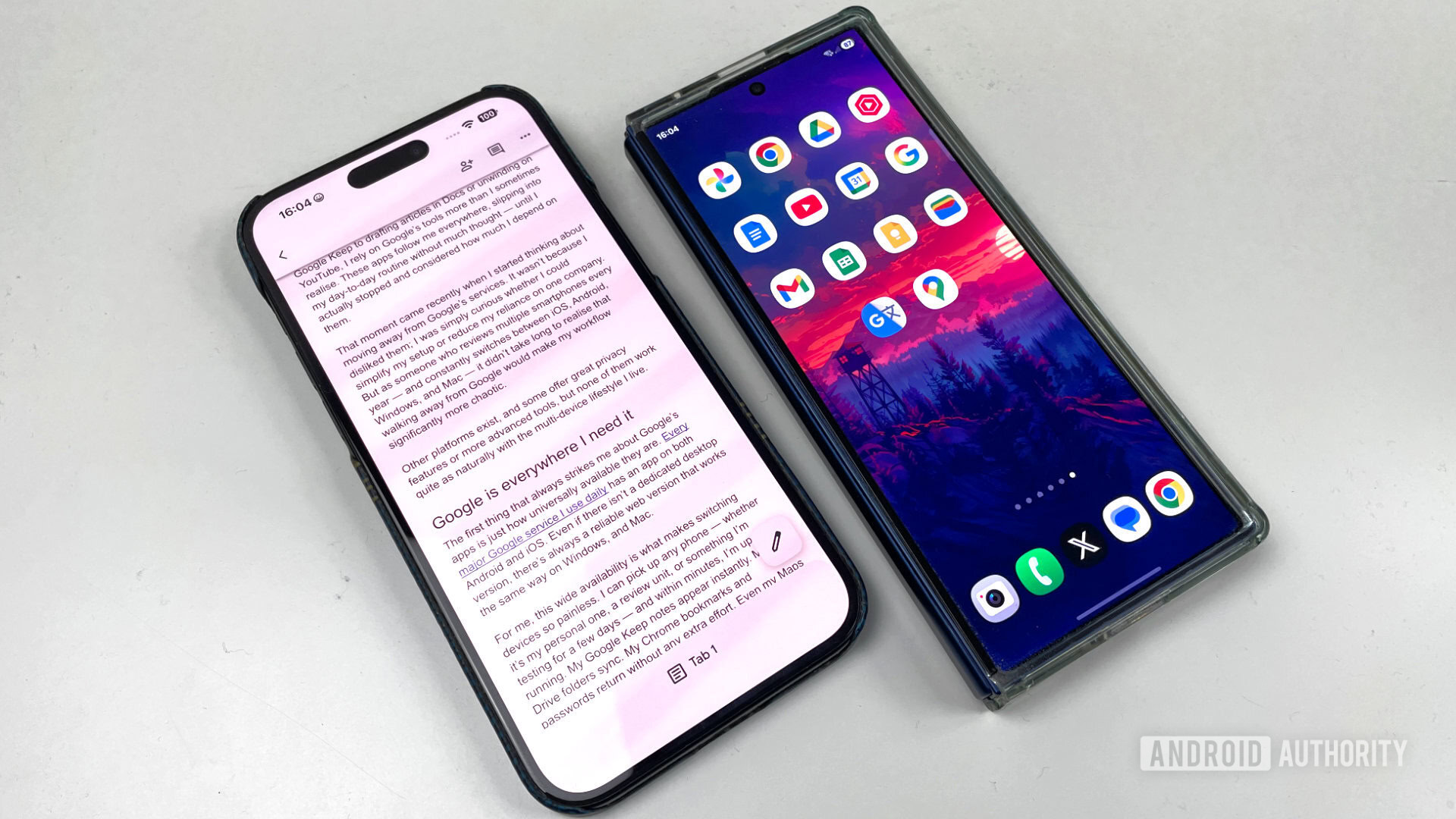
Google, by contrast, leverages Android’s open nature to ensure its cloud services are the default pathway, while simultaneously using its high-quality iOS and Web applications to capture users from the competing dominant mobile platform. This strategic "everywhere" approach solidifies its position as the de facto neutral cloud provider, capable of mediating between the major hardware rivals. For hardware manufacturers, this means that even if they build the most innovative device, its utility is intrinsically linked to the ease with which a user can access their pre-existing Google identity.
Expert Analysis: Reliability Over Features in the Multi-Device Context
From a technical analysis perspective, Google’s success here is less about innovation in individual application features and more about superior system reliability and synchronization latency. In high-velocity environments where content creation and consumption are rapid and device-agnostic, the penalty for a failed sync or a delayed update is far greater than the benefit of a niche feature found in a competitor’s singular app.
For instance, if a user drafts a paragraph in Google Docs on an Android phone and immediately needs to review it on a Windows desktop, millisecond synchronization is paramount. Google’s infrastructure, built on high-throughput, low-latency data pipelines, generally outperforms competitors in maintaining this state coherence across web and mobile endpoints. While privacy advocates often criticize Google’s data handling, the technical execution of its cloud services remains exceptionally robust for the specific task of state transfer between dissimilar environments.
Furthermore, the concept of "ambient computing"—the idea that technology should fade into the background—is best exemplified by Google’s ecosystem. Ambient computing demands that the user interface and data access should require minimal conscious input from the user when switching contexts. Google achieves this through aggressive background syncing and persistent authentication, making the transition feel ambient rather than transactional.
Future Impact and Emerging Trends
The future trajectory suggests that this reliance on cross-platform synchronization will only intensify, driven by advancements in AI integration and the rise of spatial computing (AR/VR).
As generative AI tools become integrated into productivity suites, the need for this universal data layer becomes even more critical. Imagine asking an AI assistant to summarize the last five documents you worked on, regardless of whether you were using a tablet, a phone, or a desktop browser. This capability relies entirely on the indexed, unified data repository provided by Google Drive and Docs. If that data were fragmented across disparate, non-interoperable services, the effectiveness of AI tooling would be severely diminished.
The evolution toward mixed reality, where devices like the Apple Vision Pro or future Android-based AR glasses become primary interfaces, will further underscore the necessity of platform-agnostic data access. A headset needs instant access to current notes, calendar events, and recent search history. If the current data ecosystem is optimized for a specific hardware vendor (e.g., Apple’s ecosystem heavily favoring its own spatial computing initiatives), users relying on Android hardware for daily computing face a significant penalty in adopting emerging technologies. Google’s established ubiquity positions it perfectly to be the data bridge for these future computing paradigms, regardless of the eventual dominant hardware player.
In conclusion, the exploration of alternatives invariably circles back to the same pragmatic realization: escaping Google’s digital gravity well requires sacrificing functional fluidity. While the ethical and privacy considerations surrounding a single entity controlling so much personal data are valid and necessitate vigilance, the sheer operational efficiency derived from its platform-agnostic synchronization—the universal sign-on, the application parity, and the critical mass of historical data—renders the transition prohibitively disruptive for those whose professional lives demand constant mobility across the digital spectrum. For the foreseeable future, Google’s services will remain the most effective, albeit complexly entangled, solution for maintaining true digital continuity.
