

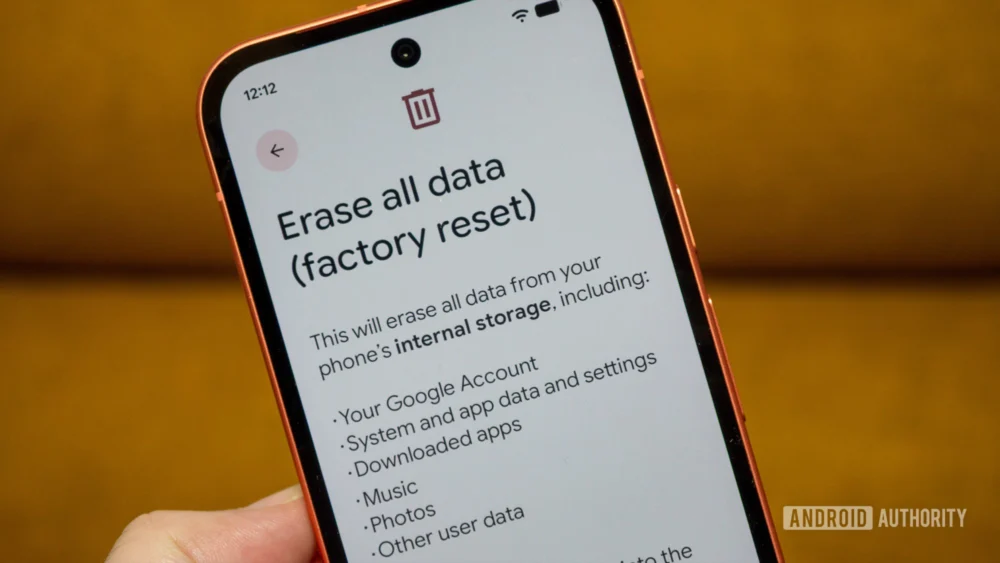
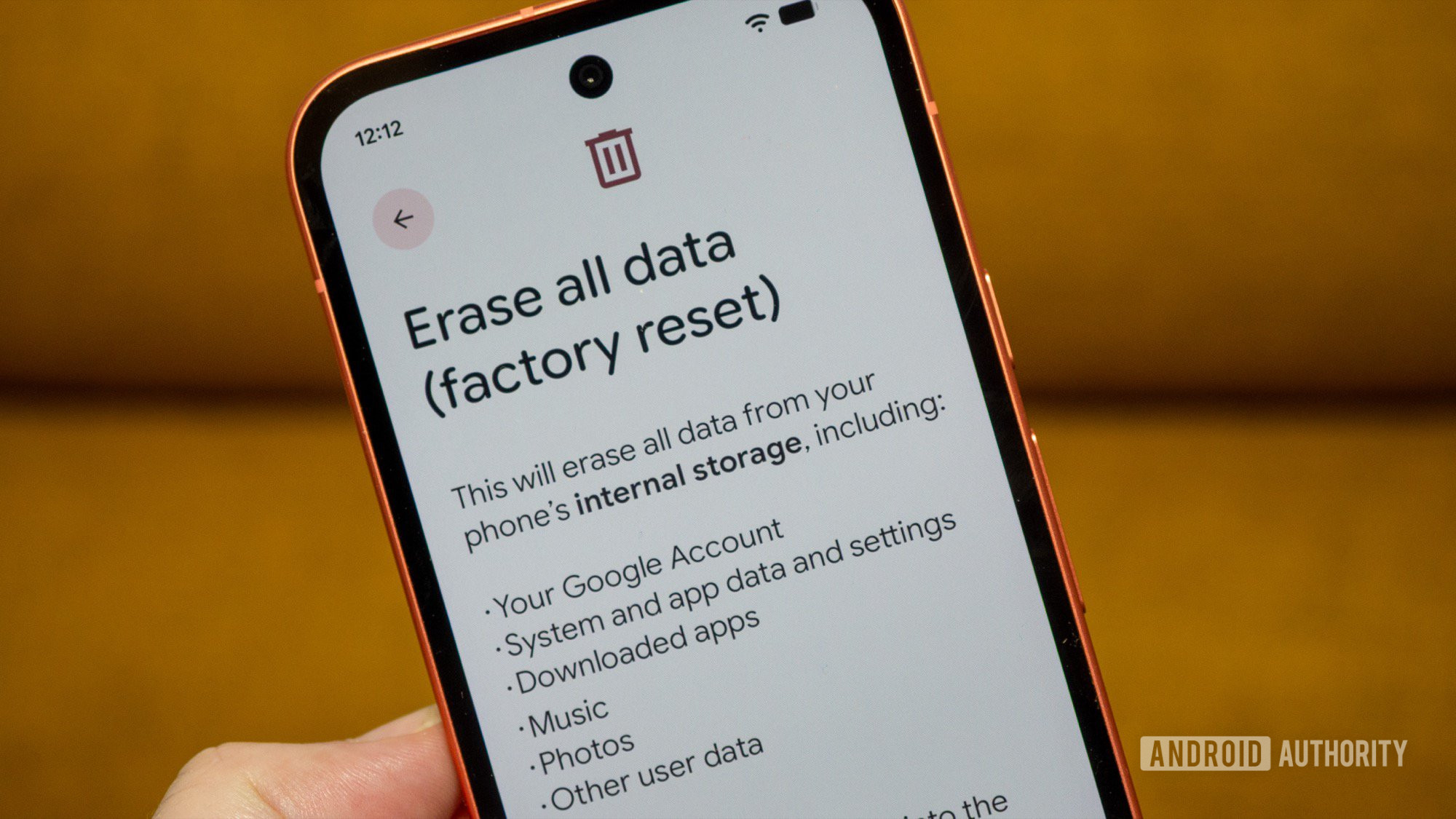
The ritual of preparing an Android device for resale, donation, or secure disposal is ingrained in the modern technology user’s lifecycle. For many seasoned users, this process culminates in navigating to the system settings, locating the "Factory Reset" option, and executing the command. This action is intuitively understood to return the hardware to its pristine, out-of-the-box state, effectively severing all personal connections. However, a significant, persistent oversight plagues this common procedure, creating a lingering digital residue across a user’s expansive Google ecosystem. This residue manifests not as physical data on the handset, but as "ghost devices" tethered indefinitely to the primary Google account, complicating account management, inventory tracking, and potentially posing subtle security implications.
This phenomenon is rooted in the architectural distinction between the device’s local operating system state and the cloud-based identity management system maintained by Google. When a standard factory reset is initiated via the phone’s internal menus, the local partition holding user data, applications, and system configurations is wiped clean. The device, upon reboot, begins the initial setup sequence anew. Crucially, however, the device’s authentication token and its historical registration within Google’s services—such as the Google Play Store, Google Find My Device (Find Hub), and broader device activity logs—often remain intact within the cloud infrastructure.
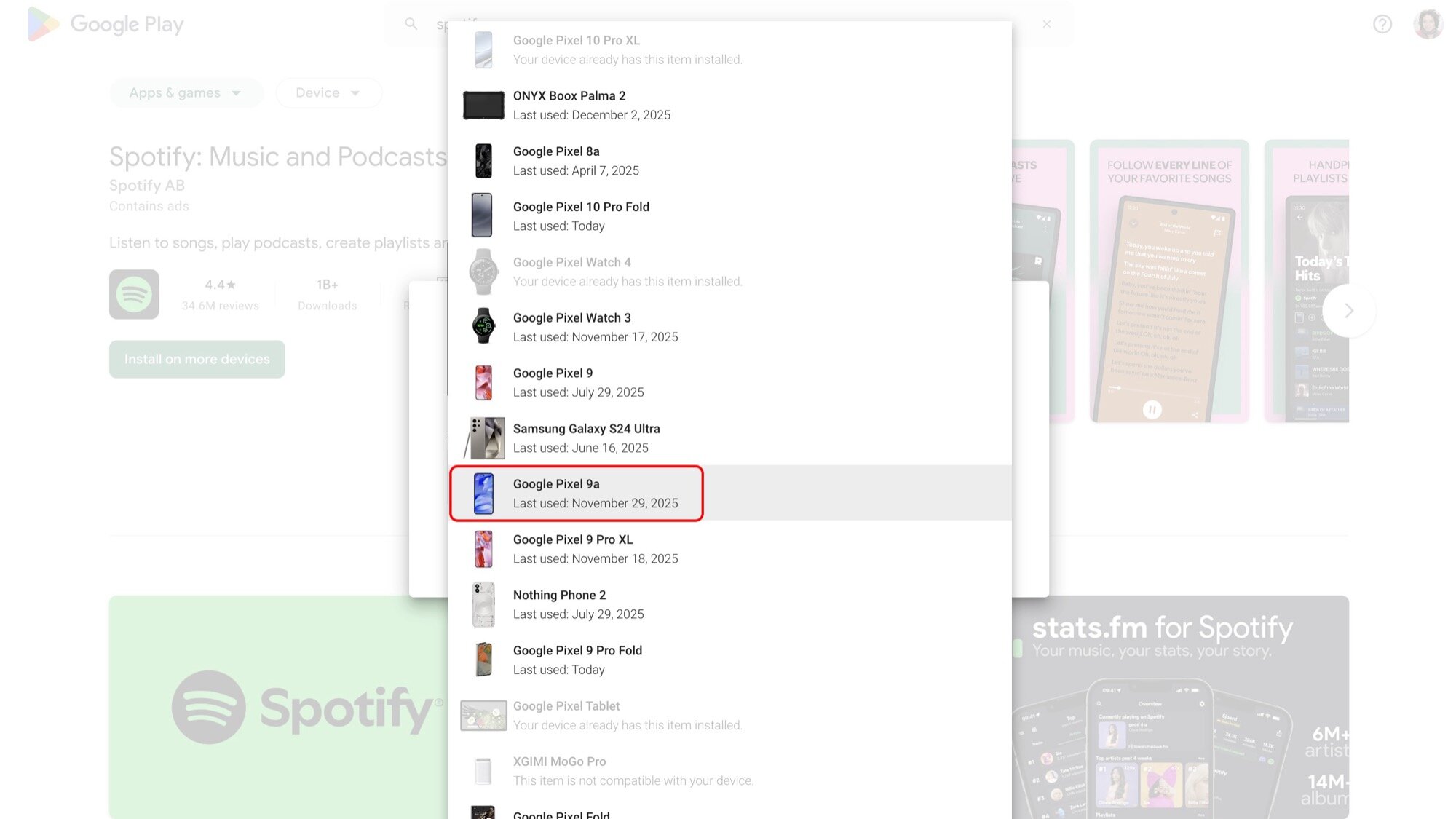
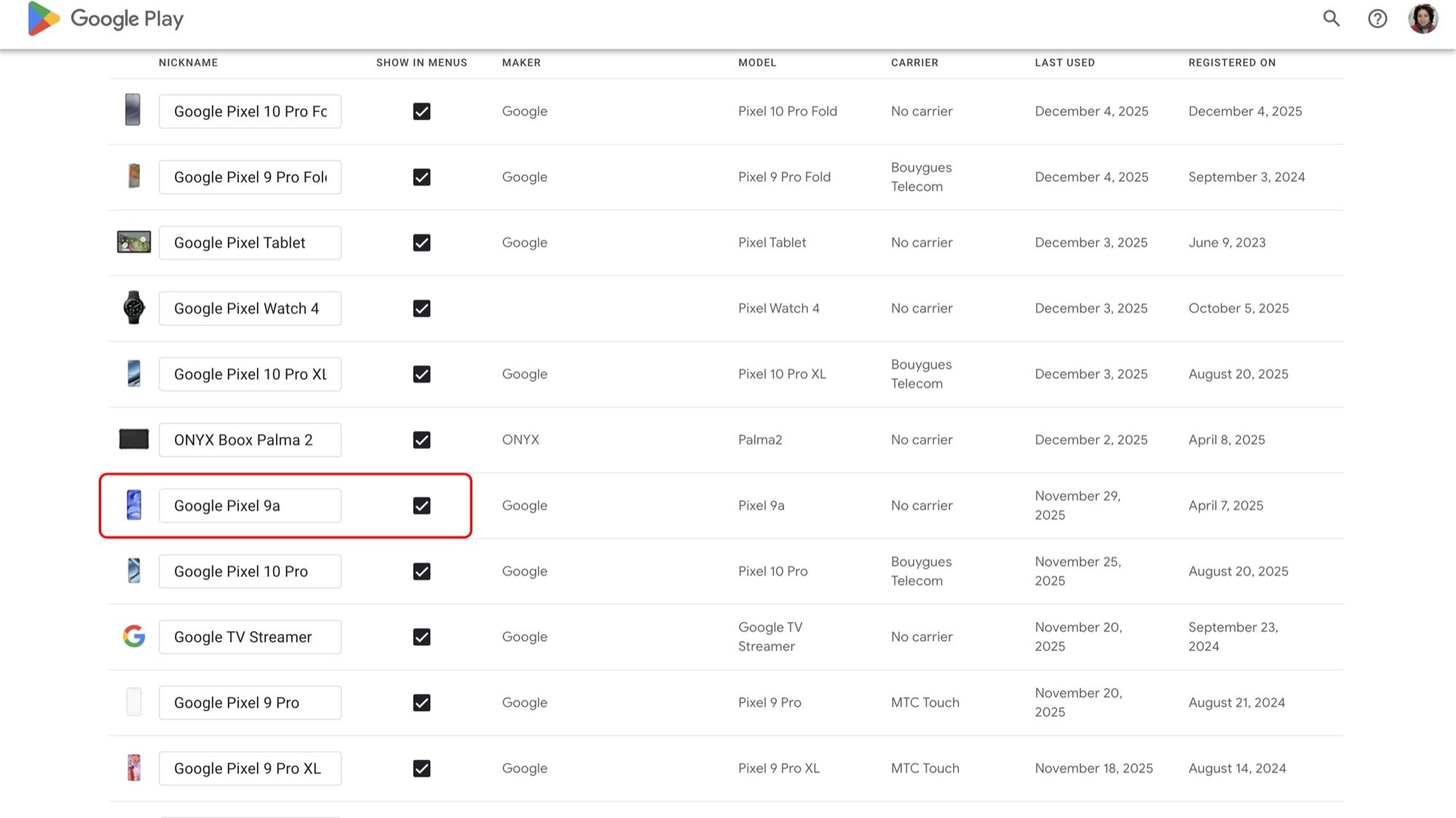
This disconnect was observed across multiple device generations, illustrating a systemic gap in user awareness regarding digital asset retirement. For a technologist accustomed to cycling through dozens of handsets over fifteen years, the accumulation of these inactive digital echoes becomes a tangible annoyance. The ghost devices persist across several key Google touchpoints. In the Google Play Store interface, these defunct devices continue to populate the list of "available devices" for app installations, even though the physical hardware is long gone, perhaps in the hands of a new owner or retired entirely. Attempts to directly purge these entries within the Play Store interface are often futile; the system defaults to a workaround where users must manually navigate to the device management portal (e.g., play.google.com/library/devices) and explicitly select the option to "Hide" the device from the list. This act of hiding is a cosmetic solution, not a true deletion, as the device record remains active in the backend ledger.
The persistence becomes more pronounced within Google’s security and device management dashboards. The Find My Device service, intended for locating active, connected hardware, becomes cluttered with these dormant entries. These ghost devices display only their final known location before the wipe, offering no live tracking or remote interaction capabilities. Attempts to remotely trigger a "Secure Device" or "Erase Device" command against these already-wiped units are unsuccessful, yet the entry remains stubbornly present. This creates unnecessary noise in the user’s security overview, potentially obscuring genuine threats or active devices. Furthermore, users subscribed to services relying on device authorization, such as Google Fi, have reported issues where these decommissioned devices are listed as "inactive" but remain attached to the cellular profile, requiring complex de-provisioning steps that go beyond the scope of a simple hardware reset.
The core of the problem lies in the asymmetry of the de-authorization process. While the operating system reset is straightforward, the de-registration from the user’s Google identity requires an explicit, account-level command that supersedes the local device operation. Google’s own support documentation hints at this nuance, often stating that devices cannot be removed from Play Store history, only hidden. This passive management approach places the onus of digital housekeeping entirely on the end-user, an expectation that runs contrary to the streamlined simplicity usually associated with modern operating systems.
Industry Implications and Security Context
The failure to completely sever the account link during a factory reset carries implications that stretch beyond mere interface clutter. In the realm of digital security, every active association represents a potential, albeit diminished, attack vector. While the user’s primary password protects the Google account, the presence of an authenticated, recognized device history can, in certain edge cases, influence session management, two-factor authentication prompts, or even the perceived security health of the account. For enterprise environments managing corporate devices, this oversight is unacceptable, necessitating rigorous Mobile Device Management (MDM) protocols that explicitly command cloud de-provisioning alongside the local wipe.
From a hardware lifecycle perspective, this process failure impacts the secondary market significantly. A user selling a device might believe they have secured their data by wiping the phone. However, if the device is later picked up by a malicious actor who manages to exploit an obscure vulnerability or trick the device into an early setup stage that attempts to re-authenticate with the previous user’s cloud profile, residual authentication tokens could theoretically be leveraged. While modern Android security mechanisms, particularly Factory Reset Protection (FRP), are robust against simple unauthorized use, the "ghost device" issue speaks to the complexity of identity lifecycle management in a highly connected, multi-service digital infrastructure.
The Essential Pre-Reset Protocol: Account Removal
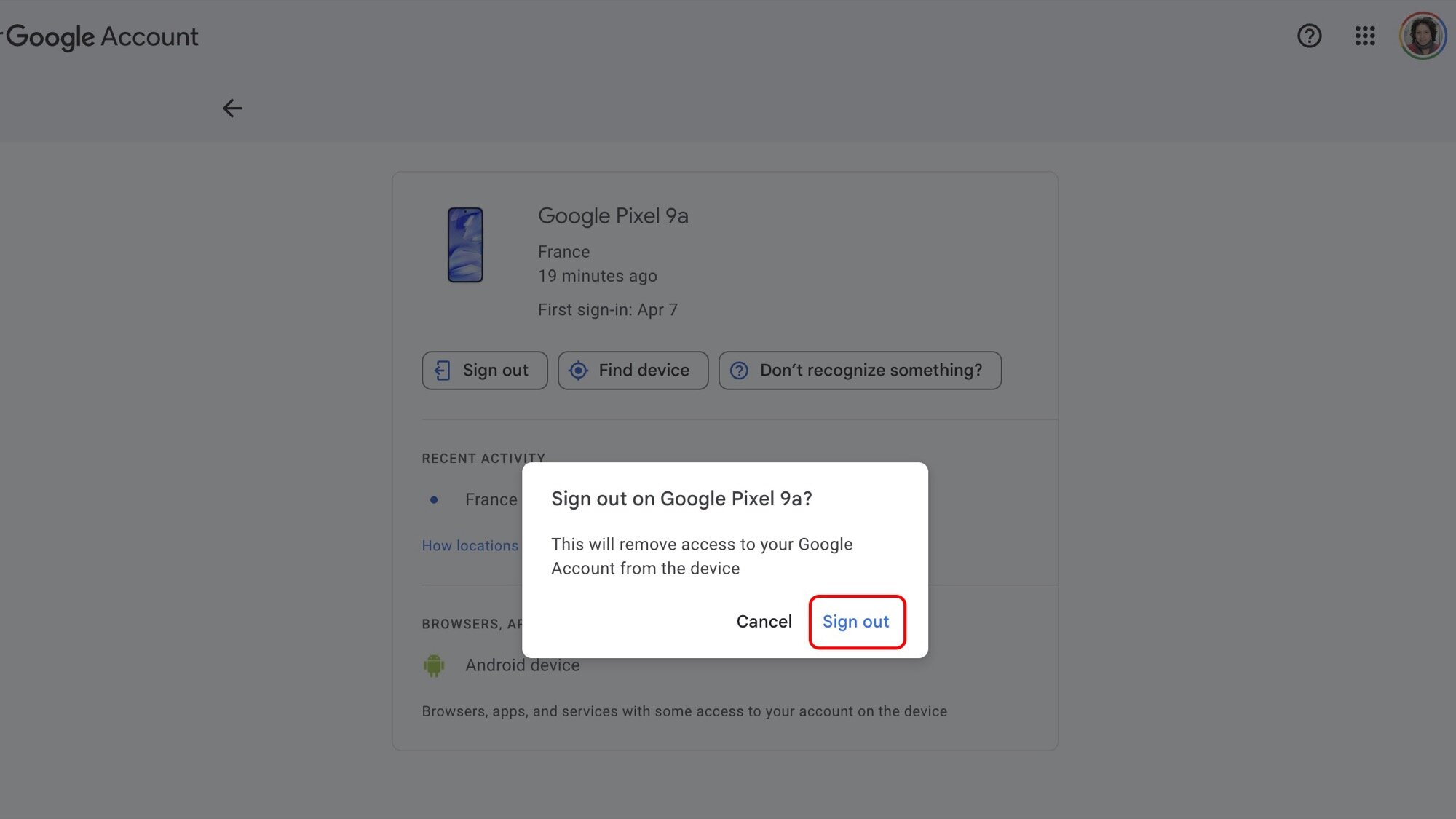
The definitive solution to prevent these persistent digital artifacts is to reverse the expected sequence: remove the Google account from the device before initiating the factory reset. This action is the explicit signal to Google’s cloud servers that the specific hardware instance is permanently separating from the user’s identity domain.
This crucial, often overlooked, step forces the necessary cloud de-synchronization. When the account is removed from the device settings (typically found under "Accounts" or "Users & accounts"), the system performs an immediate revocation of the device’s active token across all linked Google services.
The operational steps required are clear:
- Navigate to Account Settings: Access the device’s main settings menu.
- Locate Accounts: Find the section managing user accounts (this labeling varies slightly by Android version and OEM skin, but the location is consistent).
- Select the Target Account: Tap on the primary Google account that needs to be disassociated.
- Initiate Removal: Select the "Remove account" option. The system will often warn that removing the account will delete all associated messages, contacts, and other data from the phone. This warning is accurate for local data but does not reflect the cloud record’s status; the removal action itself is the trigger for cloud de-registration.
- Authentication Confirmation: Confirm the removal, which may require the device PIN or pattern for security validation.
This process must be meticulously repeated for every Google account ever signed into the device if the goal is total erasure from the user’s digital ledger. If a secondary account was used for specific services (like a work email or a separate media account), its removal is just as vital.
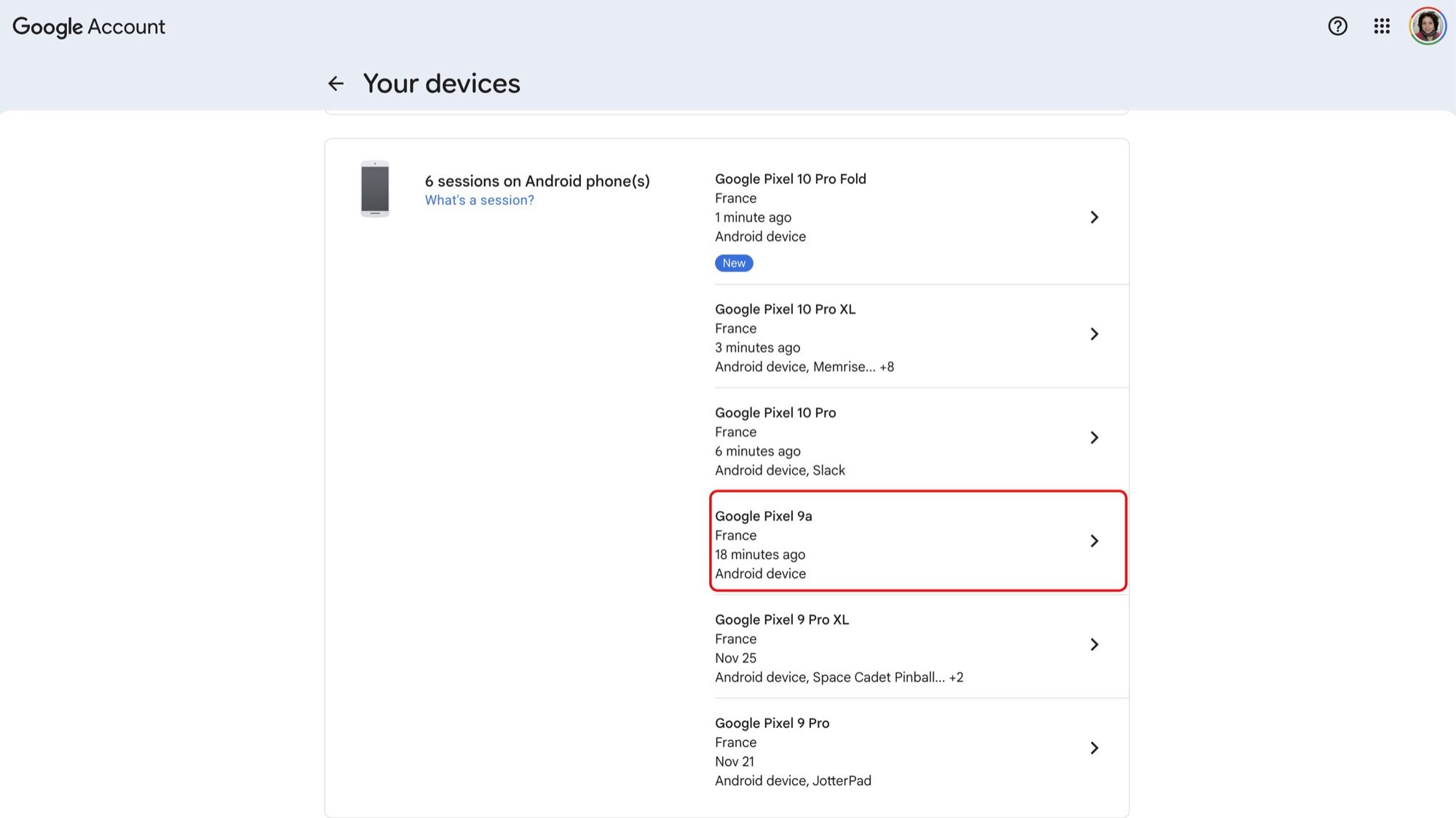
Upon successful account removal, the device’s registration status is immediately invalidated across the ecosystem. When the subsequent factory reset is performed, the system cleans the local storage, and when the device is eventually set up by a new user (or powered off indefinitely), there is no active linkage for Google’s services to track. The device simply vanishes from the Play Store device list, Find Hub inventory, and the general device activity log—not hidden, but completely expunged from the user’s active association list.
Future Impact and Evolving Standards
The persistence of ghost devices highlights a broader challenge in the age of ubiquitous cloud synchronization: the need for standardized, transparent device decommissioning protocols. As consumers hold onto hardware longer, or as enterprise refresh cycles accelerate, the volume of orphaned digital identifiers grows.
Future iterations of Android and Google account management should ideally automate this de-provisioning more intelligently. One potential evolution involves integrating the account removal step directly into the standard "Factory Reset" prompt. Instead of merely stating that the Google account will be removed from the device, the prompt could clearly state: "Removing your Google account will also de-register this device from all associated Google services. Proceed?" Such explicit confirmation would bridge the gap between local action and cloud consequence.
Furthermore, the concept of "device identity" itself is evolving. With the rise of connected wearables, smart home hubs, and multiple authentication factors tied to a single mobile device identity, the legacy registration model based on IMEI or serial numbers feels increasingly antiquated. A move toward token-based, time-limited device credentials that automatically expire upon factory reset, independent of manual user intervention, would represent a significant leap in security and user experience management. Until such deep architectural changes are implemented, the manual, pre-wipe account removal remains the necessary, if inconvenient, gold standard for ensuring a clean digital break from a retired Android handset. This proactive measure secures not only the physical device’s legacy but also the integrity and cleanliness of the user’s critical online identity management portals.
