

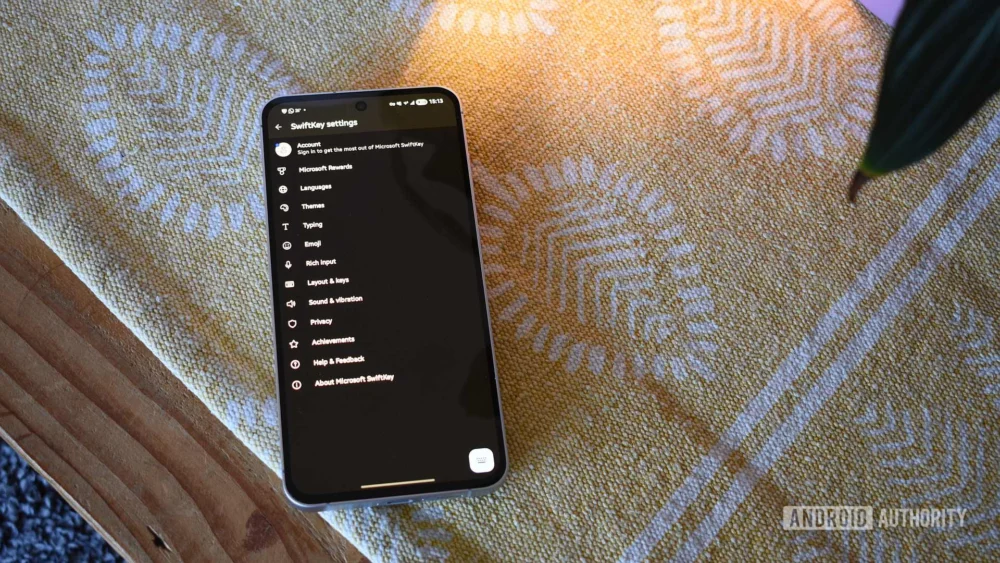
The digital interface we interact with most frequently—the keyboard—is often the last piece of software a dedicated user considers replacing. For nearly a decade, my default input method on Android devices has been Google’s Gboard. Its inherent simplicity, streamlined integration with the Google ecosystem, and the sheer inertia of established muscle memory cemented its place. However, a recent editorial decision, spurred by reader commentary and a desire to re-evaluate long-held assumptions about mobile utilities, led me to temporarily bench Gboard in favor of Microsoft SwiftKey. This experiment, spanning just over a week, has unearthed a fascinating dichotomy in user experience design, forcing a re-examination of what constitutes the ‘superior’ mobile keyboard in the modern, feature-saturated environment.
The Inertia of Default: Why Gboard Endures
To understand the gravity of switching from Gboard, one must appreciate the comfort of the familiar. Gboard, much like a well-worn pair of athletic shoes that have clocked countless personal bests, offers a predictable tactile response. Its layout is Google’s vision of an optimal typing surface: clean, minimalist, and tightly coupled with the Material Design language that permeates the Android operating system. For users who prioritize immediacy and low cognitive load, Gboard excels because it demands very little conscious input regarding its functionality. It just works, relying heavily on Google’s powerful, yet opaque, predictive algorithms.
This reliance on established patterns is a significant barrier to entry for any challenger. The initial hours spent with SwiftKey felt genuinely awkward. The placement of utility icons, the spacing of keys, and the overall visual footprint were subtly different enough to induce frequent typos—a frustrating phenomenon known as the "muscle memory tax." Yet, this required adjustment period is precisely where the deeper evaluation begins, moving past superficial comfort toward tangible functional advantages offered by the alternative.
The Allure of Customization: SwiftKey’s Accommodating Architecture
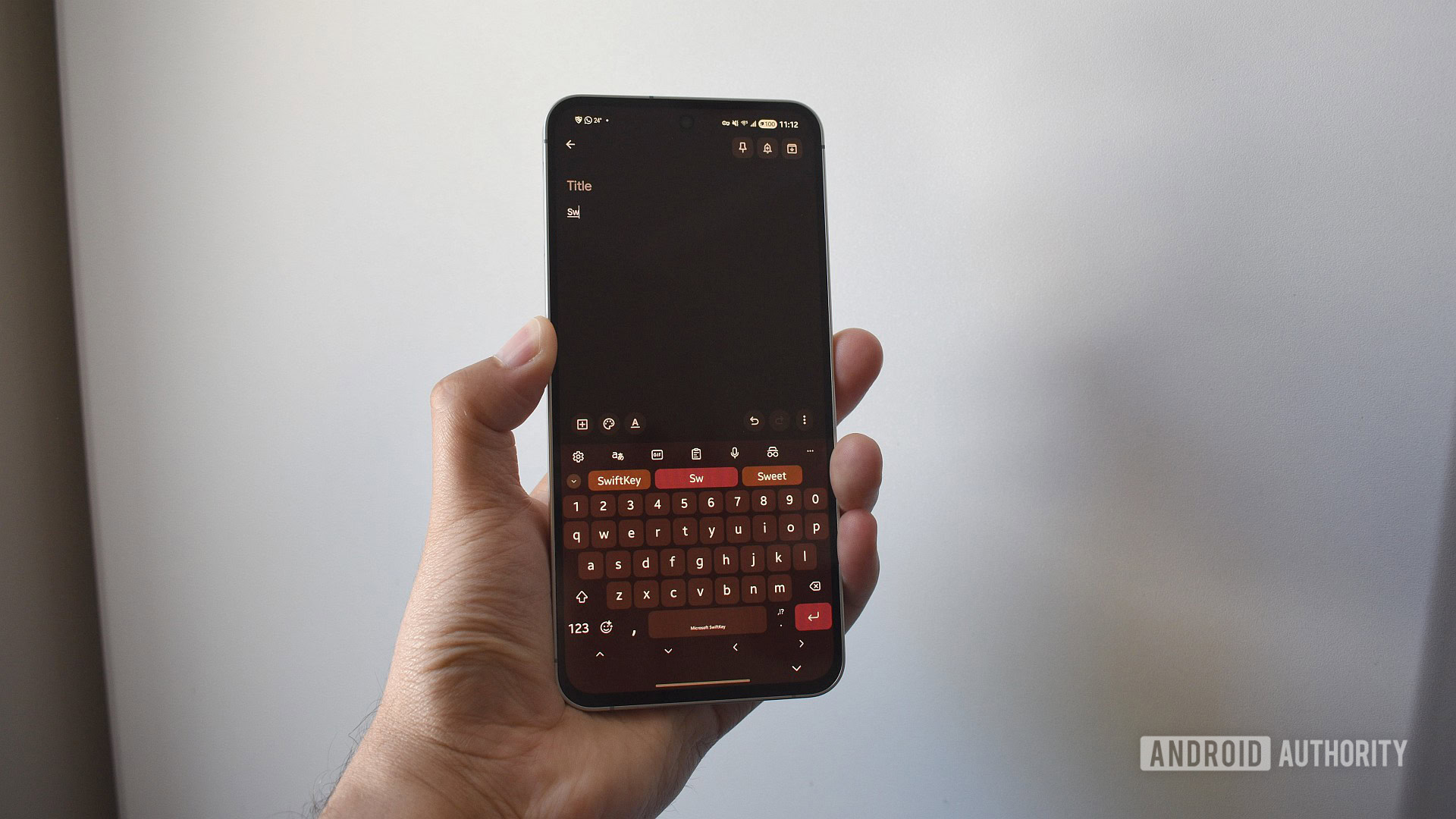
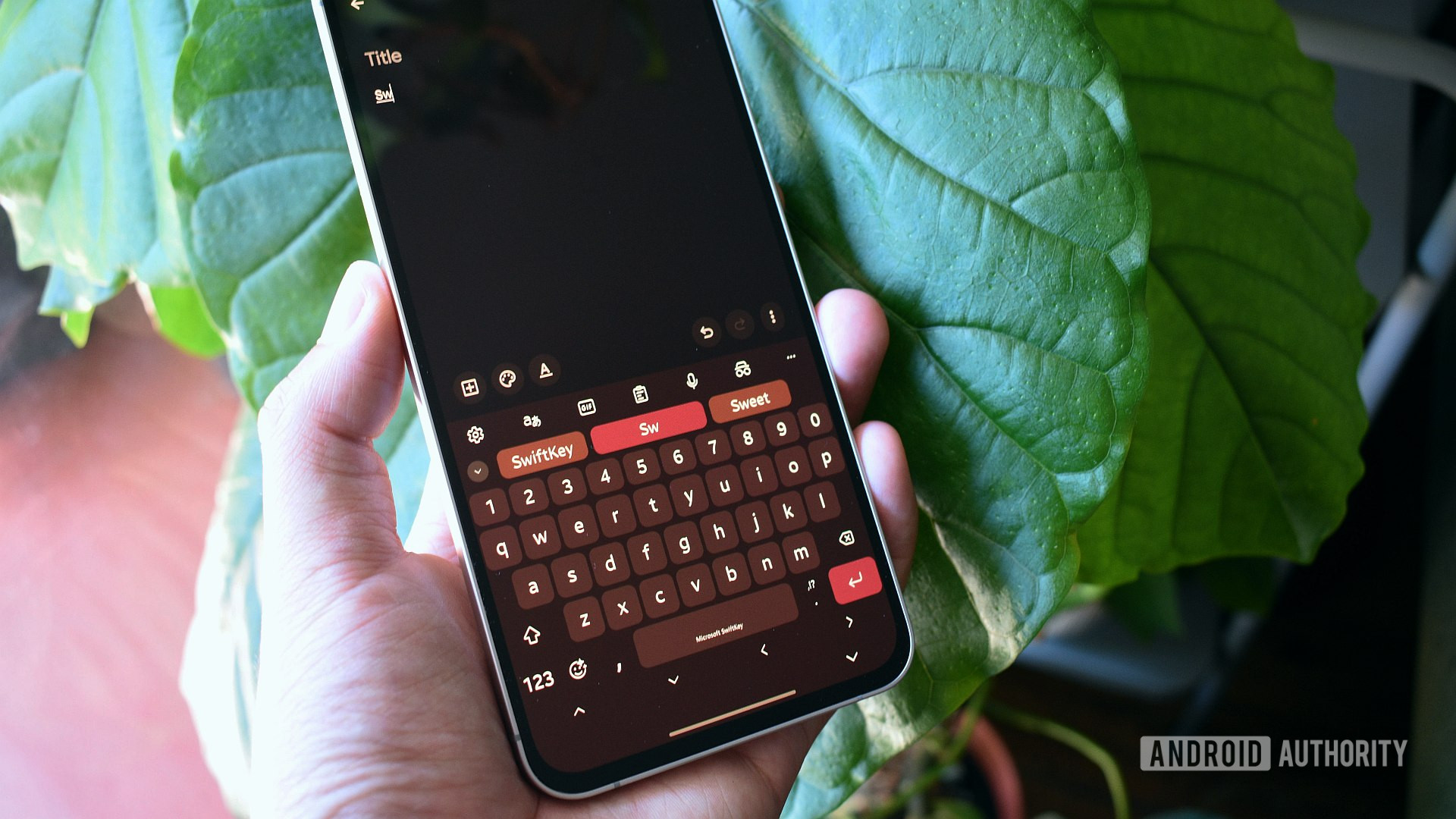
Where Gboard often dictates a singular, highly polished experience, SwiftKey presents itself as an adaptable platform. This is immediately evident in its thematic engine. While Gboard offers themes that generally adhere to Google’s design philosophy, SwiftKey provides a far more expansive canvas. The specific adoption of the Fluent Dynamic theme, which intelligently mirrors the device’s system-wide color palette, immediately fostered a greater sense of visual cohesion than Gboard’s standard offerings. This level of aesthetic control, while seemingly minor, contributes significantly to perceived usability and reduced visual fatigue over extended typing sessions.
However, the customization war is won decisively in the functional realm, specifically concerning cursor manipulation. Gboard tucks its precision tools—the arrow keys essential for detailed text editing—behind an activation layer, requiring users to tap into an "Edit" mode. This introduces latency in tasks requiring fine-tuned correction. SwiftKey, conversely, allows users to permanently dock these crucial navigation keys beneath the main keyboard matrix. While this inevitably increases the vertical footprint of the keyboard—a legitimate concern on smaller displays—the immediate access to left/right movement becomes indispensable for anyone frequently editing complex sentences, code snippets, or dense paragraphs. This single feature fundamentally alters the workflow for text manipulation, shifting editing from a multi-step process back into the continuous flow of typing.
Analyzing Predictive Accuracy and Contextual Intelligence
The heart of any modern keyboard lies in its ability to anticipate the next word or phrase, reducing the physical act of input. In direct head-to-head comparisons on baseline predictive accuracy, Gboard maintains a noticeable edge. Google’s deep integration with its search index and vast corpus of user data often results in superior next-word prediction, particularly for niche or emerging vernacular.
SwiftKey, however, counters this with a nuanced approach to contextual suggestions. The application frequently proposes entire short phrases or common dual-word sequences within the suggestion bar itself, rather than just the single next word. For highly repetitive conversational patterns—such as confirmation phrases, common sign-offs, or structured acknowledgments—this feature translates into quantifiable time savings over the course of a day. For example, the rapid suggestion of "Leaving the" following the input of "Leaving" significantly streamlines the drafting of routine notifications.
The experience with gesture typing (swiping) was less conclusive for SwiftKey in this assessment. While SwiftKey reportedly supports multi-word swiping gestures, the reliability of this input method during the trial period remained inconsistent compared to Gboard’s generally robust implementation. Given that the user preference leans toward traditional tapping, this proved to be a minor deficiency rather than a critical failure point.
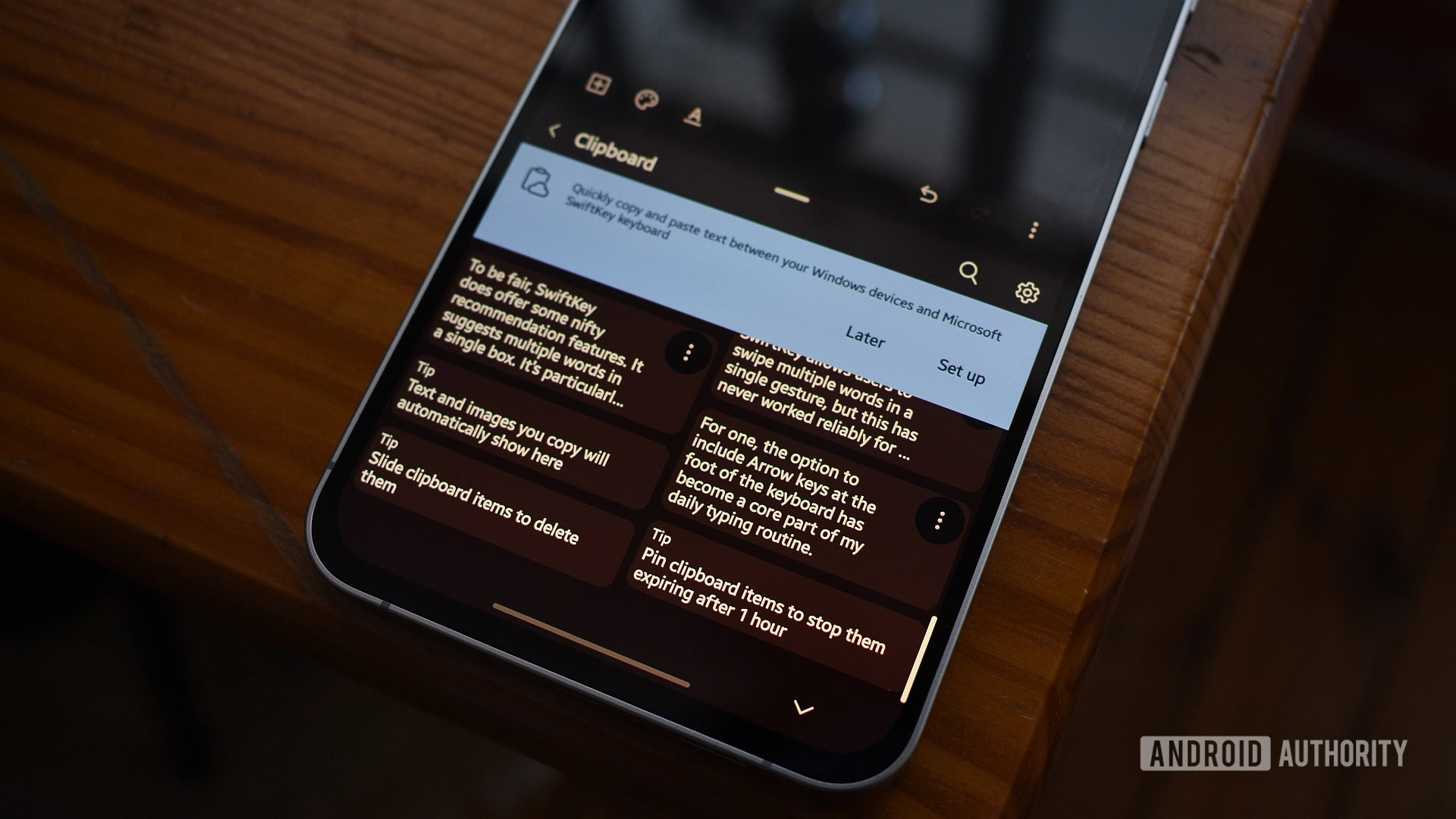
A feature that rapidly ascended the hierarchy of utility was SwiftKey’s advanced clipboard management. The ability to pin and quickly access a history of copied text strings—not just the last item copied—offers substantial utility for professionals juggling multiple sources of data or boilerplate content. This moves the keyboard beyond mere text entry into a genuine productivity utility, acting as a lightweight, always-accessible scratchpad for lengthy content blocks.
Industry Implications: The Battle for the Input Layer
The enduring competition between Gboard and SwiftKey is more than a simple consumer preference; it reflects a critical battleground in the broader mobile software ecosystem. The keyboard is the final gateway between the user’s intent and the application receiving the input. Control over this layer grants immense insight into user behavior, language evolution, and digital habits.
Google’s strategy with Gboard is centered on seamless ecosystem integration and leveraging global data for predictive supremacy. It aims to be the frictionless, default experience, subtly encouraging continued reliance on Google services. Microsoft’s acquisition and continued development of SwiftKey, conversely, positions the keyboard as a cross-platform utility designed to serve the user regardless of their primary OS allegiance (though this trial focused on Android). By prioritizing granular customization and utility features like the advanced clipboard, Microsoft targets power users and professionals who value configurability over Google’s monolithic simplicity.
The industry implication here is the bifurcation of keyboard philosophy: the data-centric, streamlined approach (Google) versus the feature-rich, customizable approach (Microsoft). As AI integration deepens, this battle will likely shift towards whose contextual AI models can best enhance, rather than merely predict, user communication.
Navigating the AI and Privacy Landscape
A necessary, albeit uncomfortable, aspect of evaluating modern software tools is the privacy calculus. Gboard is inextricably linked to Google, a company whose business model is fundamentally predicated on data aggregation. For privacy-conscious users, Gboard presents an inherent, non-negotiable trade-off.
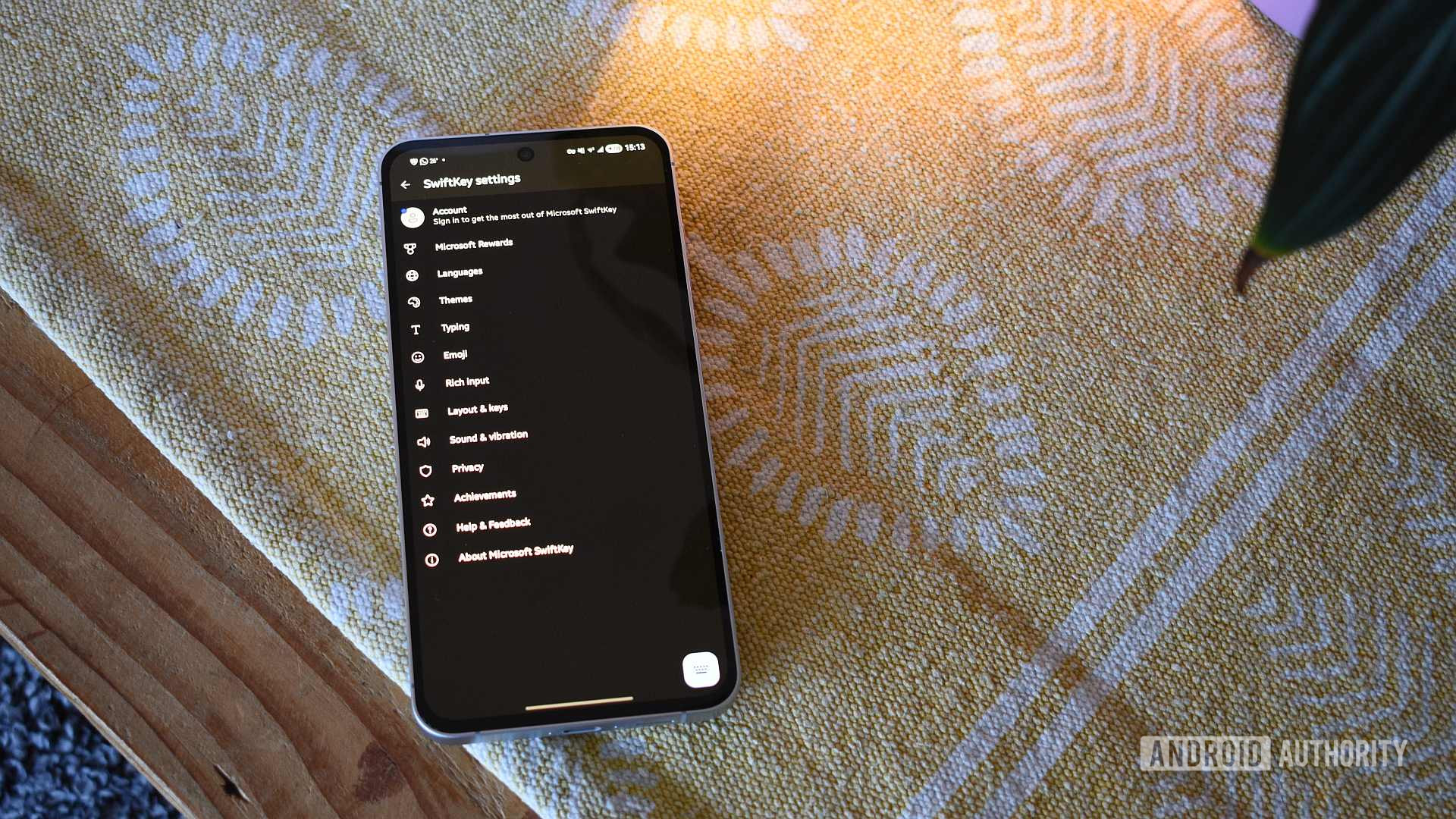
SwiftKey, being a Microsoft product, carries its own set of baggage, primarily revolving around the integration of Copilot and other generative AI features. The observation that these AI overlays often felt superfluous or even intrusive during standard communication tasks is significant. Typing an informal text message does not necessitate a full-scale rewriting suggestion from an LLM. For the reviewer, these features added complexity without corresponding productivity gains, suggesting a potential case of "AI feature bloat" driven by corporate mandates rather than genuine user demand in this specific context.
Crucially, the architectural transparency of SwiftKey in this regard offers a mitigation strategy absent in Gboard’s core integration. Microsoft allows users significant latitude to opt-out of these AI features, to disable the Microsoft account login necessary for cloud synchronization, and to revoke granular permissions. For users seeking to "de-Google" their environment, SwiftKey offers a less restrictive path, though it necessitates engaging with Microsoft’s services instead. This highlights a systemic challenge: in the current duopoly of major tech keyboard providers, achieving true data sovereignty often requires abandoning these mainstream solutions entirely in favor of audited, open-source alternatives like HeliBoard, which trade polish for privacy guarantees.
The Long-Term Trajectory: Beyond the First Week
After the initial discomfort subsided and configuration adjustments—particularly around key size and arrow key placement—were implemented, the efficiency curve of SwiftKey began to ascend. The sum of its quality-of-life improvements starts to outweigh Gboard’s superior baseline prediction accuracy for a certain class of user. The clipboard tool, in particular, promises ongoing long-term value that Gboard does not currently match with comparable native functionality.
Is SwiftKey definitively better? The answer remains conditional. For the casual user whose primary need is quick, accurate messaging integrated with Google Maps, Photos, and Assistant, Gboard remains the path of least resistance and highest initial performance. Its predictive engine is exceptionally tuned to the general flow of contemporary English communication.
However, for the power user, the editor, the multi-tasker who values granular control over interface aesthetics and text manipulation workflow, SwiftKey presents a compelling case for long-term adoption. Its higher ceiling for personalization means that once the initial investment in relearning the layout is made, the resulting efficiency gains from features like persistent arrow keys and the clipboard become baked into the routine. The recent experience suggests that the inertia holding me to Gboard has been significantly eroded, replaced by an appreciation for the deeper utility SwiftKey offers, provided the user is willing to navigate its configuration menus and manage the Microsoft ecosystem integrations proactively. The next phase of this evaluation will involve sustained use to determine if these productivity enhancements continue to yield dividends over months, rather than just weeks. The possibility of a permanent migration now appears genuine.
